
Python: Expose tool tips for 3D Viewport printing
The idea would be to expose tool tips that are printed to status bar and print them to 3D Vieport by changing commas to new lines.
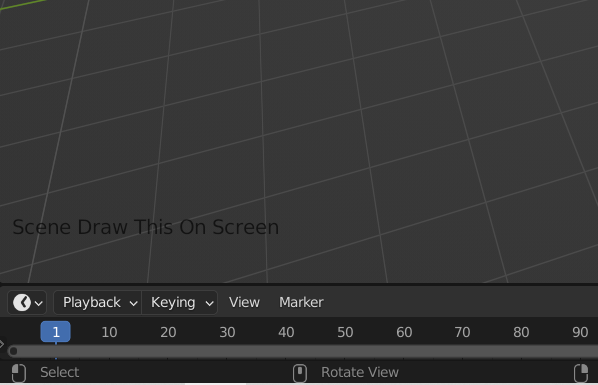

You can find the code for printing text to viewport from here: blender.stackexchange.com/questions/75612/how-do-you-remove-a-draw-handler-after-its-been-added
In 3.2 there was added bpy.types.Screen.statusbar_info (Python method, in Screen(ID)) which returns a string. But I have not yet found out, if this would be the correct one to use.
5 Comments
Why not open console/script window instead timeline? It's more add-on candidate.
The tool tips are printed to status bar, which is from old times. It would be better to expose this string and then you could just put it where you want it to be.
Status bar show usually memory, vram,scene statistics, status messages and keymap information. Tools have so many keymaps now, that they should be pulled from there to somewhere else.
Best choice would be to expose that string for python script.
what your asking for is already in the scripting-Info view i believe. the command for every action you do in blender is written there and you can just make a panel view in your UI to have that view always present.
I would disagree. The knife tool prints the tool tip as a long string and just adds the modal keys to show what key is append to what tool variable. You can find the original code in editmesh_knife.c and search for TIP_(
not every but most of