
Billboards
One of the most limiting elements in Blender is the lack of billboards: image planes that always align to the camera. They are far more resource-efficient for certain elements than objects: faking fog, distant crowds, animated textures and FX, particles, etc.
Limitations of Current Workarounds
While there are ways to brute-force billboard-like behavior, nothing is quite as effective as built-in functionality would be.
- Constraints (such as the Track To constraint) limit the use of multiple cameras.
- Drivers that use the camera.rotation_euler path to drive rotation lack functionality between scenes and .blends
- Adding an image texture to single dots of a grease pencil results in erratic motion when the camera is moved, as well as providing limited options for the billboard's appearance.
- Current methods can result in motion blur artifacts when switching between cameras
Proposed solutions:
- A little check box in the object settings that will align the object to the active camera without creating motion blur artifacts. This would remain in effect even when the object is instanced in Geometry Nodes or the Particle System.
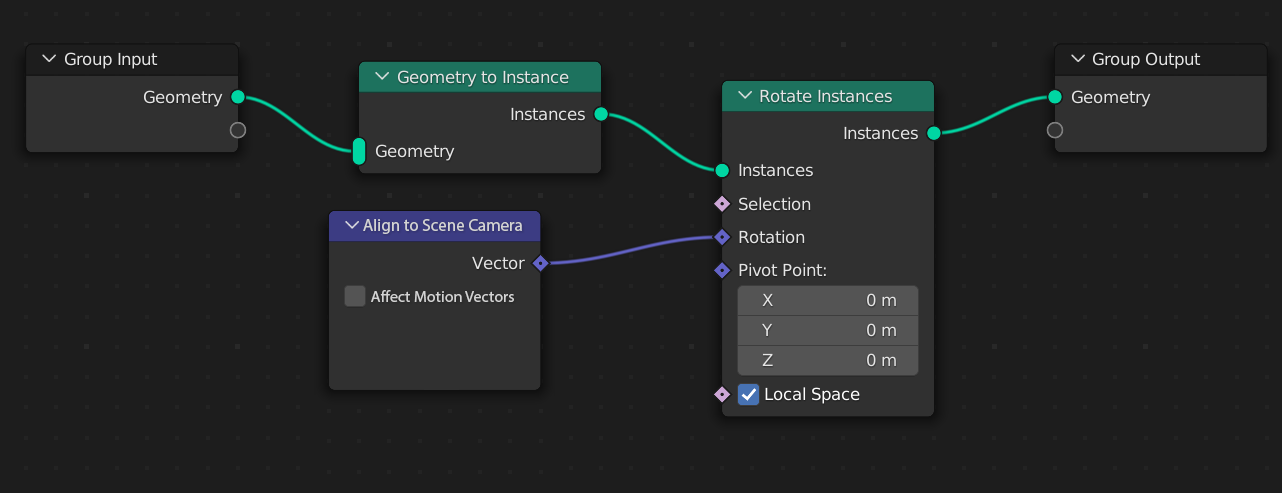
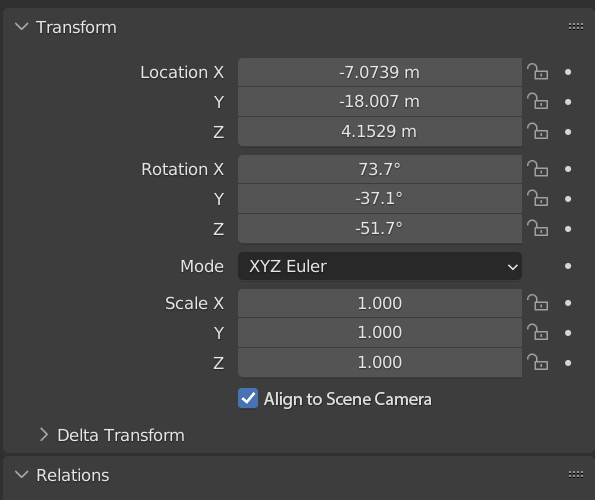 2. A new node in Geometry Nodes of some sort that is able to rotate instances toward the scene camera, as well as, somehow, altering the vector information to disable motion blur for the instance rotation (without affecting other movement).
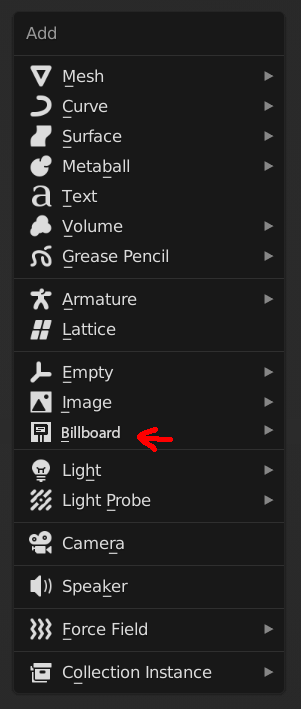
 3. Creating a new type of object/datablock entirely specifically designed for this functionality, such as has happened for volumes, light probes, grease pencil, etc.
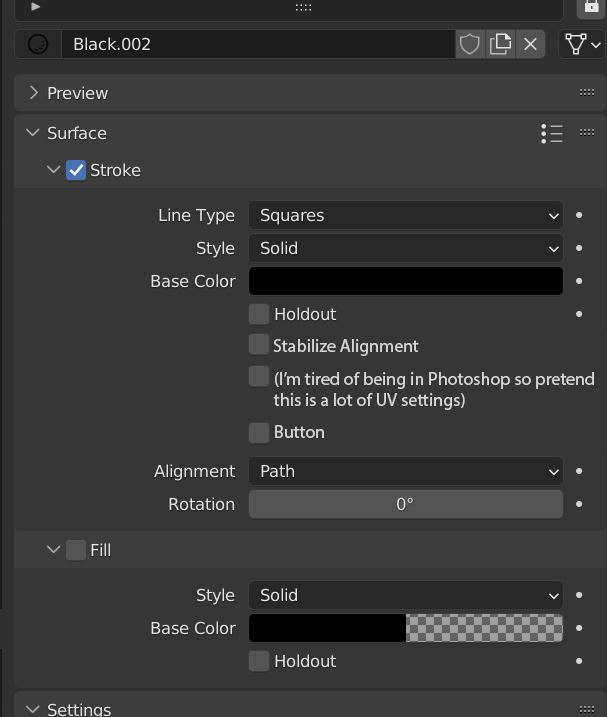
 4. Adding additional options to Grease Pencil materials to eliminate the erratic rotation and provide additional controls (emmision, transparency, normals, shadows). I suspect this is impossible, however, due to the limitations of the Grease Pencil already present.
 I'm not familiar with the development process, so it's likely that I've missed some technical issues that would make this more difficult to implement. Nonetheless, I hope these mockups provide a good idea of some options I think would work. Let me know what you think!
4 Comments
this is a must!!
Have you tried this setup for getting the "billboards" to point towards the camera? It probably wouldn't fix your motion blur problem though.
This is basically the same as Current Limitation #1, with the constraints. It limits the use of multiple cameras, as well using it in multiple scenes.
Oh, I didn't know you couldn't animate the inputs...