
Allow changing the color theme of the overlay engine on fly.
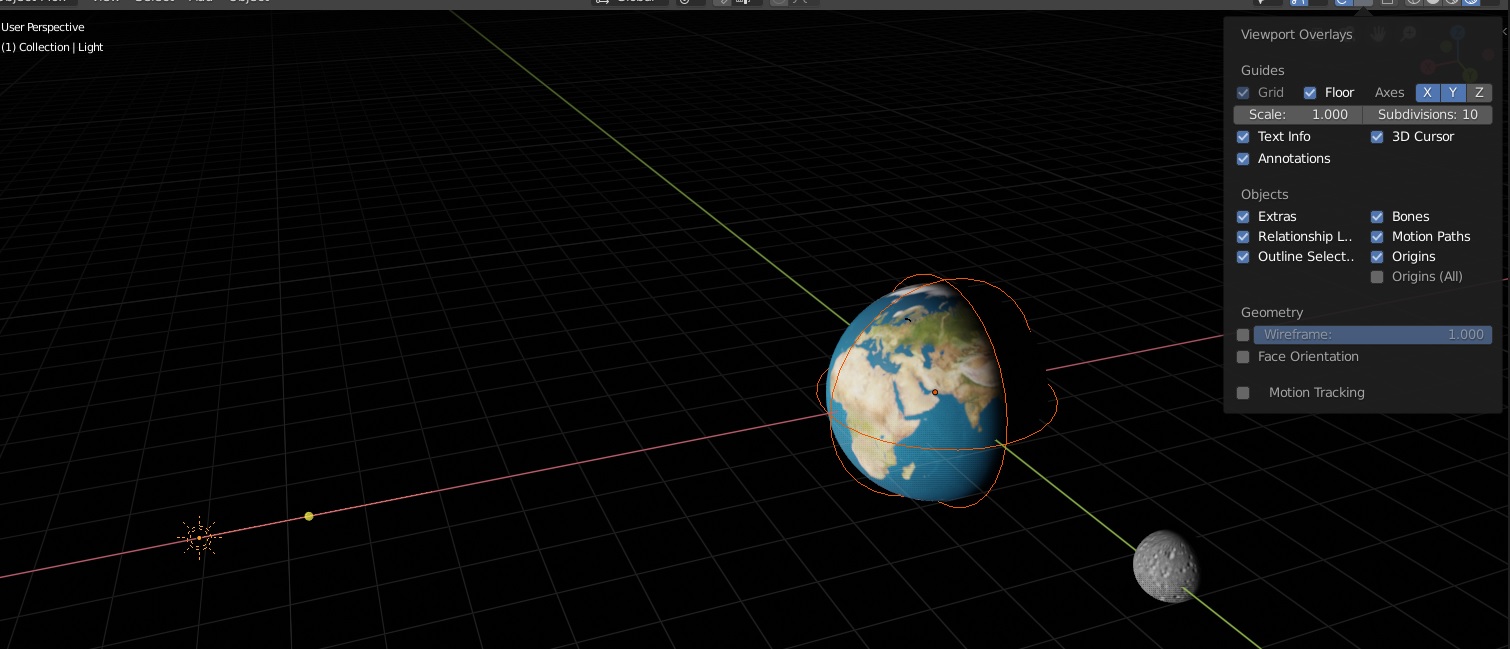
Very often when I do space scenes, I have to select a black color for my background. That makes it very hard to visually see where are all my empties and for example light sources.
Here is an image that shows the problem. The sun light source is camouflaging into the background and so is the empty around the earth model. I think, from the viewport overlay drop meny, there is enough space to add, for example, "negative" checkbox, that will invert the overlay engine colors. i.imgur.com/D1PQ3mT.png
Or, if it's possible, there could be a setting to automatically have a high contrast color. It would automatically change the colors that are highly visible against whatever background color you are using.
0 Comments