It would be extremely useful to have the Measure tool available in sculpt mode.
Thank you.
100%
Development Status:
Open
Upvote7Downvote0
t
thinkingpolygons
16 Jun 2024
1 Comment
g
gabrielbelas01
Hey there, I totally agree with you. There is a way to see what you measured in the object mode in the sculpt mode, but not make the measurements in sculpting mode.
-Make your measurement in object mode
-At the right hand tab, go to view/annotations then un-hide the "RulerData3D" with the "eye icon".
-Got to your sculpting mode, you should be able to see the measurements, if not select the annotation tool at the bottom, write something and it should pop up.
-At the annotations tab you can hide, the in front, and delete your annotations and measurements.
-You can also change the color of the measurements to a more appealing one, and the thickness as well.

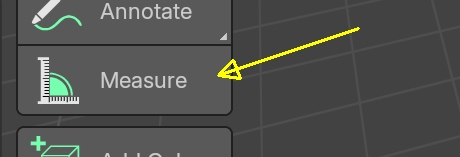 Thank you.
1 Comment
Hey there, I totally agree with you. There is a way to see what you measured in the object mode in the sculpt mode, but not make the measurements in sculpting mode.
-Make your measurement in object mode -At the right hand tab, go to view/annotations then un-hide the "RulerData3D" with the "eye icon". -Got to your sculpting mode, you should be able to see the measurements, if not select the annotation tool at the bottom, write something and it should pop up. -At the annotations tab you can hide, the in front, and delete your annotations and measurements. -You can also change the color of the measurements to a more appealing one, and the thickness as well.