
More descriptive Alt + Select option in the bottom bar
i accidental pressed Alt and select clicked (for me: left click) an object and a "select menu" popped up near the object i wanted to select - i didn't now this was a thing. and it so useful when trying to select an object that is surrounded by other objects!
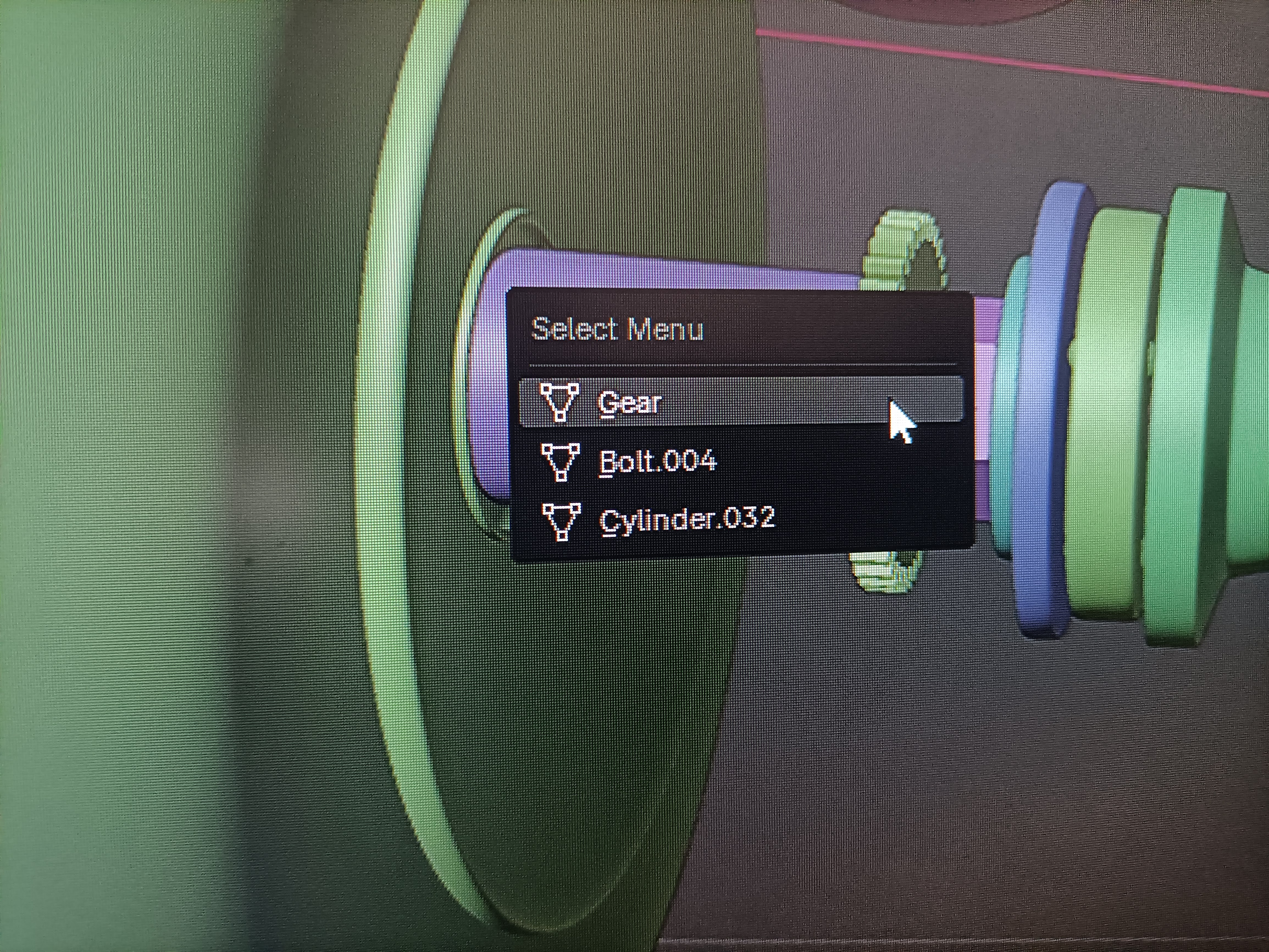 because the tooltip only says 'select', the tip never grabbed my attention to try Alt + select click.
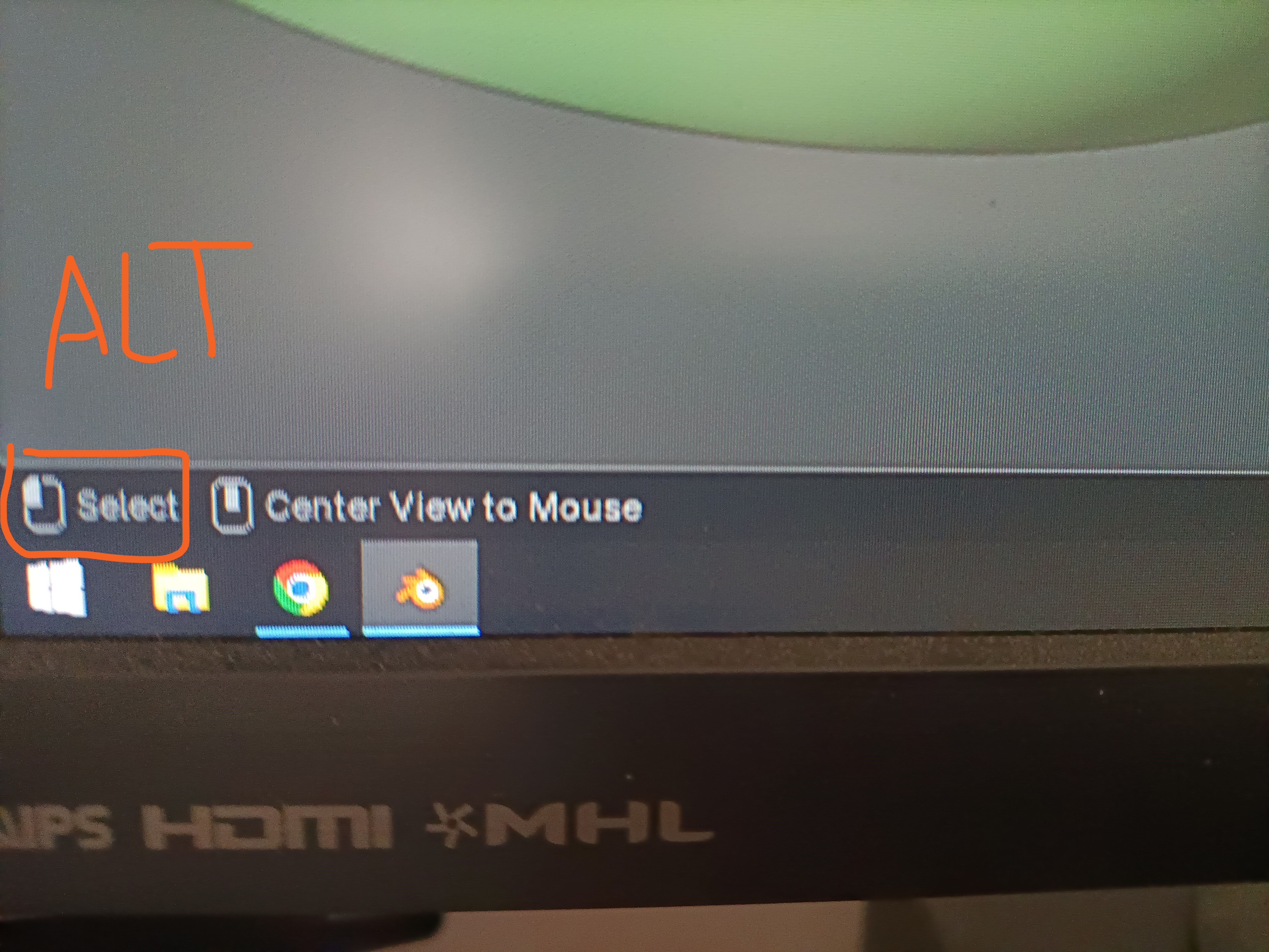
would be nice to have the tip be more descriptive and intriguing. like, "bring up select menu" or something, instead of the just the word 'select'.
1 Comment
coming in 4.5: projects.blender.org/blender/blender/pulls/134371