
select 4 vertices in a crowdy mesh: the temporary hidden layers memory
Hi, let's say I have a crowdy scene with lot of objects.
At some point I want to select vertices of a particular object.
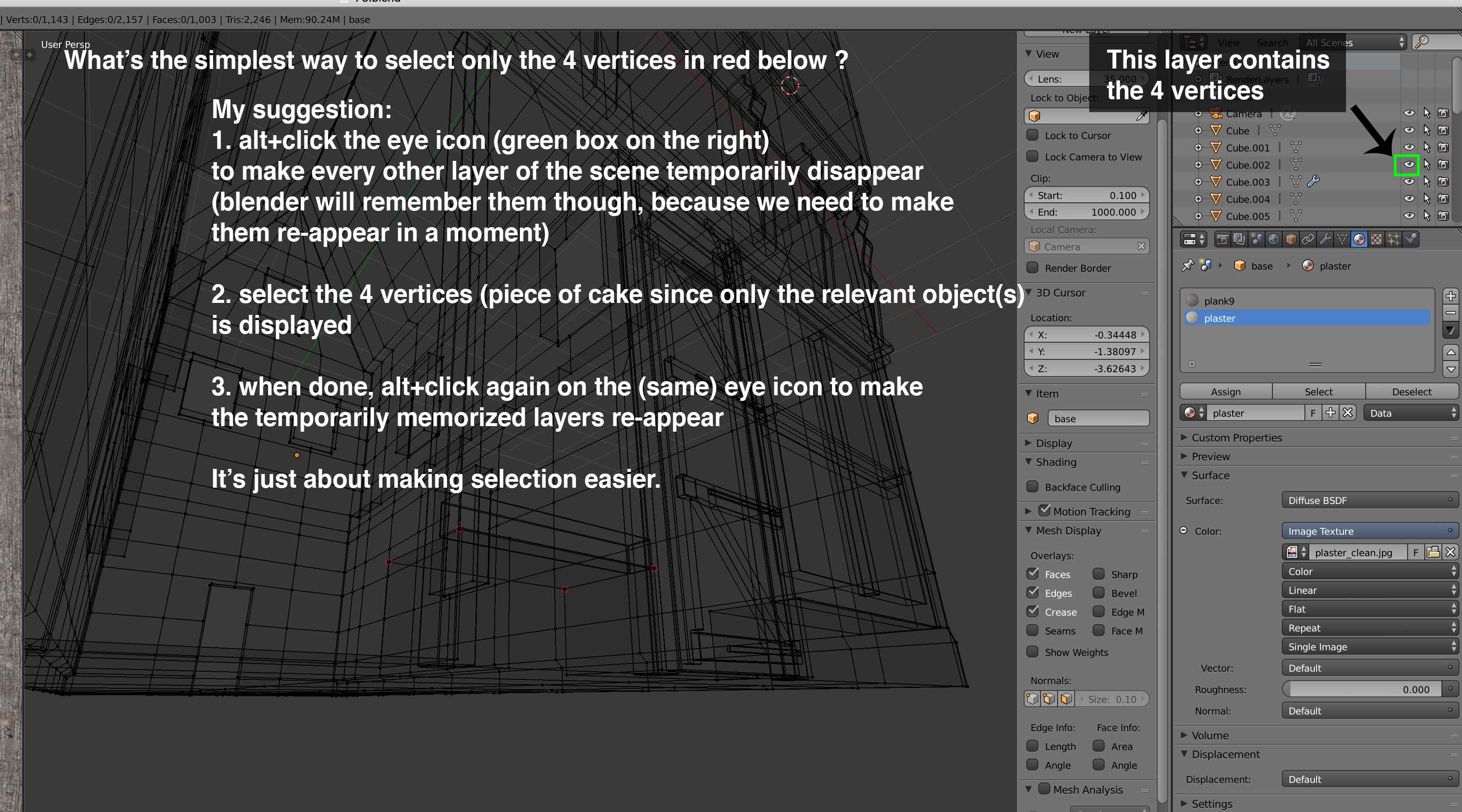
So I go in edit mode, but then the mesh is too crowdy, and so how do I select those 4 vertices?
- eyeballing is hard, because the mesh is too crowdy
- zooming in is awkward, because the zoom jumps too much, and it might take more time to adjust the zoom's strenght than the action of selecting 4 vertices
- hiding other layers, but then I need to show them again, which means I have to memorize which layers were hidden, that's awkward too
So my approach would be the following: it's quick and efficient, but it needs a new blender feature:
- First alt+left click the eye icon (on the top right panel containing all the layers of the scene) next to the layer containing the 4 vertices. When doing so, blender not only hide every other layers, but memorize them (this is like a temporary hidden layers state or something like that...)
- So now the mesh is clean and only display the object containing the 4 vertices I want to select, so just select the 4 vertices (piece of cake)
- Then, last step, alt+right click again on the eye icon on the top right panel (the eye icon btw is the only one active before that click). This will make blender show all temporarily hidden layers again.
And voilà :) 4 vertices selected in less than 10 secs in a crowdy mesh.
2 Comments
Why not use the View Local (<kbd>Numpad /</kbd>) feature that's already there?
If those vertices are in a separate object you can select the object and go into local view if you need to isolate it. Not entirely sure I understand the situation.