
Make all menus list order consistent (remove reverse order near bottom)
Reversing the order of lists when selecting near the bottom of a page is one the largests UI paper cuts.
Having two types of orders of lists constantly hurts my brain to not only think about list orders, but also be able to think about a list order in reverse.
Currently most menu lists reverse their order, if they are accessed near the bottom of a page, but not all, which further adds to the confusion. For example the Shift+A menu's order is always consistent.
Let's make sure that all lists everywhere stay consistent and in one order direction.
I wrote on devtalk about this but it was closed by the admins. anyways here is the link that also documents the incosistencies in specific places
devtalk.blender.org/t/ui-paper-cut-lists-order-inconsistency-reverse-non-reverse-order/28813
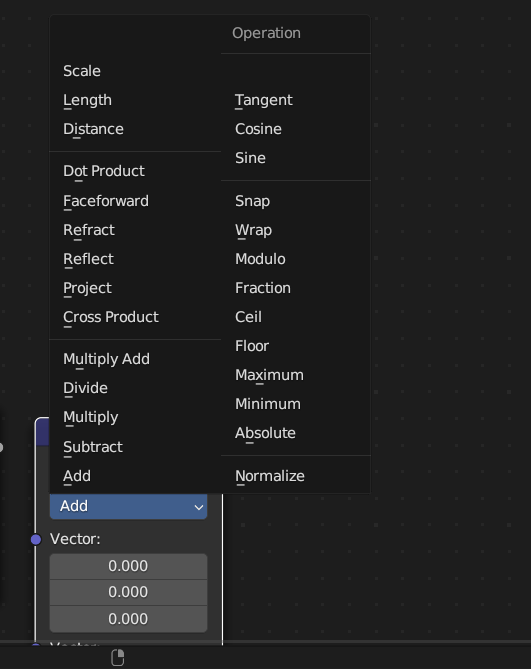
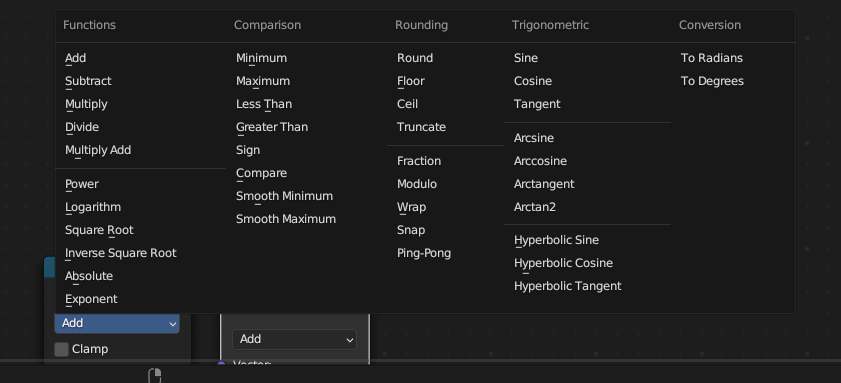
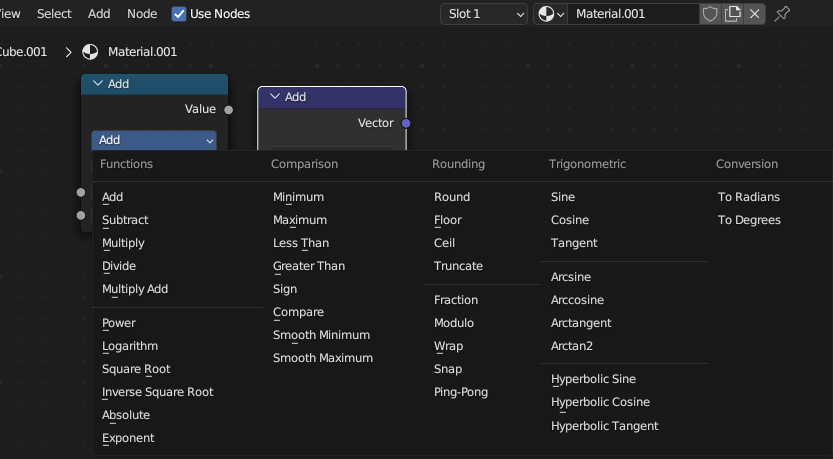
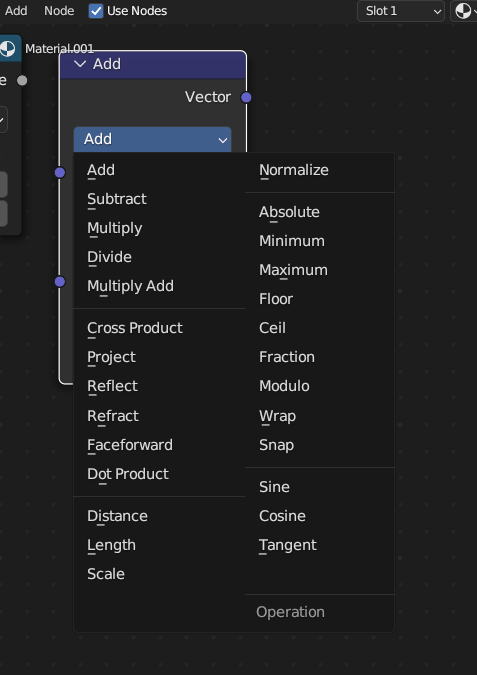
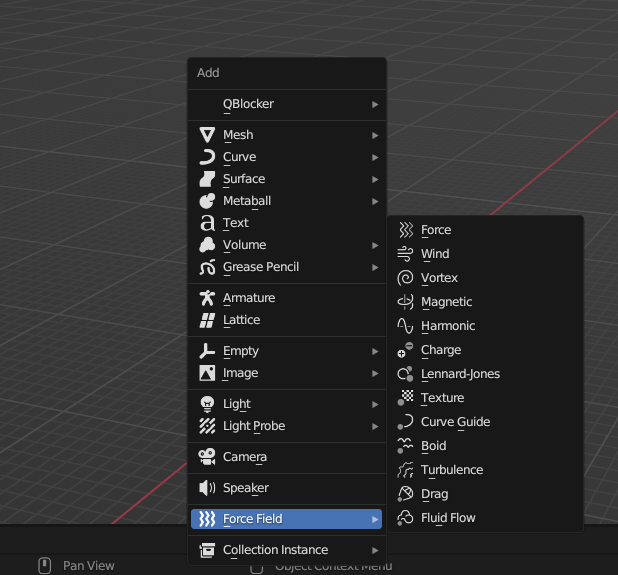
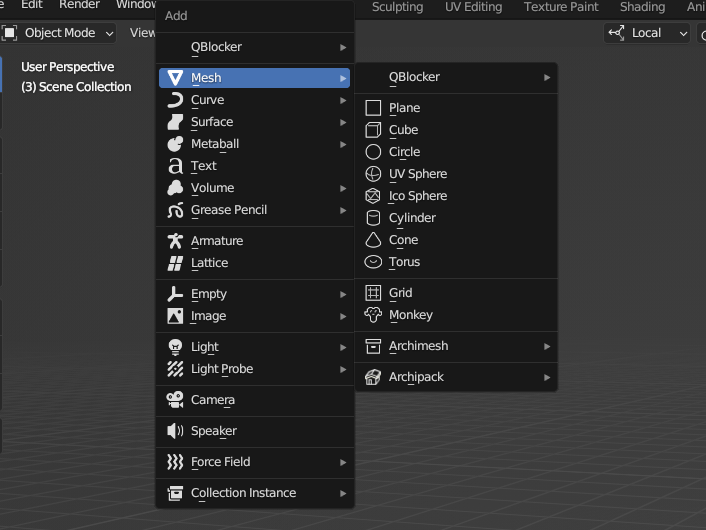
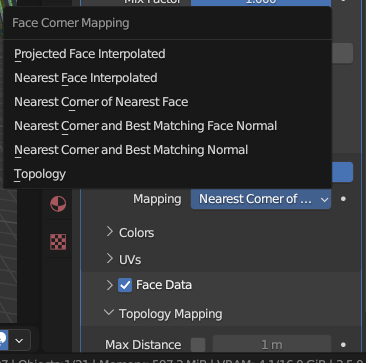
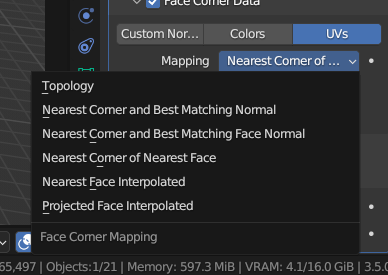
4 Comments
yes please, reverse order creates confusion and hurts muscle memory
You can already try this. Inside Blender go to the Python Console , then type:
bpy.context.preferences.view.use_directional_menus = FalseThen save your Preferences to keep this behaviour.
This will be a topic of discussion for Blender 4.0 (not for 3.6 since it's a big breaking change for muscle memory).
yes, this is horrible behaviour!
Marking this as done. Menus are consistent since Blender 4.0