
Move the View pie menu from tilde to V key
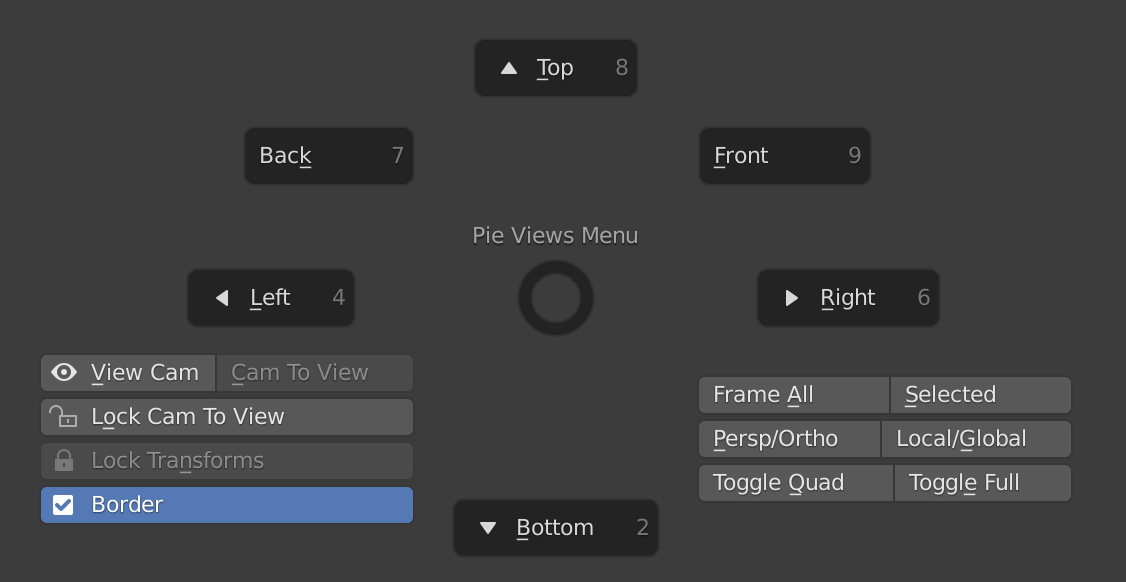
Many non-english keyboard users complain that they do not have access to this very useful menu and the shift+~ hotkey for Walk Navigation because they don't have the ~ (tilde) key.
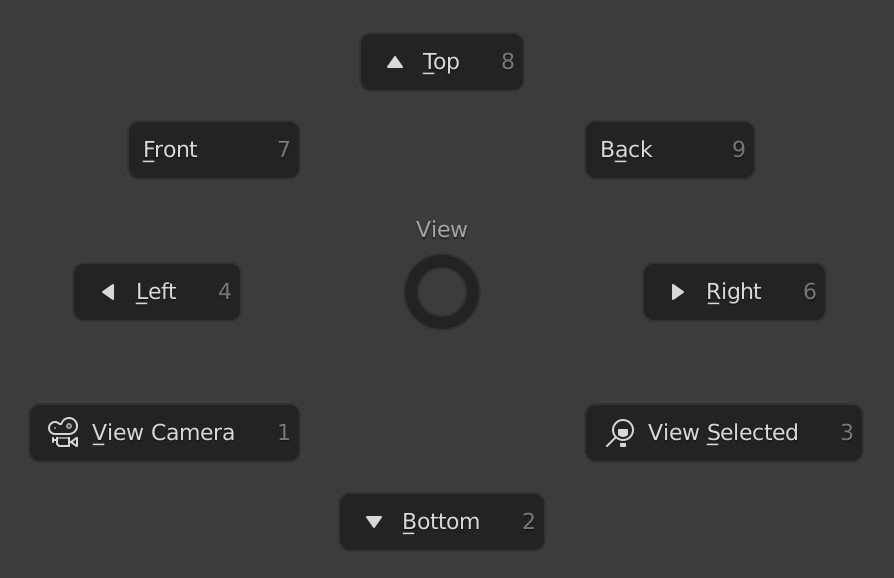
One of the addons has an even more useful pie menu bound to alt+Q.
Both of those pie menus should be combined into one, add Fly/Walk as well, and bind the pie menu to the V key.
In Object Mode the V key does nothing. In Edit Mode the V key does the Rip command. Change Rip to use alt+V and use V in both Object and Edit modes for the View pie menu.
Attached are screenshots of the 2 existing menus I mentioned.
4 Comments
Are you aware that You can simply change shortcut on Your own :p?
I am aware but as a relative beginner using 4 laptops that all have different issues with various keys for various reasons, I can empathize with those other beginners around the world who don't have the benefits of the ~ key by default.
What key would you assign to Set Handle Type in Curve Edit mode?
Well, there are various keyboard shortcuts from 2.79 that were removed and I don't miss them at all because most are available in the right-click menu. This is just my biased opinion but curves in Blender sort of suck. People who use curves a lot in C4D struggle with curves in Blender. I suspect almost nobody uses curves in Blender even half as much as the average C4D user. I don't have a problem with "Set Handle Type" no longer being assigned to V because it's in the right-click menu and isn't something I need often. Even people who do need it often might need the view pie menu much more often.