
Add Element selection to edit mode
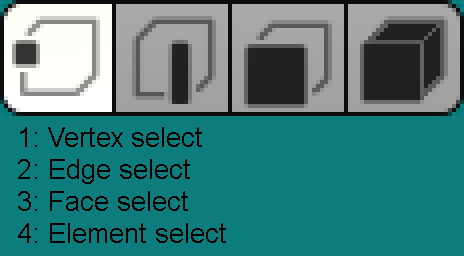
I'd like to request that blender add in an elemental selection to edit mode.
My terminology may be incorrect as Blender has reinvented the wheel for a lot of 3d terminology, but in this example, elements would refer to a selection of faces that form one 'piece' of an object, but are not physically connected from other parts of the object. For example, this object (a revolver) consists of multiple elements (a hammer, a cylinder, a trigger, et cetera).
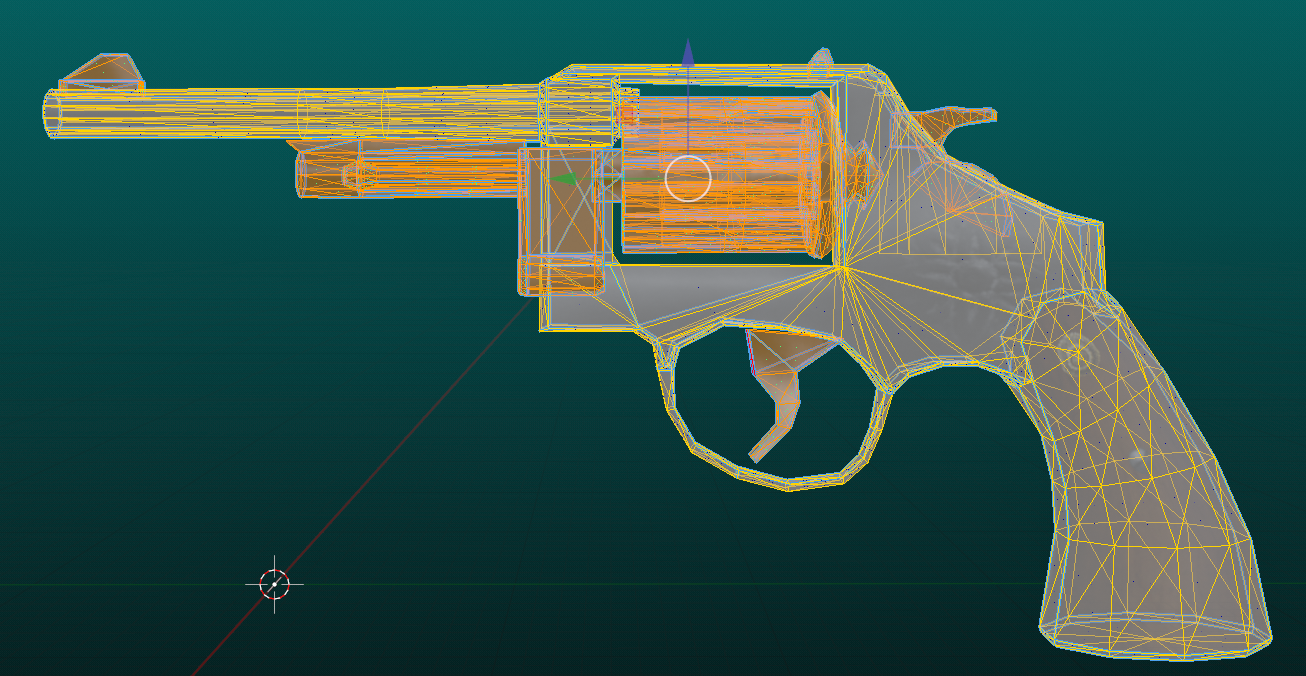
Sometimes when editing, it would be great to be able to select these elements with simple mouseclicks and marquee tool for efficiency and ease-of-selection (not unlike the way one uses CTRL + Click to select files in windows explorer.) Blender already features the ability to do this with vertex, edge and face selection.
Blender does have the ability to select an element individually by hovering over items and repeatedly pressing "L" but this incredibly restrictive method is keystroke-heavy method and does not permit the user to use marquees, nor exclusion, which leads to inefficient editing.
Let's take an example. I want to select just the hammer, trigger, and various other parts of this gun (excluding the main frame), as shown here.
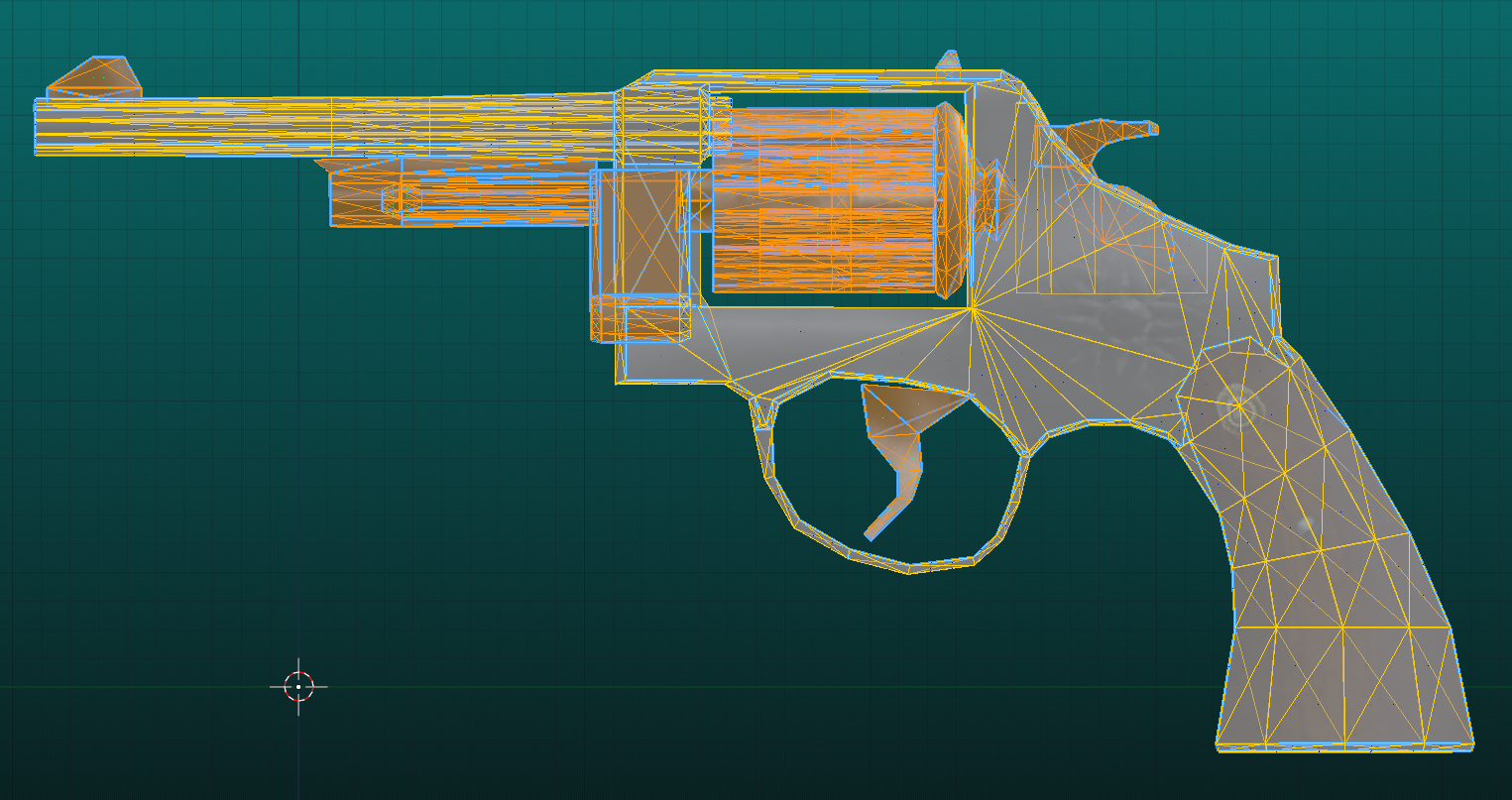
The present ways I've found to do this in blender involve an inefficient number of steps;
-
Hover over each individual item in my object and press L (15 keypresses in total to select each item)
-
Manually select a vert in each element and repeatedly hit CTRL and + (15 keypresses for selection + however many elemental increases you need to press)
This might not seem like a big deal with a revolver with 15 parts, but if the object is larger and more complex and consists of more pieces, this can become exhausting. When I'm working on a model, I want to avoid repetitive keystrokes as much as possible to avoid RSI (Repetitive Strain Injury).
The solution: Add in an elemental selection with marquee.
Taking the same example as before, if I want to select just the certain parts of my object, we can achieve this in just 2 keypresses.
- Click and drag to select the object with the marquee
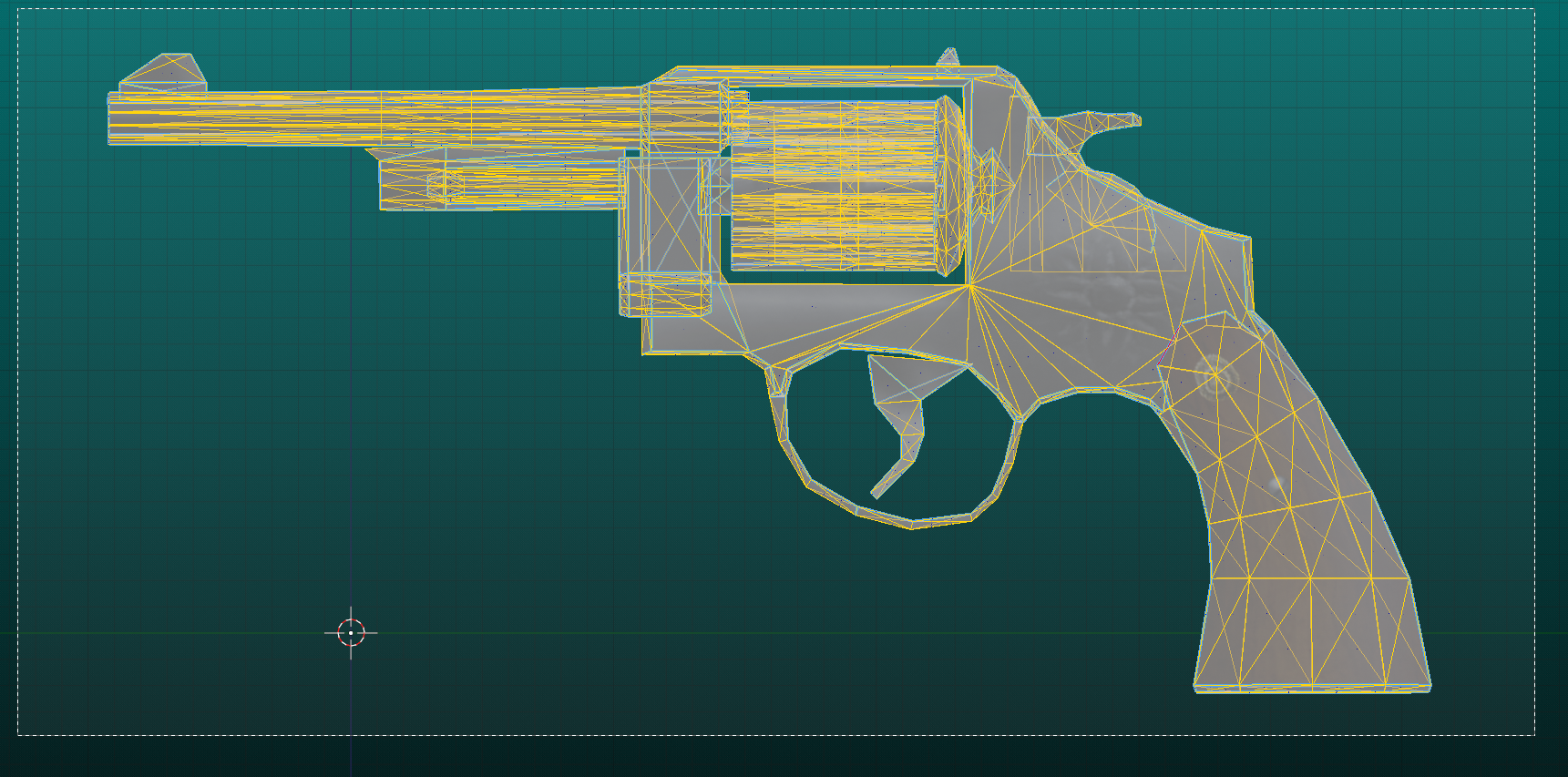
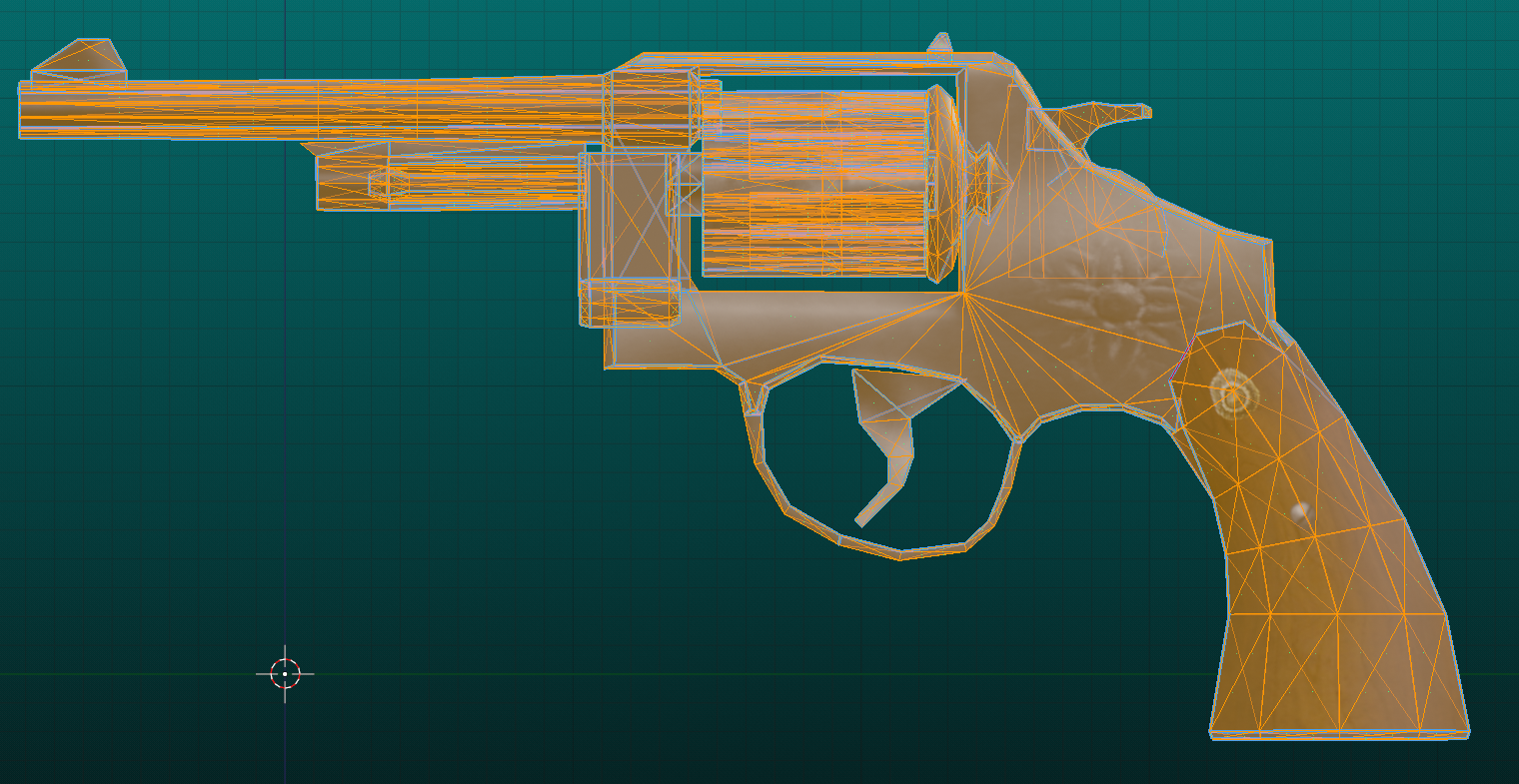
- CTRL + Click to deselect the primary body of the gun mesh
The number of potential keypresses and steps has been reduced from potentially any number up to 100 keypresses, all the way down to just 2, whilst giving the developer more freedom on selection.
6 Comments
Have you tried selecting one vertex for each element and pressing CTRL+L once?
That's good to know, thanks for sharing. It does technically make it a bit easier than the method I wrote down, though it still adds a potentially huge number of additional keypresses without the ability to deselect or use a marquee.
To deselect hover over the element and press SHIFT+L.
Is there the ability to deselect multiple elements at the same time with one click/press?
I did request this a few years ago:
Edit mode - Island selection mode — Right-Click Select
This is very similar to what I'm proposing, although it doesn't maintain the congruence of vertex, edge and face selection. The lack of congruence is my issue with the existing "Press L" system that no one seems to see; the lack of a marquee and easy select/deselect means more unnecessary clicks.
What you've described is definitely very similar to what I'm proposing, but I feel that if your suggestion mimicked the behaviour of the other two modes and allowed for marquee selection, it would become incredibly efficient. Instead of having to click up to 30, 40, 50, 60 or a potentially infinite number of times, you could exponentially reduce the number of clicks (all the way down to just 2) with a marquee depending on the selection you're going for.