
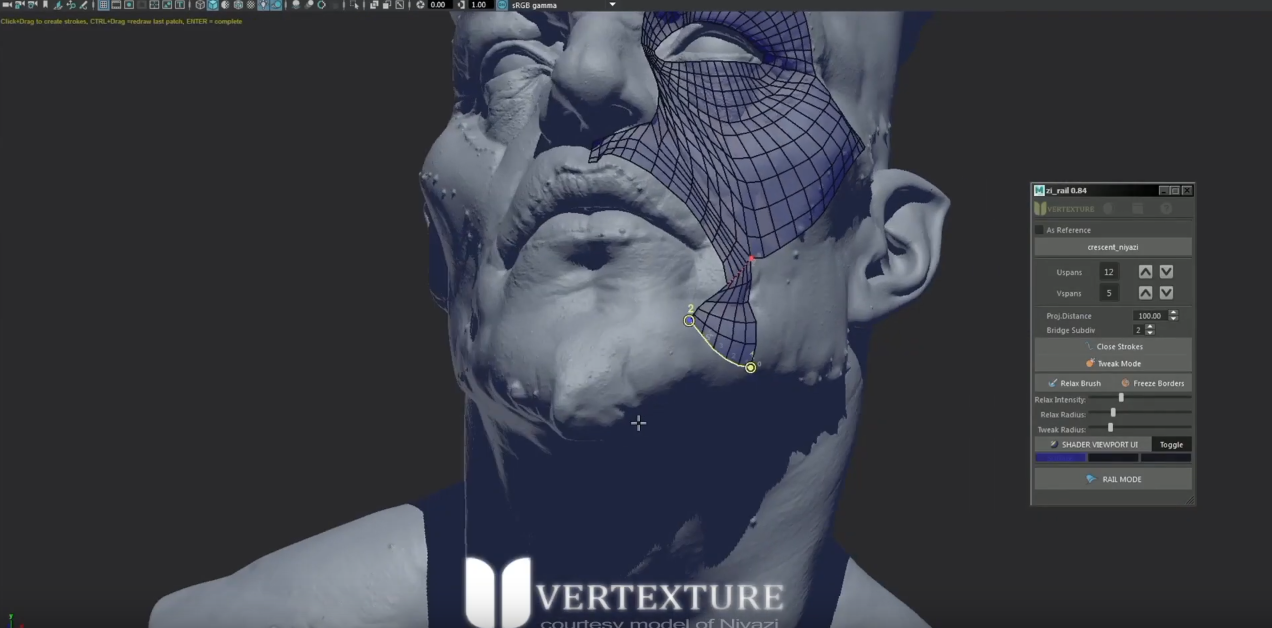
Vertexture style modeling tools = for Edit Mode
Hi Blender community, I'm new to the software. Please forgive my comparisons if that bothers some of you.
Recently, I made a discovery about these new script tools for "Maya", yes. Autodesk Maya. That are quite brilliant and clever in terms of workflow and ease of use. - I've begun my journey into Blender, and want to make a full-dedicated switch to the software. But I find a lot lacking in the modeling space for Edit Mode functionality. Much to my dismay, I find that there are pluses and minus's to Blenders pop-up context menu system to "click" several times to execute functions. Vs. Having a hotkey interactive like experience, until the tool is no longer enabled like what I'm about to show here...
As a senior artist in the games industry and when working in a rapid pace, quite hastily I might add at times. I would hope there would be support for a push to find Blender's suite of modeling tools more interactive and find some love for adjustments & additions. Possibly rectify much of the re-topology aspects which are severely lacking...
These guys called "Vertexture" have a slew of tools. (some just like Topogun 3's) are ingeniously interactive with ease of use and allow the artist to NOT have to resort to a slew of alternative clicks and enter/exit tool functionality w/ multiple functions within a series of click combos all at once. Utilizing the common (Ctrl+Shift+Alt - Left/Right/Middle mouse clicks) interactively.
Video examples here:
- 1.) youtube.com/watch
- 2.) youtube.com/watch
2 Comments
It looks like something that the retopoflow add-on wants to be.
* @Anže * it looks like something that the Bsurfaces addon was.