
Accurate color selection
Move the white point to choose a color vertically or horizontally (or radial if the color picker type is circle) pressing ALT.
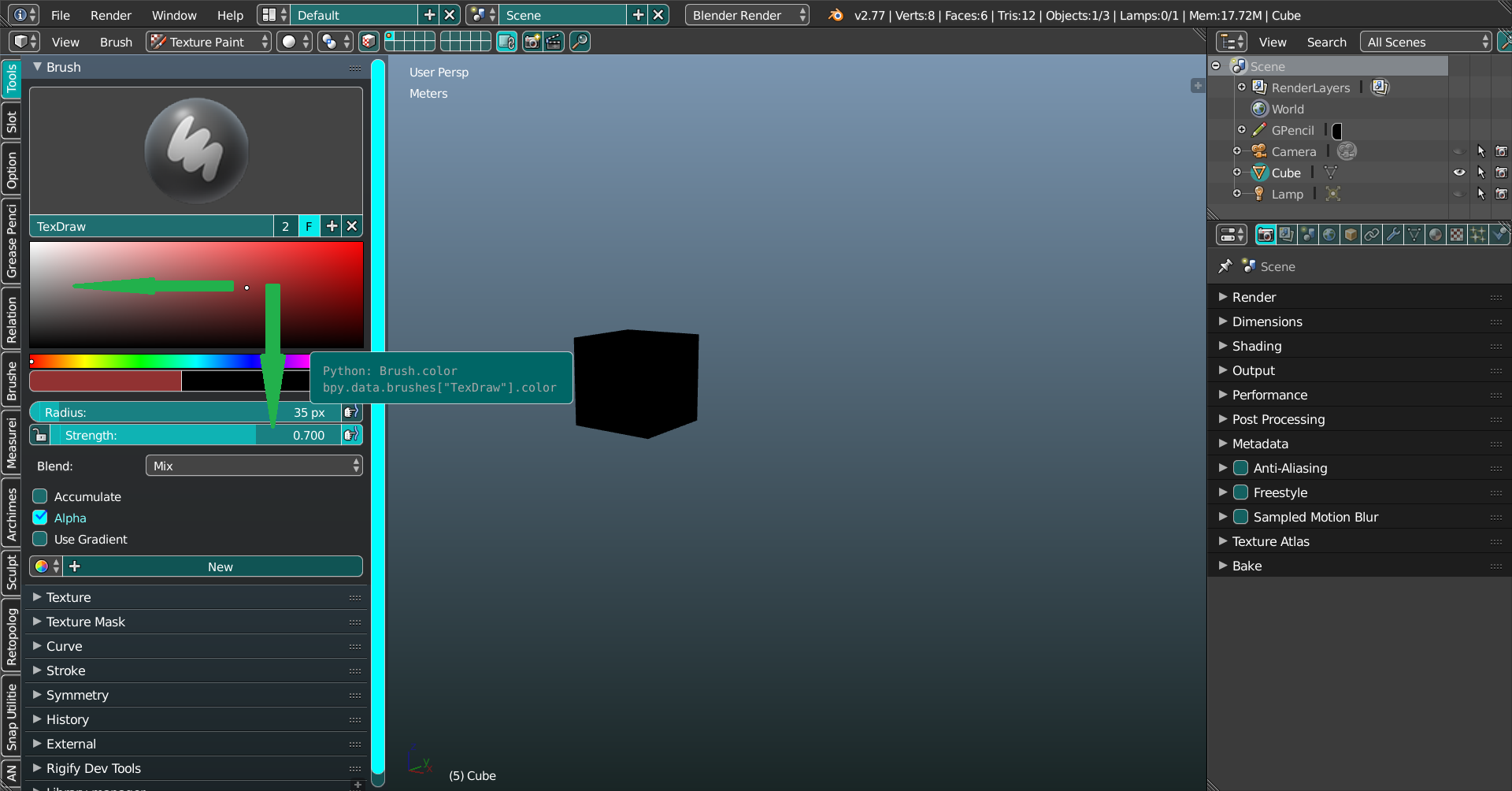
Move the white point to choose a color vertically or horizontally (or radial if the color picker type is circle) pressing ALT.
3 Comments
Are you asking to be able to control the strength on the Y axis? If that's what you're meaning, I don't think that would work well. There are a lot of other places where the color picker is used, and it wouldn't make much sense to have that control the strength, unless that's applied to alpha. But alpha isn't applied everywhere either. For example, alpha is completely ignored when you're working with materials. You have to instead use mixtures of transparency nodes.
But if that's not what you mean, I don't really have any idea what you do mean. I'd recommend explaining this a bit better.
Down Voted.
I think current color selector is very accurate. You can use RGB, Hex or HSV values.
Just looking for a bit of clarification. Are you basically proposing that there be X/Y axis locking on the color picker (when the user has opted for one of the square color pickers)?