
Add depth test for curve drawing
Currently blender has no depth test enabled for curve drawing, and that is messy sometimes. I vote for adding depth test for curve drawing, so that curves behind geometry will be hidden.
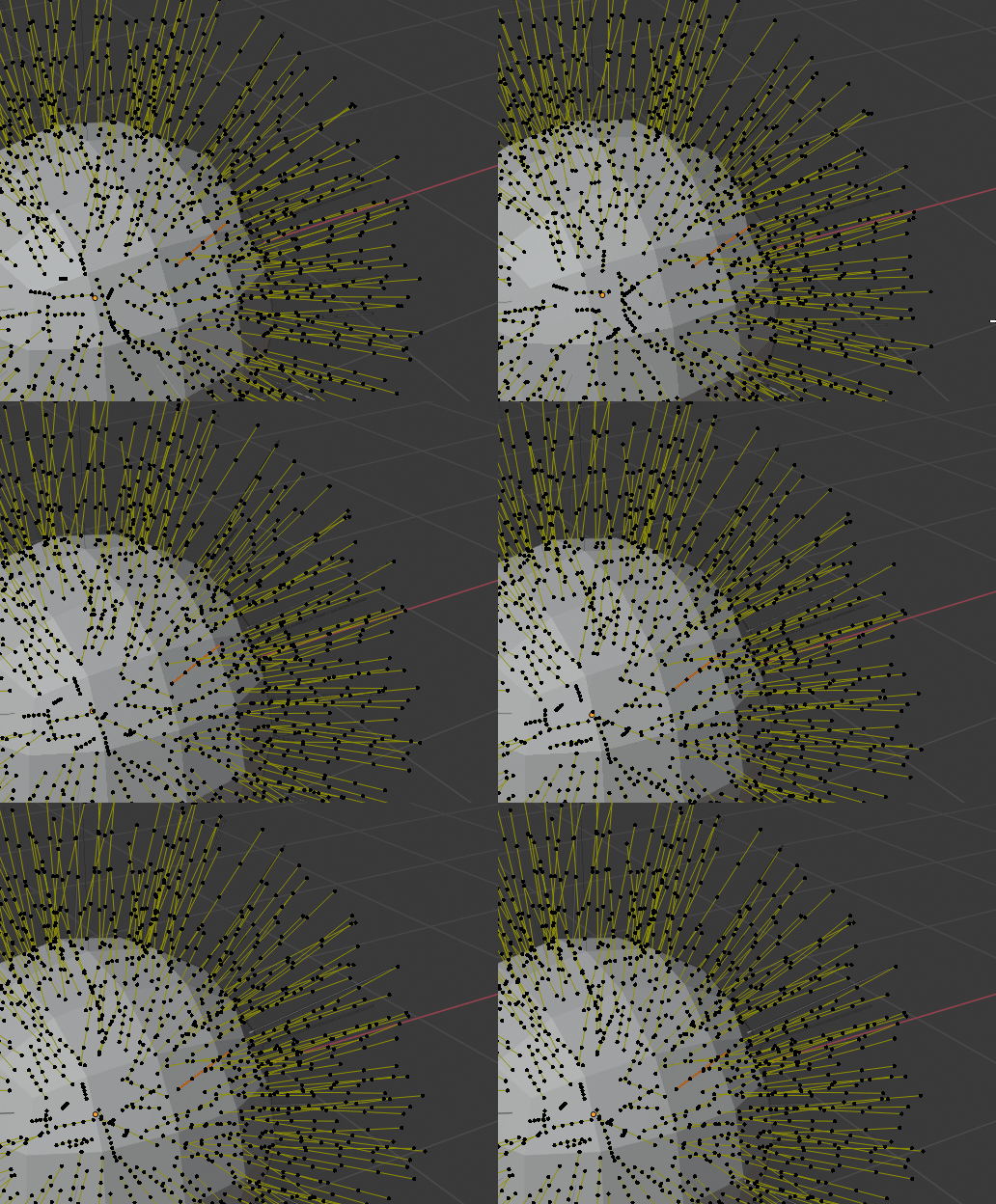
Currently blender has no depth test enabled for curve drawing, and that is messy sometimes. I vote for adding depth test for curve drawing, so that curves behind geometry will be hidden.
5 Comments
I can`t figure, how did you make curves visible behind geometry. Can you make simple screenshot where one curve in front of geometry and one behind? Only hanles in front (and you can hide em)
{attachment 8164144jpg}
* @ Vyacheslav * Just change curve type to nurbs. I will be always rendered in front. And point handles are also renderd in front, in your image
* @bartosz.styperek * oh, it reminds me my old proposal. Nurbs looks bad in Blender: blender.community/c/rightclickselect/qLcbbc/
What is dept-test? How should it work?
* @ Vyacheslav * Depth test - it is term in rendering - it means hidding geometry that is behind object. In this case, curves behind cube/sphere should be hidden, but they are not (blender devs made curve render by default 'in-Front' display mode)