
Modify default modifier defaults
The Subdivision Surface modifier, by default, uses 1 level in the viewport and 2 levels in the render.
Therefore, if you already have complex geometry on the brink of slowing down your PC, and you add a Subdivision Surface modifier (through foolishness, overexuberance, etc.), Blender freezes for a while.
It would be nice if the user could change the default in the Preferences menu. If the default were 0, then we could safely add and remove subdivision modifiers secure in the knowledge that we'll never accidentally bite off more than we can chew.
Or, if you have a fast PC, maybe you'd prefer to have the viewport and render levels both be an even 2 by default. I have used computers where both routes would be more appropriate than the given default.
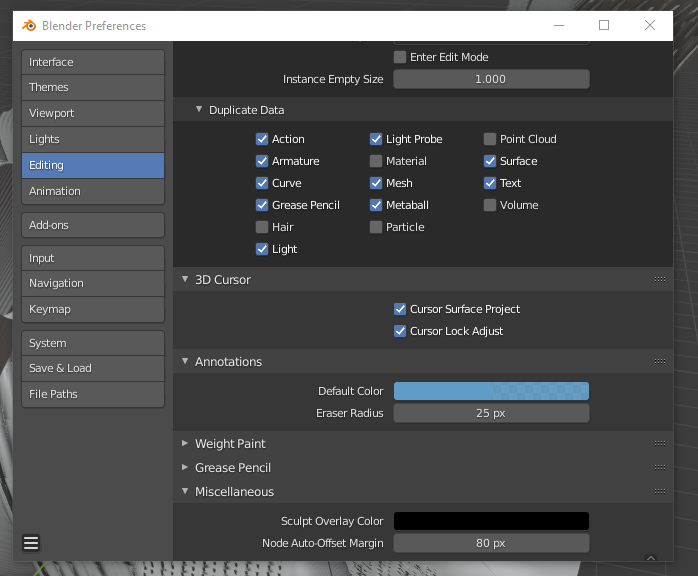
This seems like a feature that already exists, so pardon me if I'm wasting time. I couldn't find it in the Preferences menu, so I assume it's not already there. If modifier defaults are indeed a nonexistent feature, perhaps they could go in the Editing->Miscellaneous section:
0 Comments