
Double Click to Select AND Deselect Loops [ in Emulate 3 Mouse Button ]
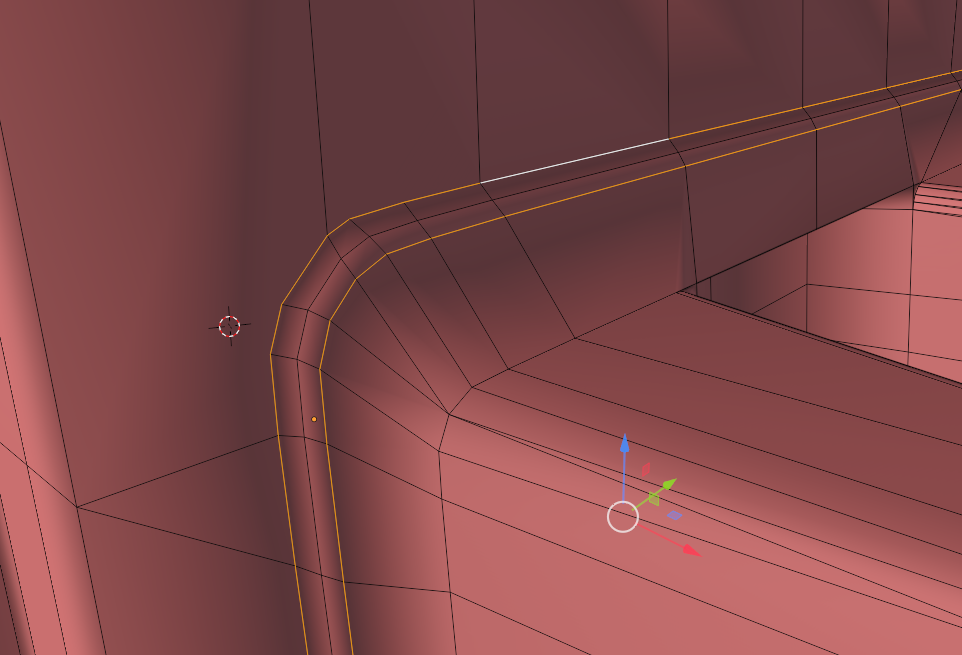
So basically i am a laptop user and I prefer keeping it that way due to extensive travel. I have currently turned on Emulate 3 Mouse Button option so as to navigate more freely with just my trackpad. I have also remapped the keys for Left and Right click to function in ways similar to Maya. Now the main problem sets in. i can select Loops easily by double clicking on them. Even Select Multiple edge Loops By SHIFT+Left Click. However i cant seem to deselect a particular edge loop and dont see any deselect options in the Top left Edit panels. I have currently added a whole new shortcut just to enable me to deselect it but i feel a simple double Tap AGAIN to Deselect would be very easy to use. So for those Three edge Loops it Proved quite easy to just reselect the two. But ways to make "Deselect Loop Tool" possible just like "select Loop tool" option would be appreciated.
2 Comments
Probably just needs a way to change how ALT behaves by default to another key, since it has other useful functions like this: youtube.com/watch letting you change multiple values at once.
It appears like there's an option to change it on Linux specifically: blenderartists.org/t/changing-emulate-3-mouse-button-key/1343104/4
Would be great to have this option on windows so I can use ALT with the emulate 3 button mouse toggled on, but then use another key in place of ALT for those features that use it. Or it could be context sensitive that ALT + clicking a toggle/interface option still works and ALT + mouse move only works in viewports which would make sense.
This certainly needs more attention. I use "Emulate 3 Button mouse" even on desktop computers. It simply feels better.