
Node Editor Screenshot
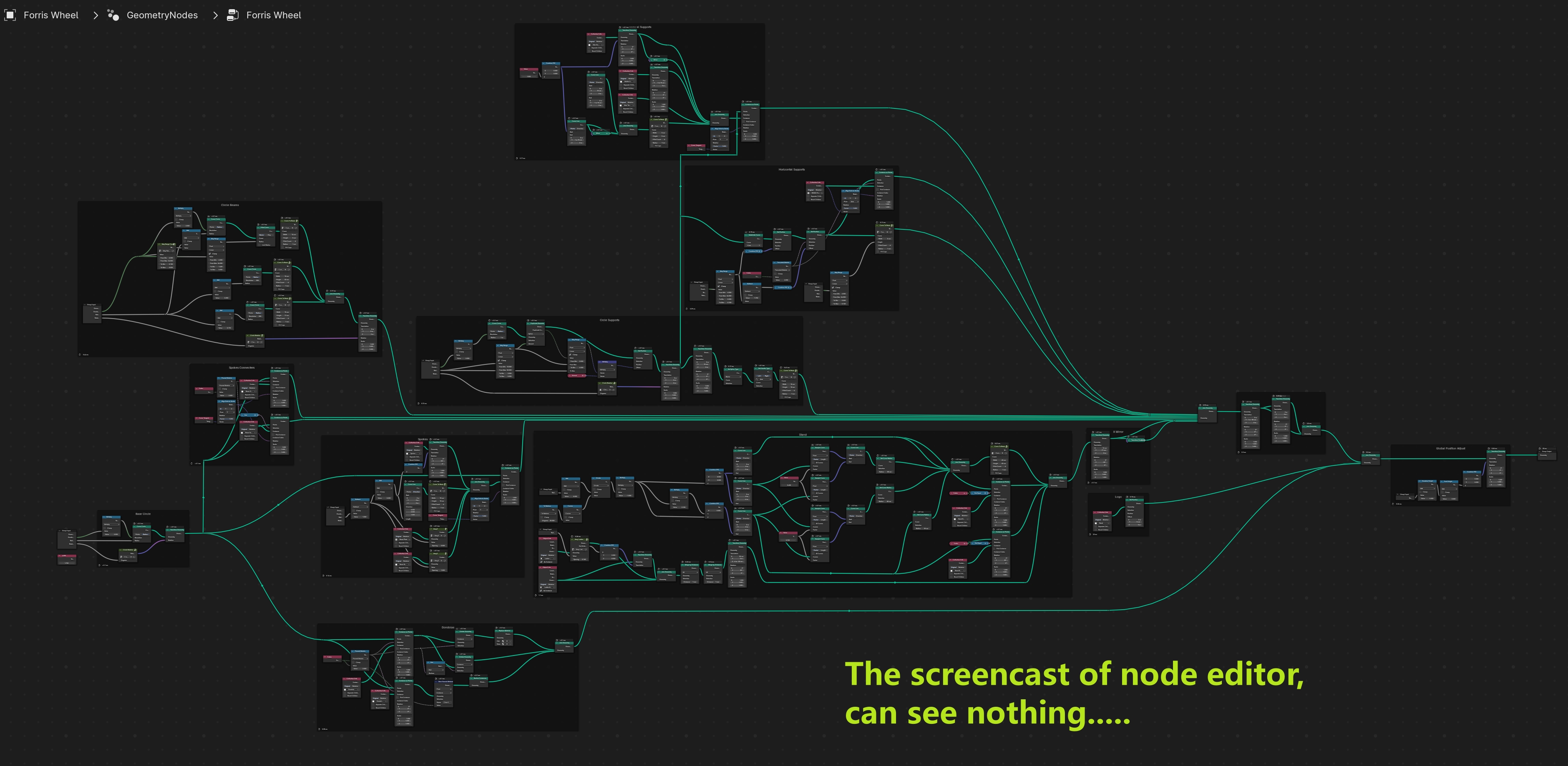
I want to show others the content of node editor using pictures.
But as I have so many nodes, every node must be so small to be in one screenshot.
Or I have to take multiple screenshot, and combine them in Photoshop.
Begging a function that I can print node editor's content with high resolution
4 Comments
Completely agree. Had lots of times where I wished this was possible and had to stitch views together in edit software, just to be able to send a screenshot of the node graph. It would be super helpful and a real time saver to be able to do this with just a button.
Why are there so many Blender users these days who reject the idea of just sharing the file?
A picture can be seen on social media, so I can see the blueprint on the phone, on the pad, even on the toilet, without Blender near at my hand.
Some colored opinion shines through your statement ('these days', 'just sharing') that are obviously personal to you but don't count for everybody('s workflow/situation). There are many good reasons for not sharing .blend files with strangers. Like not being allowed to and not wanting to hand over your master file to strangers (especially as professional). Next to just don't wanting to show something you are working on to a stranger. Or a blend project being too huge to send or relies on many addons another doesn't have etc.. Sending a screen shot is often good enough and even better/easier to post on things like discord to get info on a question.
Also don't forget that many people answering questions on discord etc. don't even want to receive a blend file, but just ask for a screenshot. Plus that on some media it's not even possible to upload blend files. But it is possible to share images.
Plus screenshots can be used for so many other things. Like embedding in pdf documentation, websites etc.