
Extension to see thumb of blend file in Explorer.
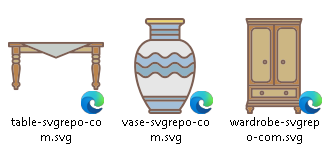
I see this feature for SVG files in Windows Explorer, because I know I can see a render blend file on the open dialog area I think can have a similar tool for Explorer.
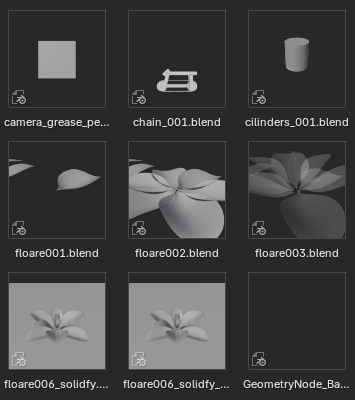
This idea allows us to see a render of each .blend file in Explorer as you can see in the open dialog from Blender 3D.
See the SVG in Explorer:
project:
github.com/tibold/svg-explorer-extension/releases
:
 See the result in the open dialog from Blender:
3 Comments
Blender needs to be registered in your system to generate thumbnails. This is done automatically when installing with the executable installer file. But any other kind of installation (portable, zips, ...) need to be registered manually.
Manual registration is done using a command line.
Open the command prompt where your Blender.exe is, type
blender -Rand press enter. It should register that Blender application in your system and trigger thumbnailing of .blend files in the file explorer.See Command Line - Blender 4.1 Manual for more about Blender's CLI.
If you use Blender Launcher , just Right 🖱️ the build you want to register, and hit Register Extension .
It's error of your system
Find a way to fix it you should
My Windows installation shows color preview images... both in explorer file manager, and blender file manager. Not just grayscale shaded. Don't know what's different on your system.