
"Background Only" option in World tab.
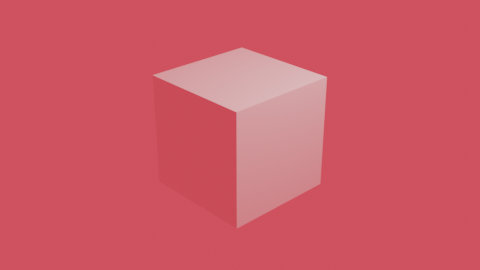
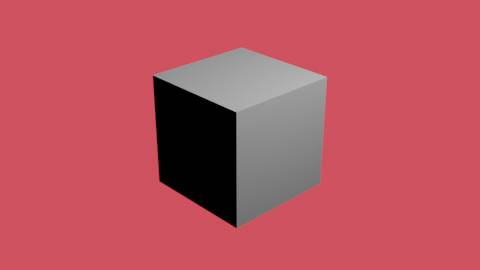
When using a background color or image in the World tab, that color or image will affect the rendered geometry. Set a pink background color, and everything turns partly pink, etc. These environmental effects are not needed, and may be distracting, when doing previz or certain workflows or art styles, so having a checkbox to simply have Blender NOT apply environmental effects to any geometry would allow for an easy way to insert a background, without affecting your models. It can be achieved with various nodes, but a simple checkbox would reduce a lot of workflows, and should require very limited coding, as it just says "do not use environmental effects".
Render WITH environmental effects:
 Render WITHOUT environmental effects (achieved through node setup)
1 Comment
It's already possible in Cycles by unchecking all but Camera Ray Visibility:
We just miss Eevee.