
Suggestions for optimizing the selection of the Gizmo
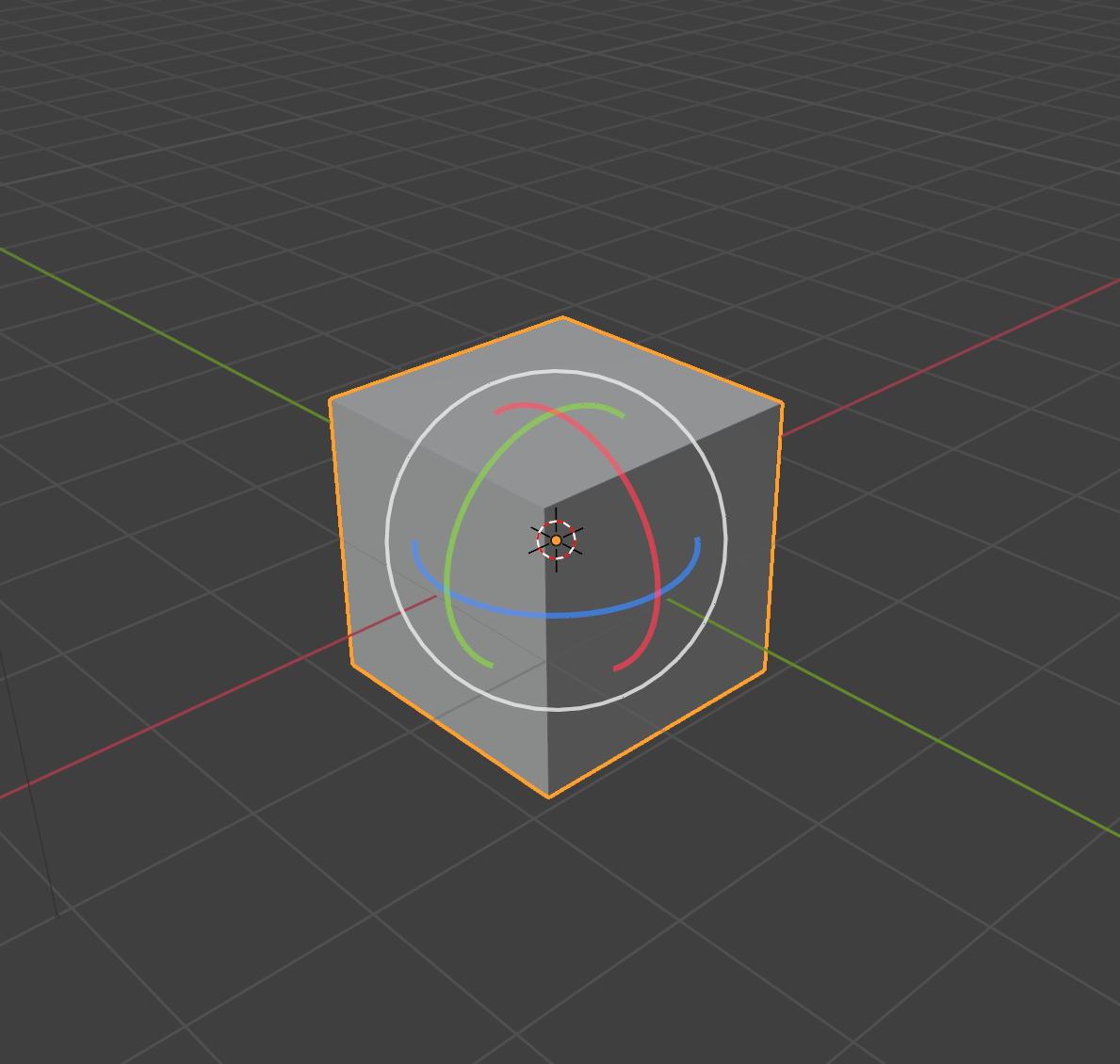
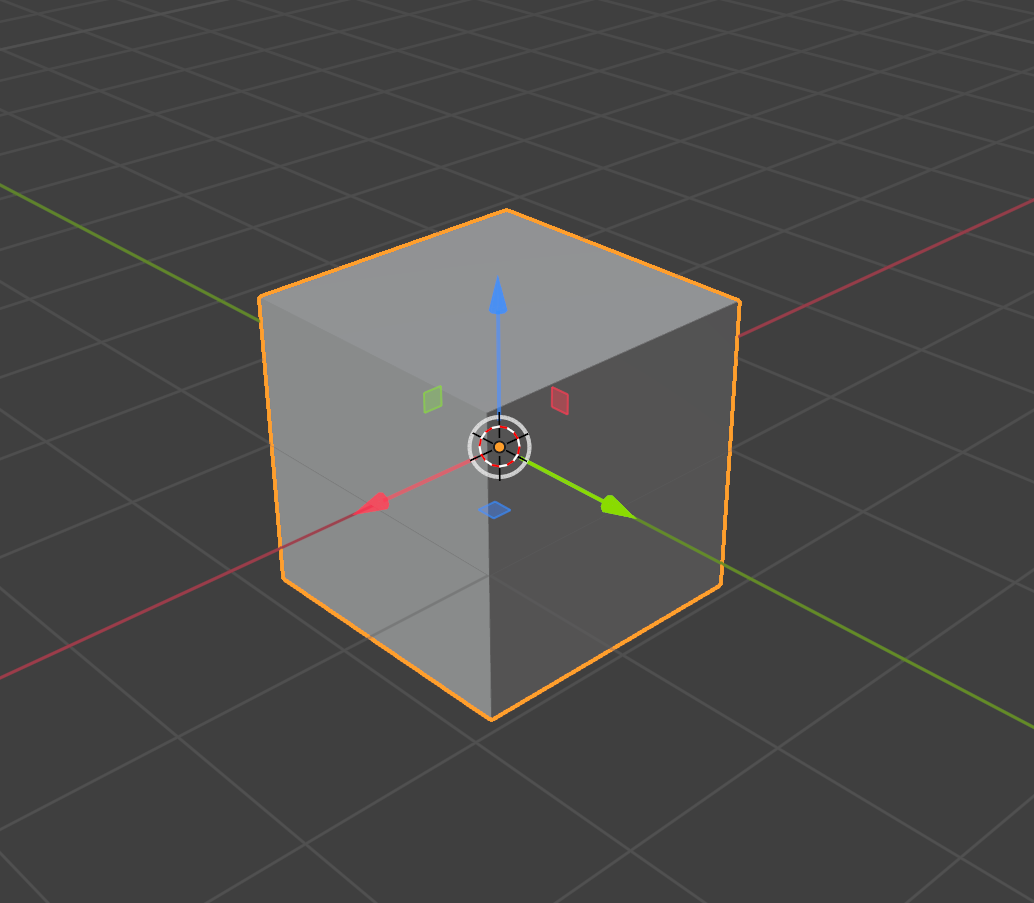
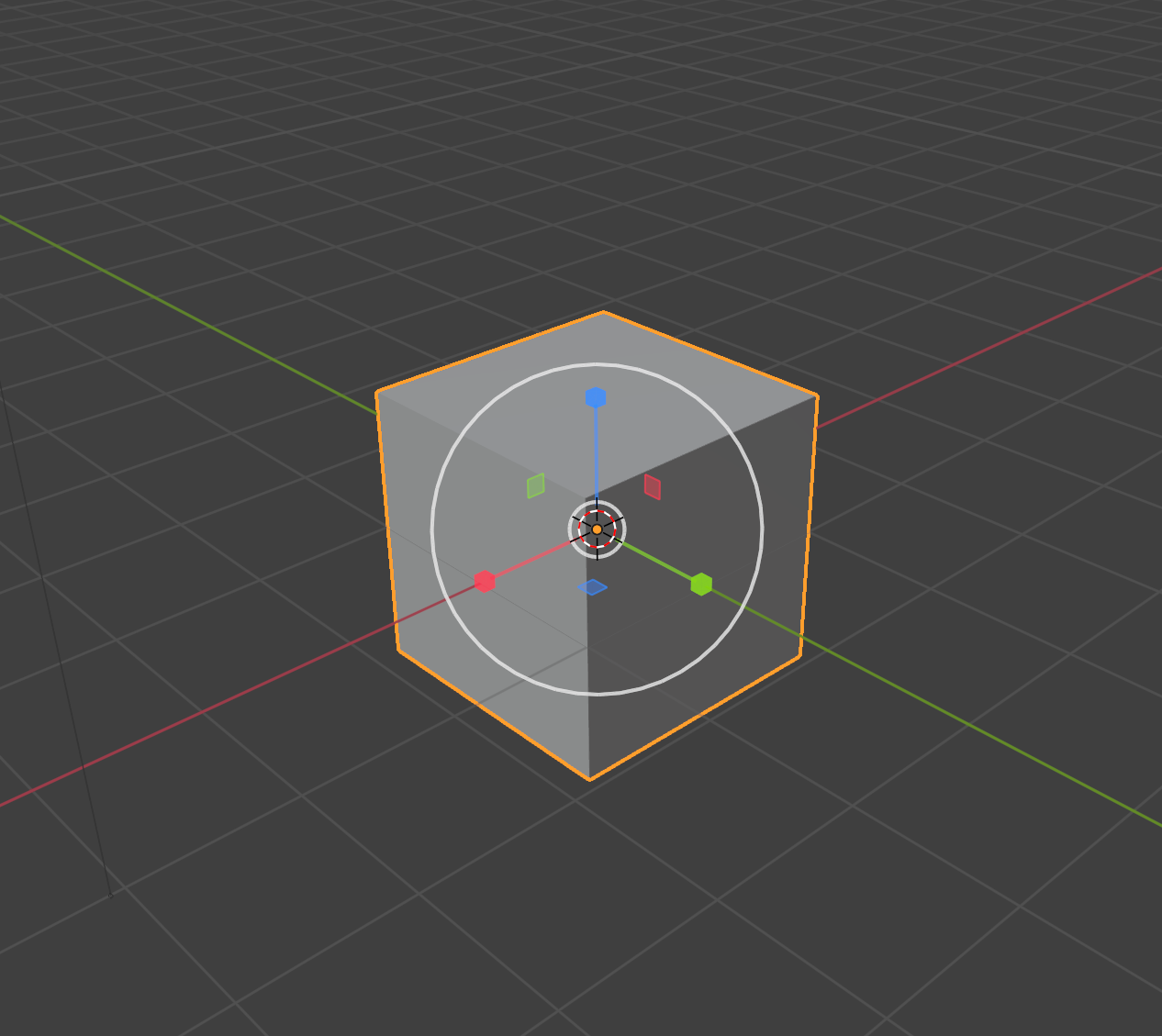
When using the "traditional" method instead of the [G][R][S] shortcuts to move, rotate, and scale objects, I can hardly determine clearly which axis my mouse has selected: X, Y, or Z? Blender's Gizmo is significantly different from other software in that it uses a slightly increased brightness on the selected axis to indicate my selection. However, due to its similarity in color with the unselected state, I can barely discern it. I found options to modify Gizmo colors in the Themes settings, but unfortunately, there are no options that meet my requirements. Can you add or modify the color of the Gizmo when selected to make it more noticeable, like using white or bright yellow?
4 Comments
Would be nice if the the axis would highlight in white when I hover over it, and stay white as I dragged it.
Yes, I think this would greatly improve efficiency, even though it's a minor change for the software. I know there is a plugin that can achieve a similar effect, but it's too cumbersome, and I just want a small modification.
Agreed. It already changes color; it's just such a small amount presently, that it's barely perceptible.
I remember when this was mentioned on a Blender Today Live. It's been 9 months now and I've been waiting for this. I even looked into doing myself and it is unfortunately beyond my ability.
Just let me change the highlight color. I prefer yellow, but making it an option would be fair.