
Grease Pencil - Mask in draw mode
ISSUE :
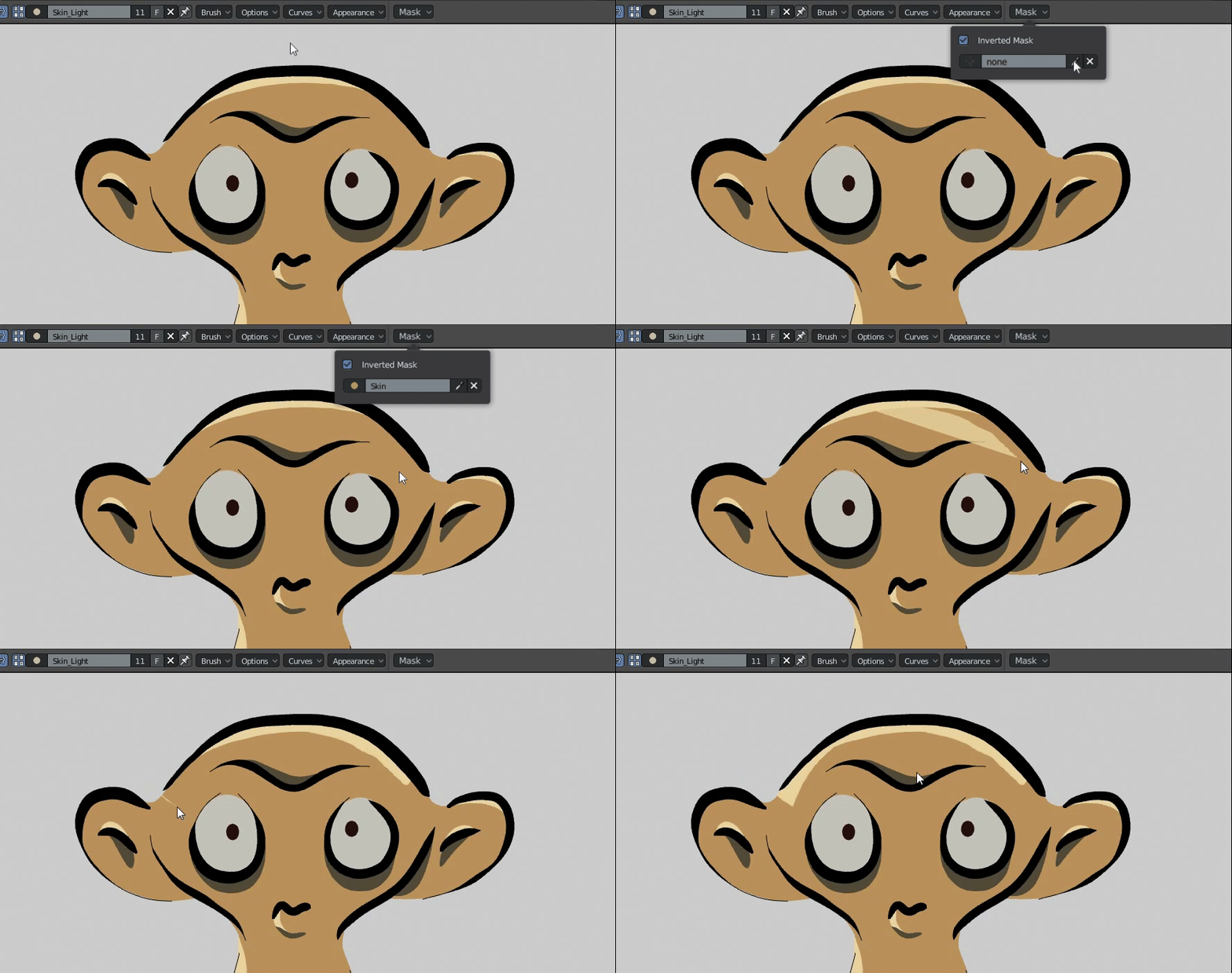
Drawing color in place near a boundary between two different materials (or material and transparent area) in Grease Pencil is disagreeable. For example, when I drew a rim light over a material skin, several stroke's points inside the skin area, and the others make me draw the stroke alongside the boundary. This drawing method wastes time because you have to draw the boundary twice and a little bit of focus.

SOLUTION :
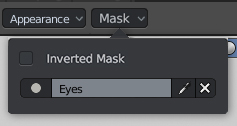
We can reuse the boundary of the material by using the material as a mask, with two modes: mask and inverted mask. In addition, the Mask Material allows picking material directly.
- For "Inverted mask" mode, the result is the intersection between the brush material and the mask material.
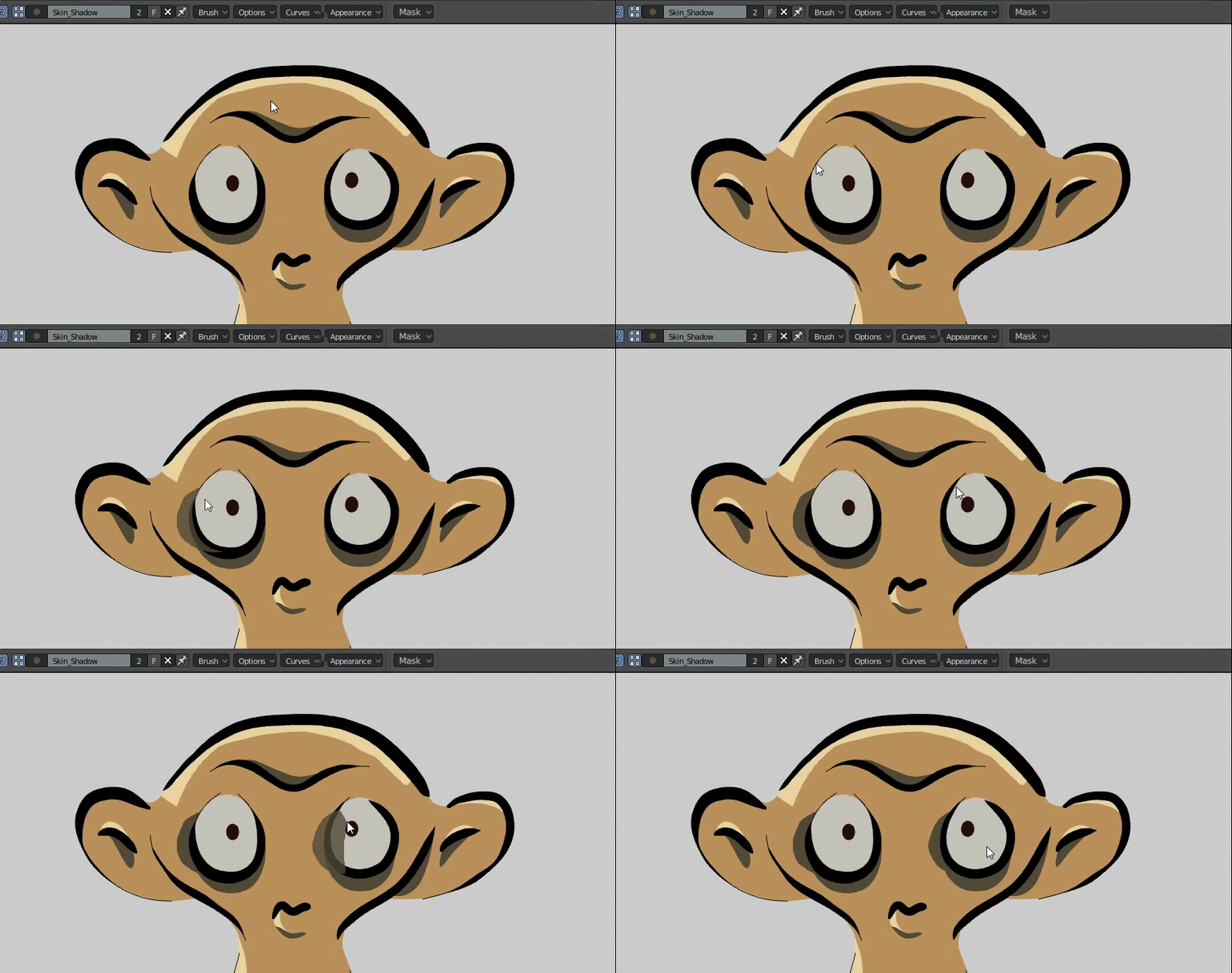
- For "Mask" mode (inverted mask checkbox empty), the result is only the part of brush material outside the mask area.
0 Comments