
Simple shader nodes evaluation in Workbench
WorkBench is able to display a texture in the simplest variant using a mesh UV.
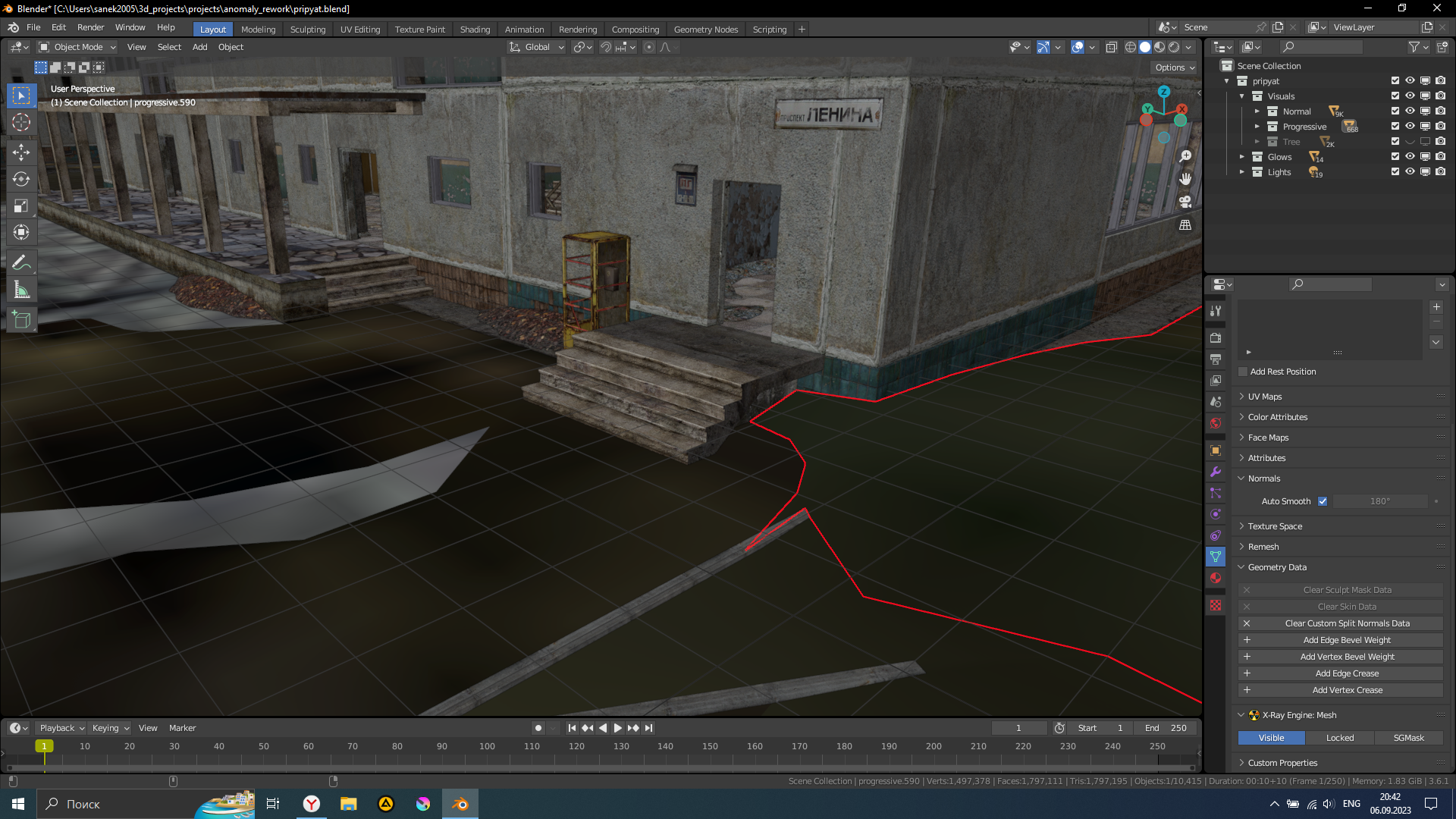
But this works extremely poorly in variants where a procedural shader is required (example: terrain - needs textures mixing; eye pupil rig, where procedural shapes, texture mixing and UV scale/other operations is used).
Problem is that EEVEE can slow down quite a bit, especially in a large scene with customized materials. changing materials onto stubs is not an option, it is necessary to make a lot of effort for this. Therefore, for example, animation has to be done with the WorkBench enabled, which for the above reason may be uncomfortable
Incorrect variant:
Potentially right variant:
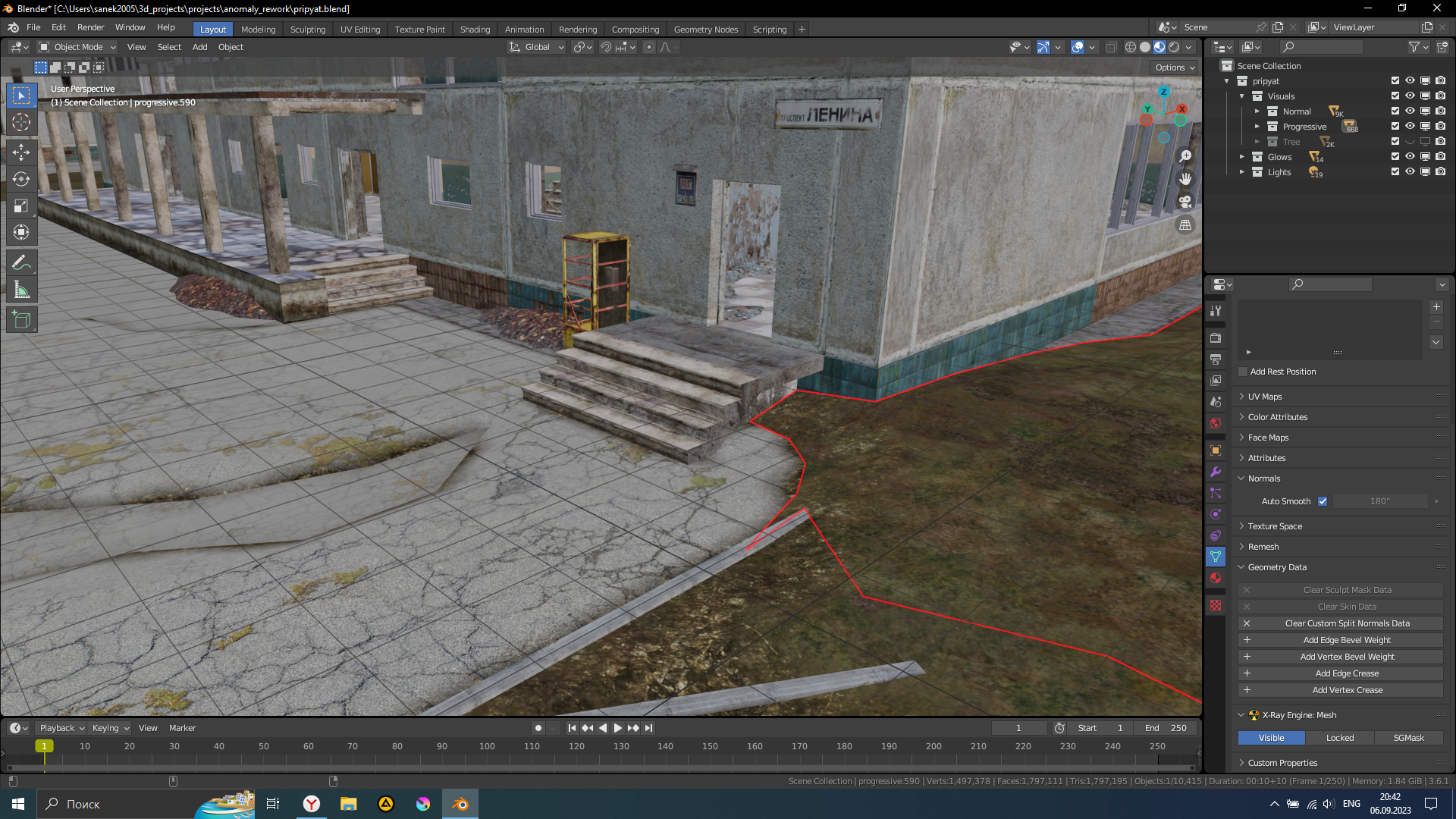
I propose to introduce the simplest evaluation of shader nodes:
- Not only the active Texture node will be taken, but also what is connected to its vector input
- Add an evaluation of not only the active Texture node, but also active Mix node
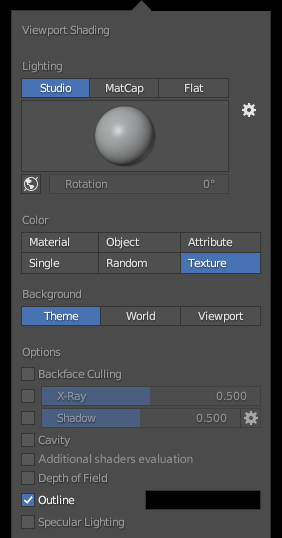
Since this will affect performance, and is not always necessarily necessary, you can enter a check box that disables shader processing, and switches to the old texture mapping variant.
3 Comments
Workbench should be a render output node option so we can tailor each shader to be exactly as we want it to display in workbench. Will need some workbench specific shader nodes as well.
blender.community/c/rightclickselect/oyqY/
Workbench developper explained well in the link you poster why workbench should remain the simplest, and anything more might easily be bad for performances.
This is a bit unrelated, but having a simpler way to bake texture atlases (albedo) for all objects to get a preview of the material could be a way to use workbench while keeping a good representation of the material, which might indeed be helpful. That texture would be the active one and only used in workbench mode.
one can still dream