
Random rotation for GP points
I wish to have random rotate option for every point of grease pencil.
For example if I have star textured brush, I want to rotate each texture randomly. Also scale if possible.
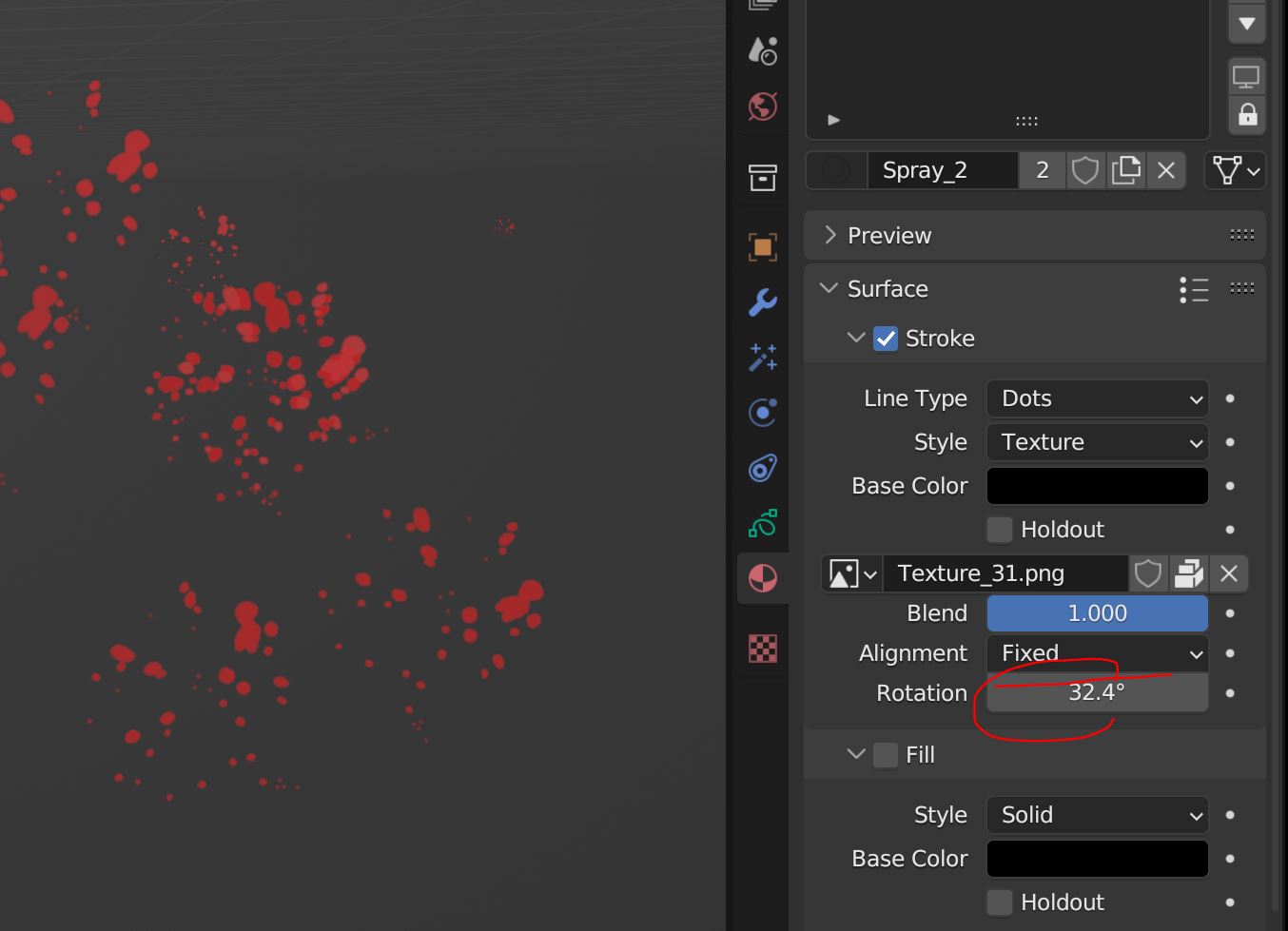
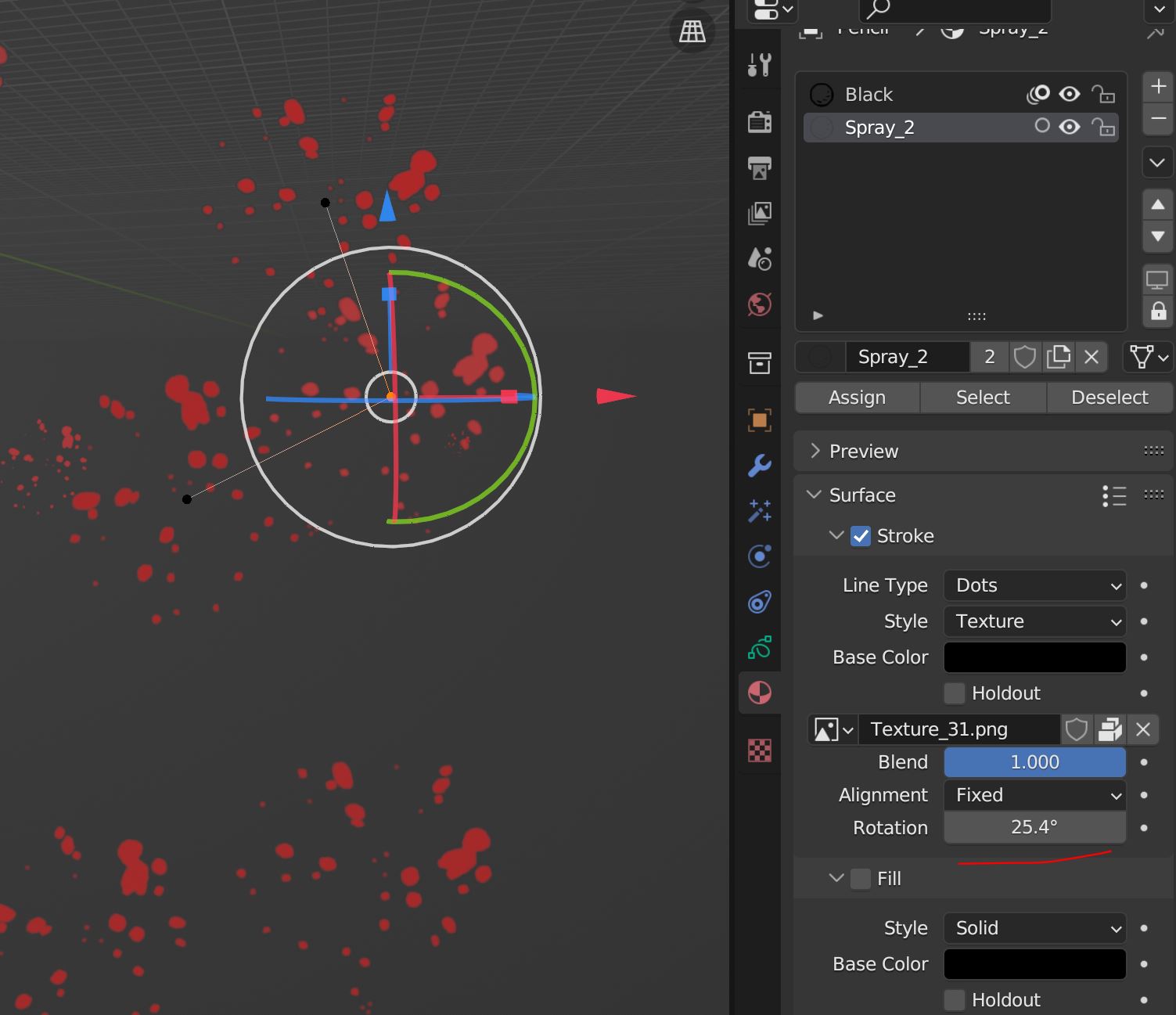
I wish to have random rotate option for every point of grease pencil.
For example if I have star textured brush, I want to rotate each texture randomly. Also scale if possible.
6 Comments
If you want to rotate textures per point it is possible already. In the upper pannel of stroke settings, navigate to "stroke" tab and check "randomize" check box. Than play around with sliders below. Radius - controls the "thicknes" or a scale of a texture assigned Strength - randomizes the opacity of the stroke UV - randomizes rotation of texture assigned
all these settings/sliders work per point of a stroke by default, but using button on the right looging like a squiggle, you can make them randomize per stroke.
Other way would be to use "Noise modifier". Play with "Thickness", "UV" and "noise scale"sliders
Last way that comes to mind is using sculpt mode and "randomize brush" works in simmilar fashion as other two, just navigate to tool settings to specify what should the brush be effecting (again you can choose form Position, Strength ,Thickess and UV)
nice trick, but we can't controle randomness after releasing also if we use primitive tool drawing like cirle, line,arc we can't use this trick because we haven't this option unfortunately. i prefere having some controle for some adjustement.
As I mentioned. You can still control randomness after releasing using sculpt mode or modifiers. Yes there isn't randomness option for any of the "primitive shapes" tools but other options still aply. You can even use "add weight data for new strokes" toggle at the top left of the 3D view and create custom vertex group to specify for noise modifier. That way it will be automatically applied to only newly created shapes. You can even tweak noise mod after drawing to your liking and apply it afterwards to make changes "permanent". Once you doo that, feel free to delete the vertex group since it isn't relevant anymore.
Other than maybe having a randomize option for primitive shapes tools (which you didn' describe in the initial suggestion) all things suggested seem to be already present in blender.
Lastly, I don't thing calling it a "trick" is accurate 'cause to my knowledge what I described is fairly common way of working, if not intended use.
I just added image but I don't think you can rotate each point randomly in one stroke. Also sculpt mode cannot do any rotation
Oh noise modifier does a job! Sorry, good now. thanks!
Yes it can. While in sculpt mode of an Grease pencil object:
Now you can use this brush to randomize rotation of a texture on points. Optionally, instead of "UV" chceckbox if you turn on "Thickness", you can use the same brush to randomize the size of texture on each point.