
The View Port Clip End Value is Too Small
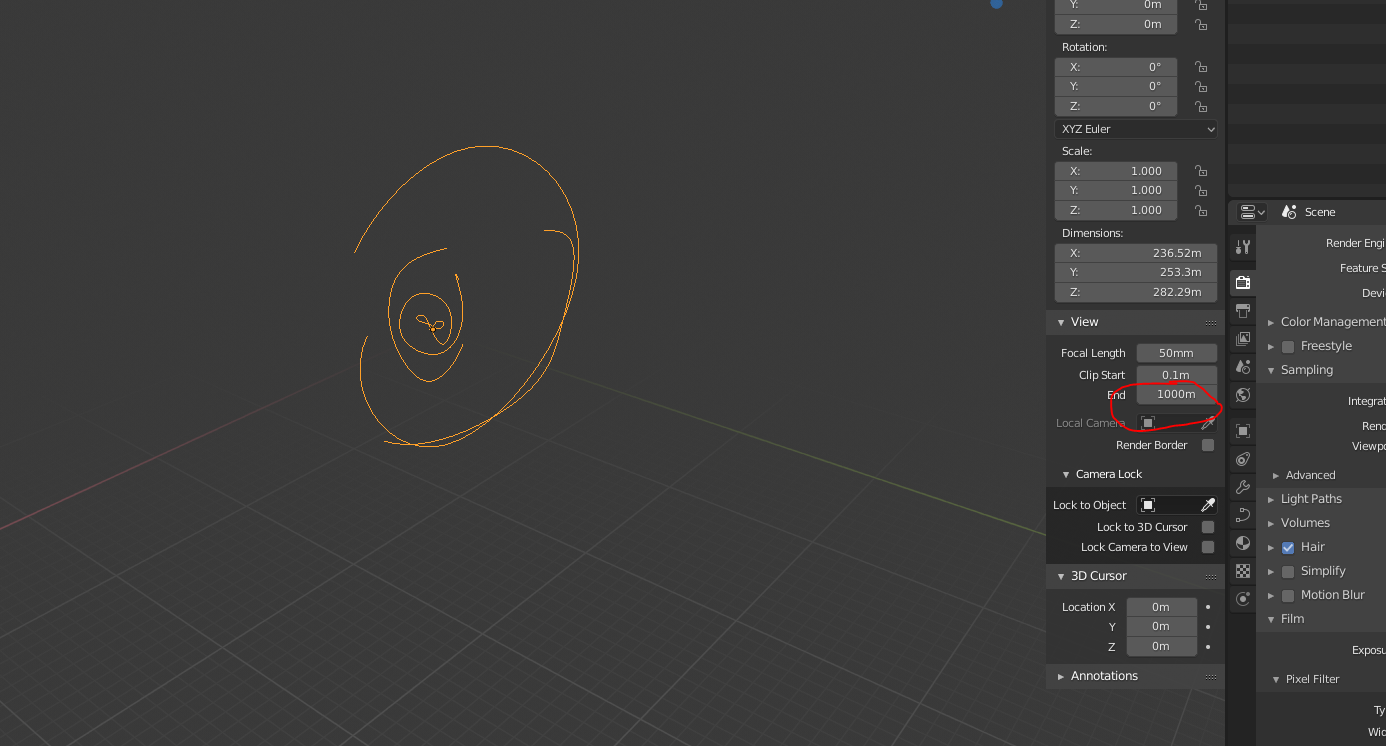
By default, the view port's clip end value (in the tab you get when you press n) is set to 1,000. This is too small of a value. Yes, you can easily change it, but I think it should be a much higher number by default. Something like 10,000.
4 Comments
Why not having template files (not application templates) with pre-configured properties for specific usages ? Like in other softwares. (Application templates are much more complete and for another usage. See docs.blender.org/manual/en/dev/advanced/app_templates.html )
Those files could be regular blend files having a different extension (.blent ?) so that Blender ask the user for a filename the first time you save them.
It could be possible then to have a template file with a ready to use studio lighting, some predefined reusable materials, and specific predefined propserties like the clipping properties among a lot others.
It is quite currently possible to do that ! But you have to be careful the first time you save the file to not overwrite your template. Then a "File/New/From template" to select the template file should be necessary.
The wider the range of orders of magnitude in visibility between Start and End, the less numerical precision you get, so you end up seeing glitches when you're very close or very far. I usually work with smaller, human scale objects, so I end up changing start to 0.01 and end to 100, which is the same relative magnitude difference. There's no way of satisfying everybody, one choice of scale might be good for you but bad for other people. It's either one scale, or another, or a wider range with low precision.
I think that it depends on the type of projects you work on.
For an interior scene, the clip start value could be too high, while the clip end is way too much. For an exterior scene, this is the opposite.
Personaly, I would suggest 2 possible solutions for that:
there could be a sub option for camera cliping and there could bepreset for small, medium and huge scenes or an automatic eaven where the end of the cliping plane tries to include everything and maybe this setting could be linked into the camera cliping as well