
Enable to hide cameras render border overlay entirely
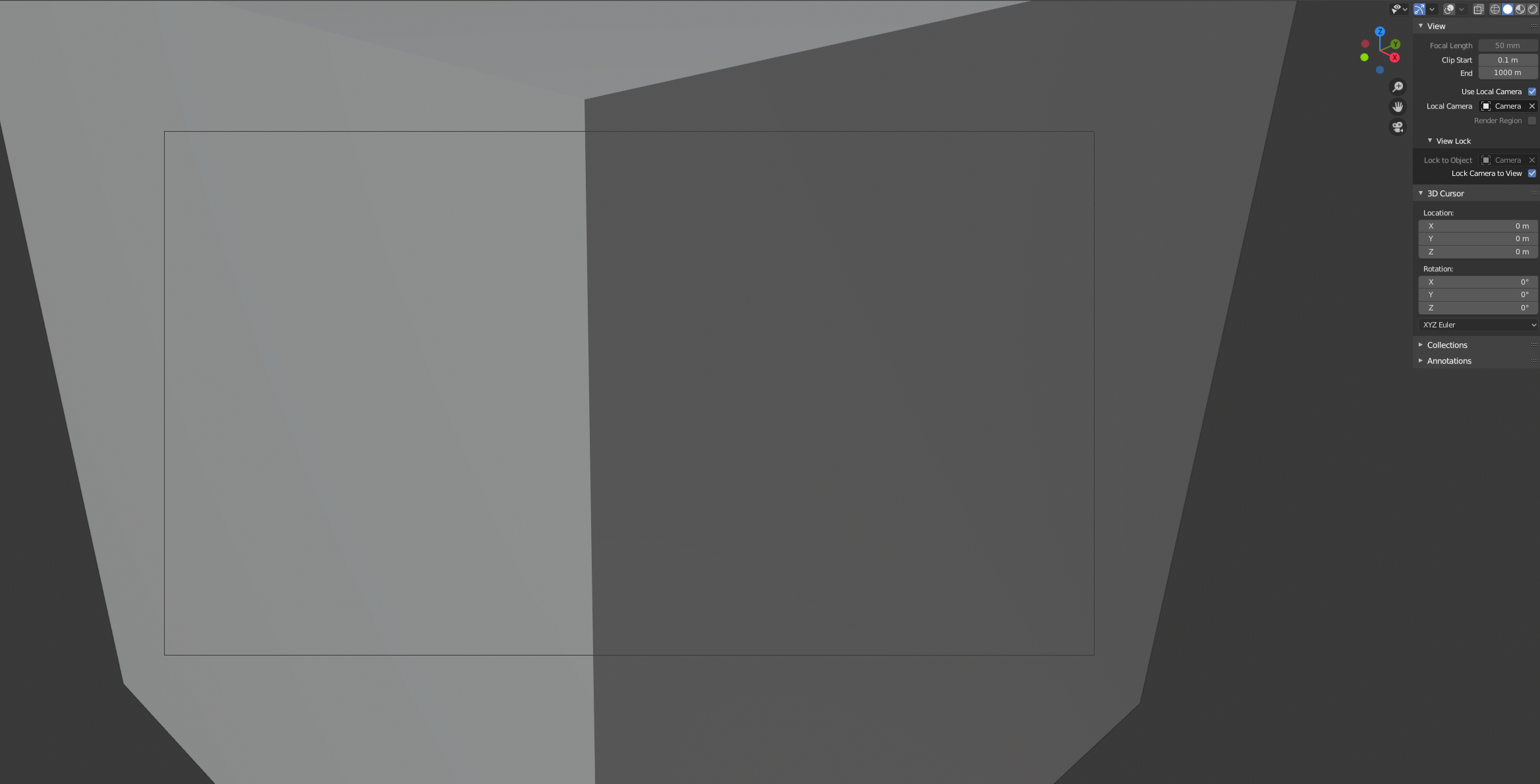
Hello, I have recently been working on a blender addon that uses viewport syncing between blender and another software. Doing this I thought that the safest/best way to do this would be to have a camera object in both software’s link and lock the viewport to them. But on blenders part I found a limitation in that you can’t really entirely hide the render border of a camera while looking through it. Would be really awesome if either there would be a checkbox per camera or exposed property through python where you could disable it. The closet you can get to it now is to disable all viewport overlays and disable all visibility on the object, but it would be really nice if you could just disable it per-camera.
2 Comments
Is the "passepartout" camera option could be what you need? {attachment camerapassepartoutJPG} The camera borders goes totally black/opaques when you set the opacity to 1
* @Shimoon * Not really, you still see the outline of the render region, even if you disable/change the passepartout settings.