
Custom thumbnails for Asset browser
So most of the assets or content available online has already some preview or thumbnails rendered out nicely. It would be better if blender allows choosing between the auto-generated thumbnails or premade thumbnails for materials and objects. By using already available thumbnails we can easily see what the asset will look like after rendering and making decisions more efficiently.
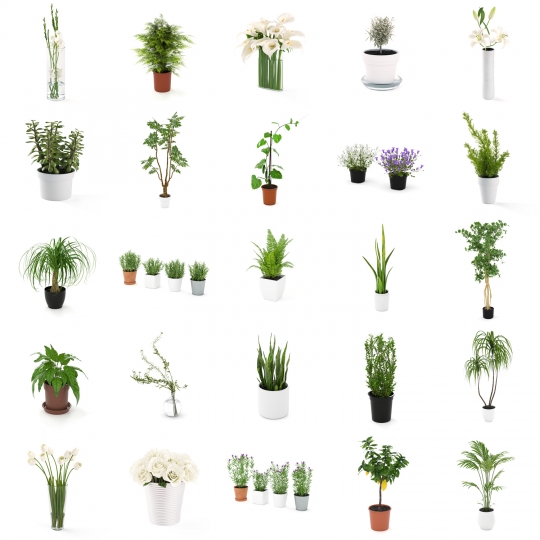
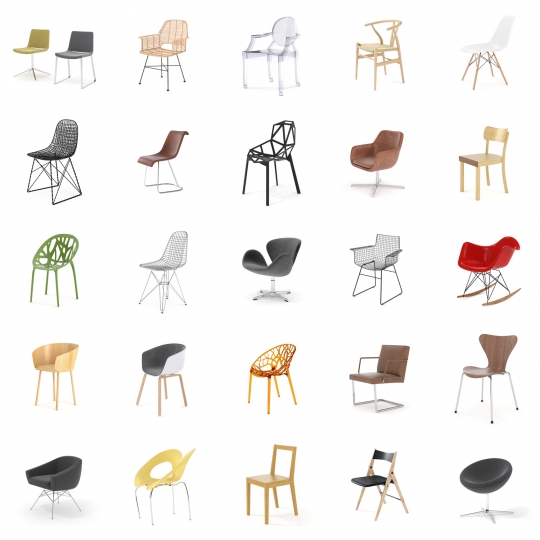
A better option would be to automatically pick up thumbnails with the same name as the blend file/object/collection name.
8 Comments
I could have sworn this was already possible.... not automatic, but I am 99% sure there was a "load thumbnail from image" option at one point? is it not there anymore?
I didn't know it was a feature. I can't find it anywhere now. Tell me if you find it or if it was removed.
drive.google.com/file/d/1-R3Jn8OQK7YGnV4BGg2_ZEA8UgdF6LGA/view
That already exists in the asset browser menu. CLick on the object, at the right you have "Load costom preview" ;) Exemple: drive.google.com/file/d/1-R3Jn8OQK7YGnV4BGg2_ZEA8UgdF6LGA/view
to insert a picture:
Result:
But isn't it inaccessible or greyed out? I can't figure out why but it is disabled in my case.
mine are all grey too
You have to generate the thumbnail in the scene where the asset is :)