
Disable Command Prompt Window WITHOUT blender-launcher.exe
The command prompt window has been bugging me recently, and there's seemingly no way to hide it. I feel like it used to be included with the open app, but now it takes its own spot on my taskbar, which I despise.
Blender-launcher doesn't do the job, as it'd be taking up the same space as the cmd, but all the time instead. There should really just be a way to disable it outright.
If anyone has a workaround, where I can disable the CMD window, but keep the app that is currently opened pinned, that'd be great.
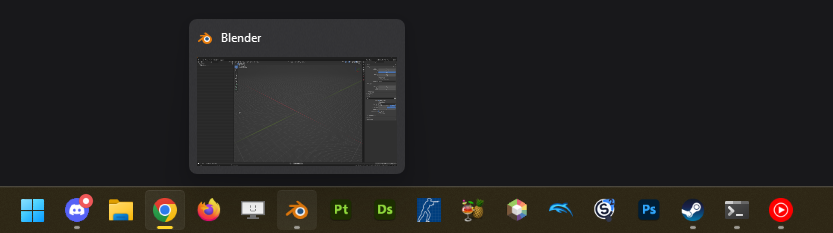
To try and explain it better: I have Blender pinned to my taskbar. It's only ever one spot on my taskbar ever. If I am to use blender-launcher, i'd have two blender icons on my taskbar, as the launcher is another exe to the actual app.
2 Comments
You can do this procedure instead :
Goated, thank you.