
EEVEE : Vertex Diplacement shader
Hello,
Before even talking about tesselation , micro displacement or any other fancy feature that adds geometry dynamically, I would love to see a simple vertex displacement shader for EEVEE. For every vertex in the evaluated mesh, a simple way to offset the vertex position relative to its local position.
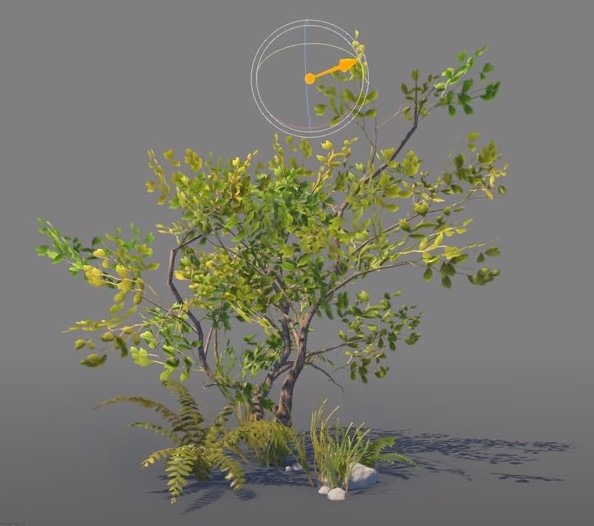
This is really common in game engine an shader programming in general to deform a mesh with a shader to achive a large variety of effect such as hollogram distortion, water surface of the sea, wind in the the leaf of a tree, or a simple flag animation without having to simulate anything.
Right now in blender you can use the Displace modifer to achieve it, but is not flexible enough in my opinion. Having it enable in the shader editor would open much more doors to displace vertices in a much more complex and precise ways.
I hope to hear more about it in one of the next Blender build !
9 Comments
This is not completely the same thing but is goes along the line I think : developer.blender.org/T68477
* @Shimoon * Thanks for the link, but Parallax and vertex displacement are two different thing. Parallax mapping offets the uv depending on the camera angle and the depth map that is plugged in ( the silouhette is unchanged ), and vertex displacement is moving the vertices. ( changing the silhouette ).
Parallax Mapping : youtube.com/watch
Vertex Displacement: youtu.be/L_Bzcw9tqTc
Do you know if there is any way to use or manipulate the textures used in the Displacement modifier using the nodes from the shader editor? Because I would like to feed the Noise Texture from the Shader Editor (the Noise Texture node) into the Displacement Modifier (the 4D Version), but the available textures from the Textures tab that you can use for the Displacement modifier are completely different textures.
I agree. I miss this from UE4 so much.
How is this different from displacement node in shader editor? (mind you have to check the material settings to perform true displacement)
* @ Lsscpp * It is for raster engines, not cycles. Right now displacement is nothing in Eevee.
* @ Lsscpp * Thanks for your answer, but unfortunaely, whatever I plug in the displacement shader give me nothing more then a bump mapping effect.{attachment SharedScreenshot_01jpg}
* @Andres Stephens - Trinumedia * aaawww. sorry I missed the Eevee mention
* @tilapiatsu * As Andres pointed, you're talking about Eevee. My post was assuming Cycles context. My fault