
Add optional display of local coordinate axis for object origin
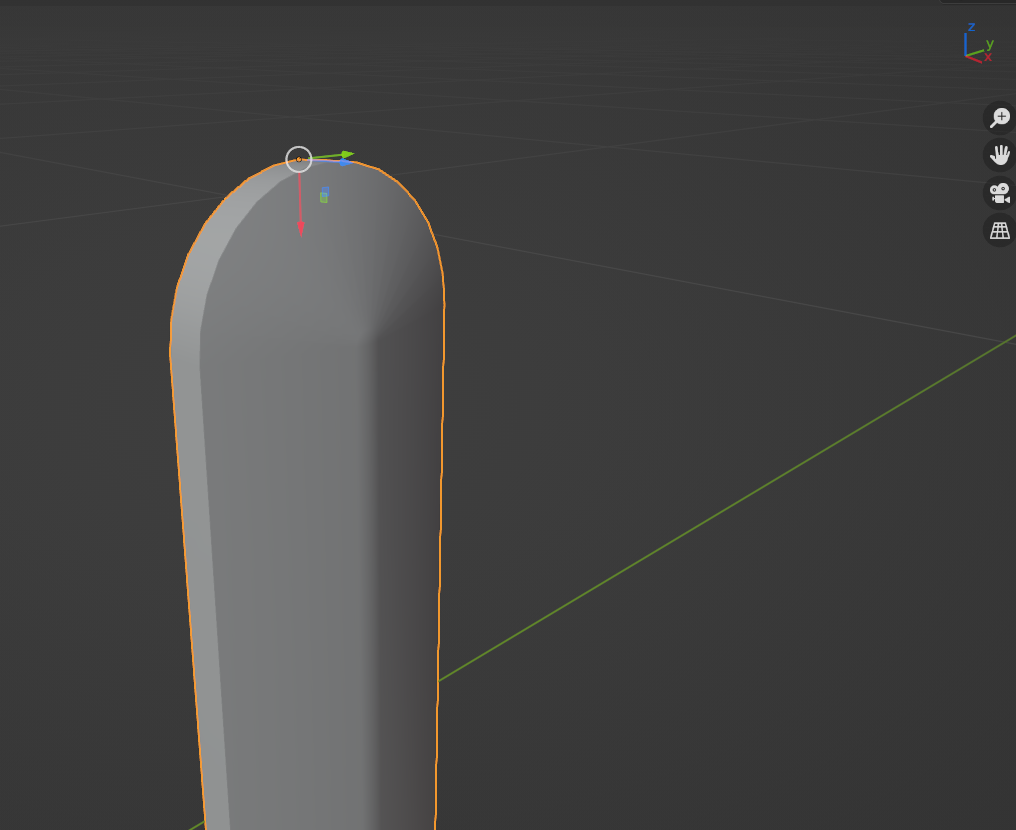
I prefer hotkey based transforms over gizmos, but it's often hard to tell which axis you need to constrain to when using local coordinates, and you end up cycling through them until you find the right one (press "G+XX" oh no wrong one what about "G+YY" oh must be "G+ZZ" ah here we are). Enabling gizmos gives you a nice visual idea of where each axis is, but then you get the disadvantages that come with gizmos (can move things by accident etc, personal preference I guess). Basically I would like a gizmo that is unelectable, for display purposes only, and which shows local coordinates even when in global mode (like you can make gizmos do at the moment). Visually, it could resemble the "Simple axis" that you can chose as the 3D Viewport Axis in the viewport preferences menu.
8 Comments
Have you tried object's axes display ?
That's nearly there! The issue is that it has to be enabled for each object, and you can't really see it when you're not in x-ray mode. Would be nice if it was overlayed on top (like gizmos or origins are), was smaller to avoid visual clutter, and maybe colour coded for each axis.
Could be an overlay, with its own x-ray option and why not even opacity and size sliders.
Instead of just displaying local coordinate axis for object origin. I have got another thought , Since the main point is to display current control axis .
Why not when hit G (could be R or S)
1.Display current coordinate axis indicator under G mode (Normal View Local Global)
2.Not the coordinate axis I wanted ,Hit "," to switch coordinate under G mode ("," is the default key Map anyway )
3.Not the coordinate center I wanted ,Hit "." to switch center under G mode ("." is the default key Map anyway )
4.keep rest the same everyone is happy ^^
I think you mean , and . Instead of < > .
They are respectively the shortcuts to open the Transform Orientation and Transform Pivot Point pie menus.
Thanks for the heads up, got it fixed.
I like this, would reduce visual clutter if it was only visible after pressing G.
Yes, only visible after pressing