
Tint option for stroke and fill as separate for GP
I wish to tint the color separately from stroke and fill in same material brush.
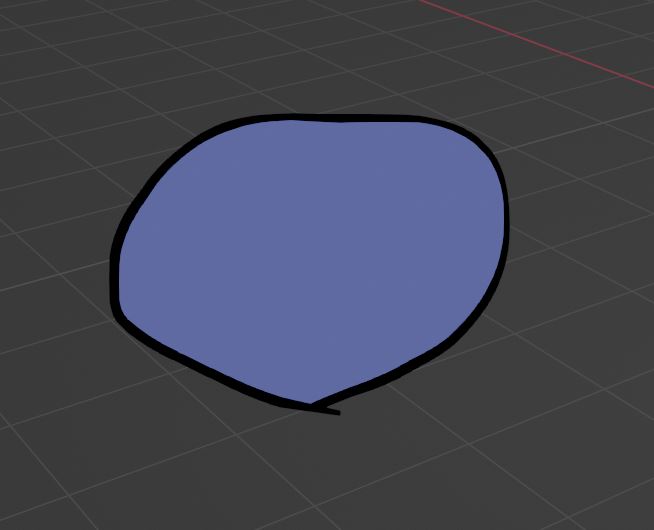
for example if I have a leaf, that is painted with black outline, I want to change the color of fill leaf by tint, but keep with black outline.
thanks
6 Comments
if i'm not wrong, the brush draw a stroke that have leafs at every point in the stroke s? if that the cas so any modifer can't access to this picture ,we can achieve the result desired when we can have shader nodes works on materials of Gpencil
I have just updated image. I just want to tint the color just for fill not stroke
you can by precise the mode in the UI modifier by switching from "fill and stroke" to "fill" so you can achieve what you want
oh did not know! thanks!
Just wanted to ask one more question, is there way to change vertex color when drawing for fill but keep the stroke to be one color or material color? At the moment vertex color effects both.
if i get what you want , tint the fill don't need to get closer to stroke around it so no problem but to restrict it on fills only change the mode of the tool in the top bar