
Fit Camera View to Full Area with a Shortcut
Whenever I'm doing comparison work via screenshots I use the camera view since I usually don't move it. But when I do it's hard to get it back because there isn't a way to properly align it to the viewport.
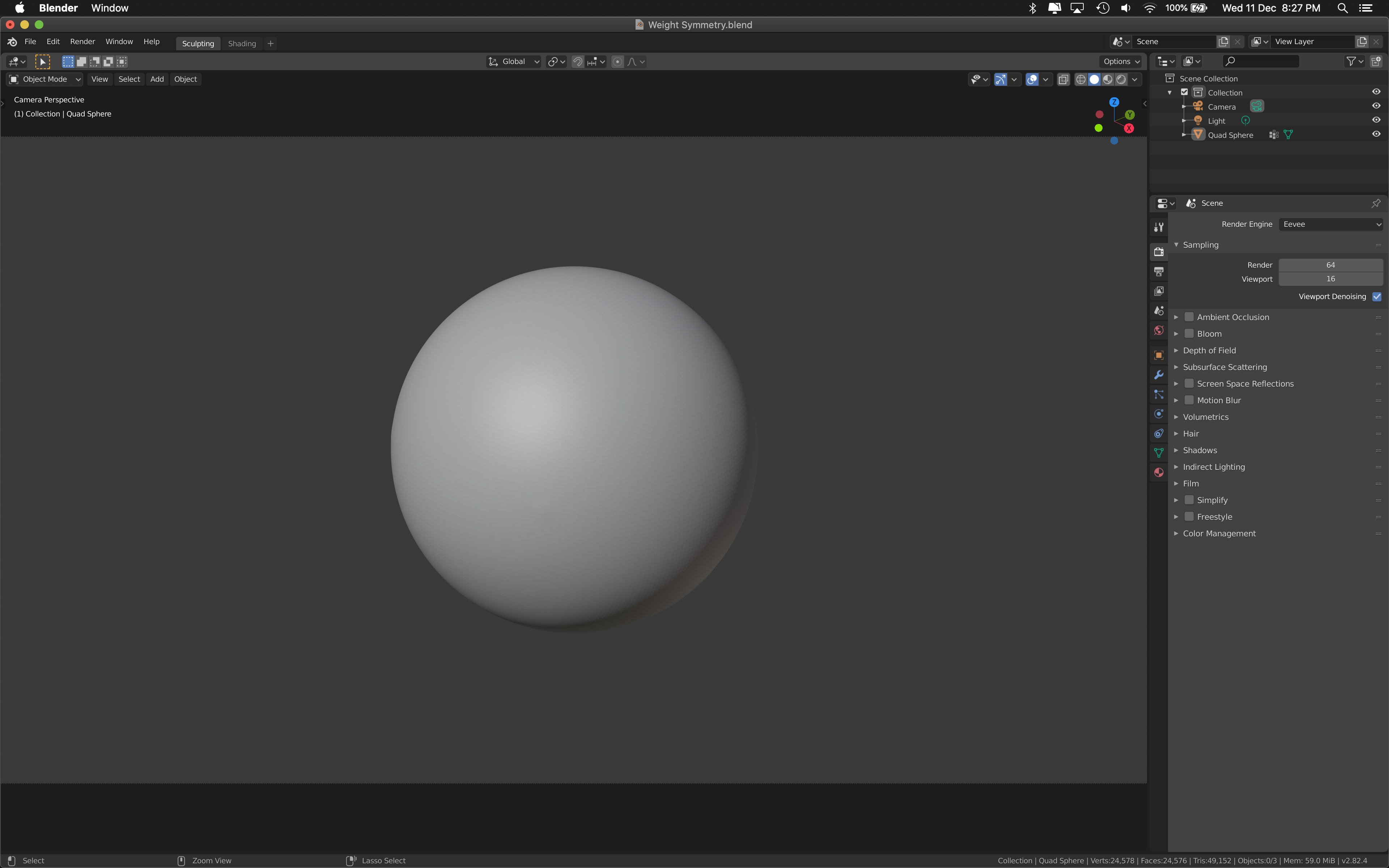
It would be really useful as well when you just need to see the work in full through the Camera View without having to adjust to the Area size every time.
It could work to fill by the height or width depending on which reaches the corner.
17 Comments
This could be very useful for my workflow actually....
Edit as this has received more likes: What I am getting at is this function already exists in Blender, and the shortcut is the "Home" button.
I am not clear on how your suggestion differs from "View Camera Center" which is what happens when you are in the camera view and you press the "Home" button. @GabrielMoro
* @EvanAndrewWilson * Agreed. I'd also like to know how this is different from the feature Blender already has.
* @EvanAndrewWilson * Home is to center all in the viewport. This is to fit the entire camera view on the current space, stretching all the way to the borders. This is now only possible by adjusting manually by zooming and panning (as I know).
* @Jason van Gumster * this is to fit the camera view on the current area, not all objects on the viewport. It's an auto-fit option for the camera view. :)
* @GabrielMoro * Just tried in 2.82 and 2.79. If you're in Camera View and you press Home, it fills the camera view to the edges of the 3D Viewport. Is this not what you want?
* @Jason van Gumster * this is not the behaviour here. When I press home (which is the shortcut for View > Frame All) it goes out of camera mode and frames the viewport objects in perspective mode instead... Are you on Windows or Mac? Maybe it's different...
* @GabrielMoro * Home button works for me too, it fits camera to the viewport, I am on windows.
Looking in the preferences this is the keymap that does that.
* @GabrielMoro * I'm on Linux. But I've tested this feature on other platforms a well. It works as expected. Have you customized your keymap?
* @rc12chy * oh my! This didn't work for me because the KeyMap was set to "Home" and Home itself does nothing on Mac (at least that I know of). I changed the shortcut to something that I have on my keyboard and now it works flawlessly. Thank you!!!!! :)
That would probably makes sense especially on cases where you are more comfortable using 50mm as your viewport focal length but at the same time you might want a different focal length for the actual camera.
* @johnpdelacruz26 * that would 100% be interesting as well. Changing from the camera to the viewport always has weird effects for me...
I think that illustrate 2 problems. First, in other application you have an automatically fit to camera extend. Blender misses that option. And it should have it in my opinion to make the live easier of many users. Second, the home button illustrate a major other problem of Blender. Blender has never started to support keyboard layouts other than the typical PC workstation one. Since years Laptop users been ignored and have to relink keys. The home button does only exist on large keyboards and there is huge arrogance to not support anything else, along a keyboard remapping update to make it easier to do changes, or revert them without screwing everything. I really hope there is put more pressure on making Blender a product everyone feels comfort in. Eg. an artist friendly tool. PS: Of course the comments here are helpful, thanks for that. Its just annoying to always press an addiction button after going to camera view. Things like look camera to view should also be optional work per default.
Is this not sufficient?{attachment blender_py8VaVnLTcpng}
* @etufo2 * this is not what my proposal is about.
* @GabrielMoro * I don't get it, but others seem to, so it must be helpful.
* @etufo2 * when you go into camera view the camera is a small rectangle on the viewport. This proposal aims to be able to expand the camera area to fit the whole window with one click, instead of having to zoom in and try to fit it.