
Add VSE "Open in external audio editor"
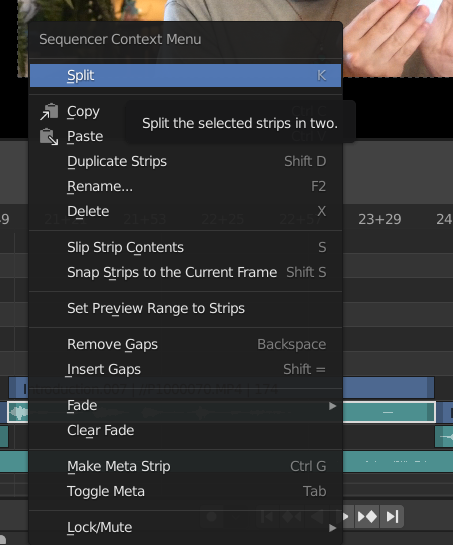
It's not uncommon to need to remove noise from recorded audio, especially for a vlog. Since Blender isn't an audio editor, it has no tools to remove noise from said audio. Hence the need to be able to open an audio track (or multiple audio tracks) in an audio editor that can remove noise. This can be accessed on the user side by right clicking the audio and selecting "Open in external audio editor". If a default audio editor has not been chosen yet, this will instead take you to the appropriate place in the user preferences to set a default external audio editor.
2 Comments
This add-on will allow you to pipe audio back and forth between Blender and Audacity: youtube.com/watch
* @ tintwotin * Oh, thanks! this cuts Sony Vegas out of my workflow by about 90%.