
Locate Object User
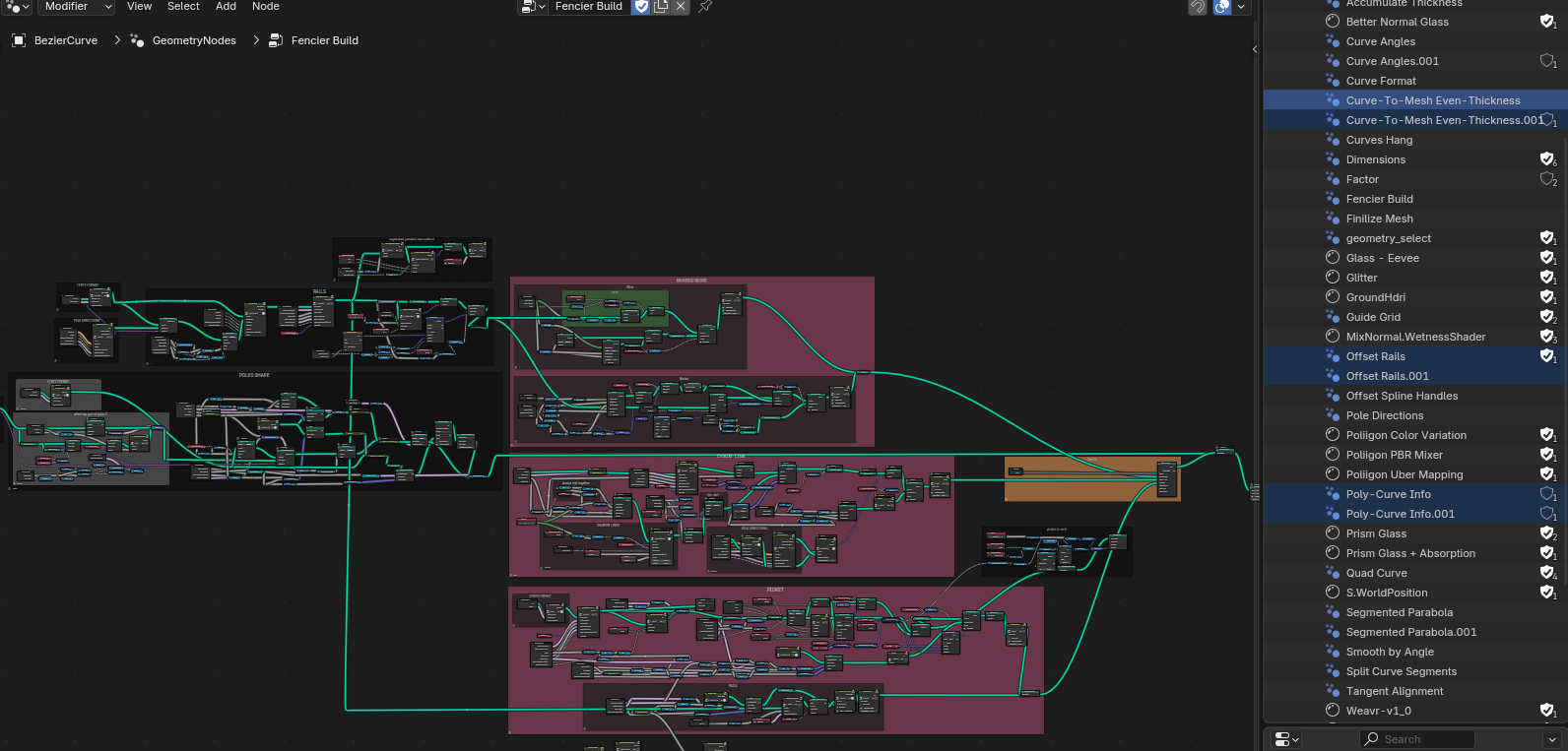
It is very difficult to know where the duplicates of the node groups are in some extensive node trees sometimes. I append a lot of node groups to the main file, and as a result they get duplicated. The 'Select>FInd Node' menu is good but it can't find nodes within node groups and this search task can be quite painful. I wanted a way to locate where the user of an object is, not only nodes, but anything that has an user. A right-click 'Jump to User' or something like that would help.
4 Comments
I think this feature needs to be added. I often optimize my project size, but I keep finding duplicate or random objects and I have no idea where they're being referenced. This feature is definitely necessary.
I think it should be a hierarchy like in Houdini. Although groups and subobjects work in very different ways, of course.
Hello, while this is a great feature idea, and I definitely would love to see this feature added to the future versions of blender, I'd like to invite you to add all your custom node groups, the ones you often append into your file, in a folder and locate this folder in your asset library. Of course, set those node groups as "Assets" in the original blender file. This way, you can call those node groups any time in any projects and have them as packed or linked, no accident duplicates garanteed.
You maybe knew this already, but just in case, I hope I was able to help :)
Yes, I know that, but I append nodes that I already in the file, that way they consider as duplicate. Even with different names I still need to delete the old ones, so this locate user would come in handy.