
Invert selection on mesh.
If i have an object mesh made of many items, which i almost always do. i almost always want to invert my selection but ONLY to the attached geometry.
I am a former MODO user, we have a tool like this, it's PRETTY freaking invaluable. Can we please get this selection tool. In modo it's just called 'Invert on mesh'.
Here's my selection
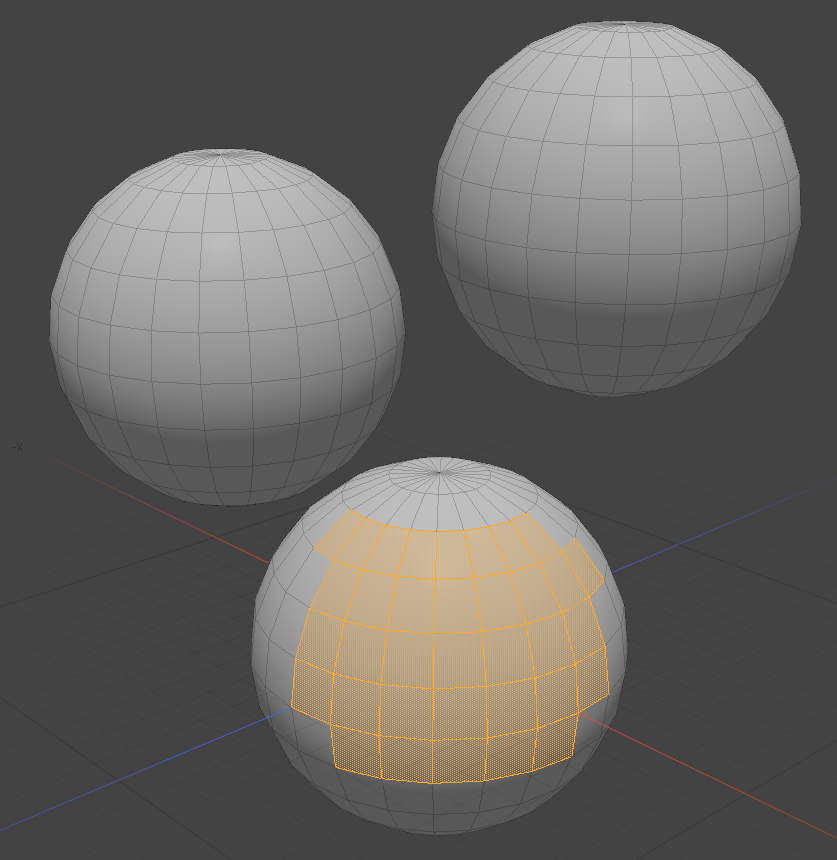
I inverted the selection on mesh and the other objects are not selected. MASSIVE time saver.
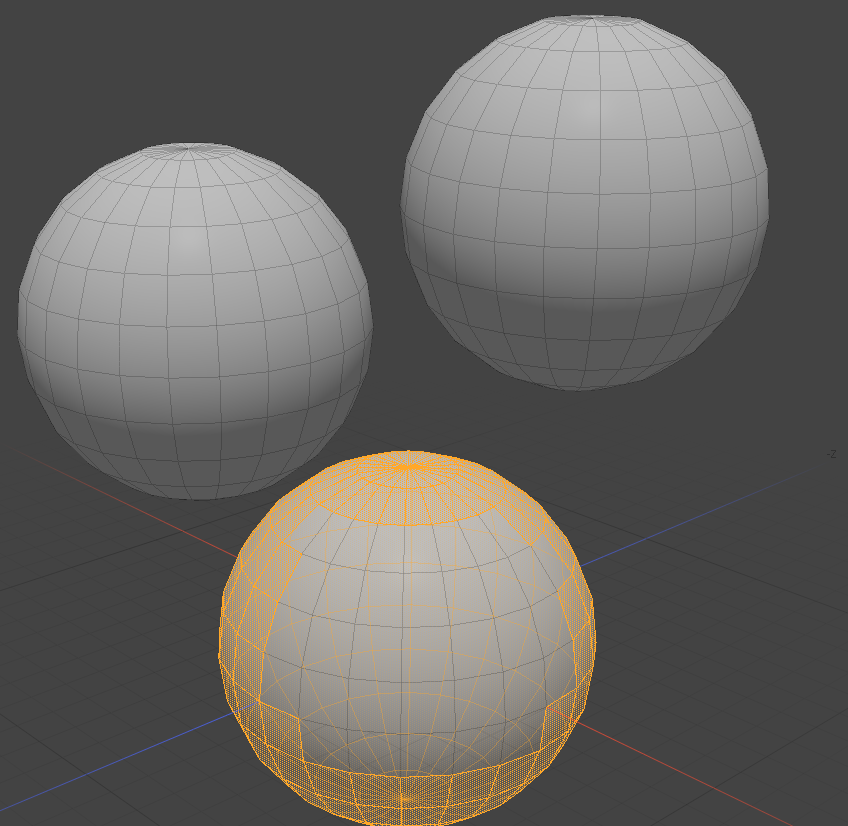
9 Comments
You can do this by using Select Boundary Loop/Select Loop Inner-Region. You could also make simplest custom python operator to use them both as single action or use some other addon which allow to create macro operators (eg. PME).

Ooooh I didn't know that one 😮
Though It would be nice if there was a dedicated operator, or at least an option for inverting the selection on connected mesh.
Also a simple way to create hotkeys for marcos and custom scripts out of the box.
@IIIFGIII - This is unrelated, but what did you use to record your screen? It did an excellent job. Also, that was a great response to Danny Husk's original post. Thank you!
Share X - its free, can do lot of things, do them good and has lot of settings.
Kekit addon has "select inverted linked" as a former modo user you definitely need this addon
Editing multiple meshes in an object reduces the number of objects and makes the objects better organized, but a single mesh cannot be copied (alt+d) mirrored, and modifiers cannot be used. There is much more than that, such as deselecting a continuous mesh, including no invert selection on mesh. So in my opinion the best way is to separate the mesh into a temporary object and merge it back after editing. Merging after separation will not change the original object, which I think is a great feature of Blender. I am not opposed to adding more features, but it may not get a good entry. If I have to look for it in a long list, I don't think I will use it. PS. I am learning English, thank you for your tolerance.
I'm not at my computer, I'm going to look at this, it's possible this is a temporary workaround but I'm still looking to have a dedicated tool to invert the selection on the mesh.
ctrl + I = iNVERSE SELECTION
The proposal is about inverting the selection on connected mesh only .