
bevel and roundy effects option in mesh filter tool
look at this mesh
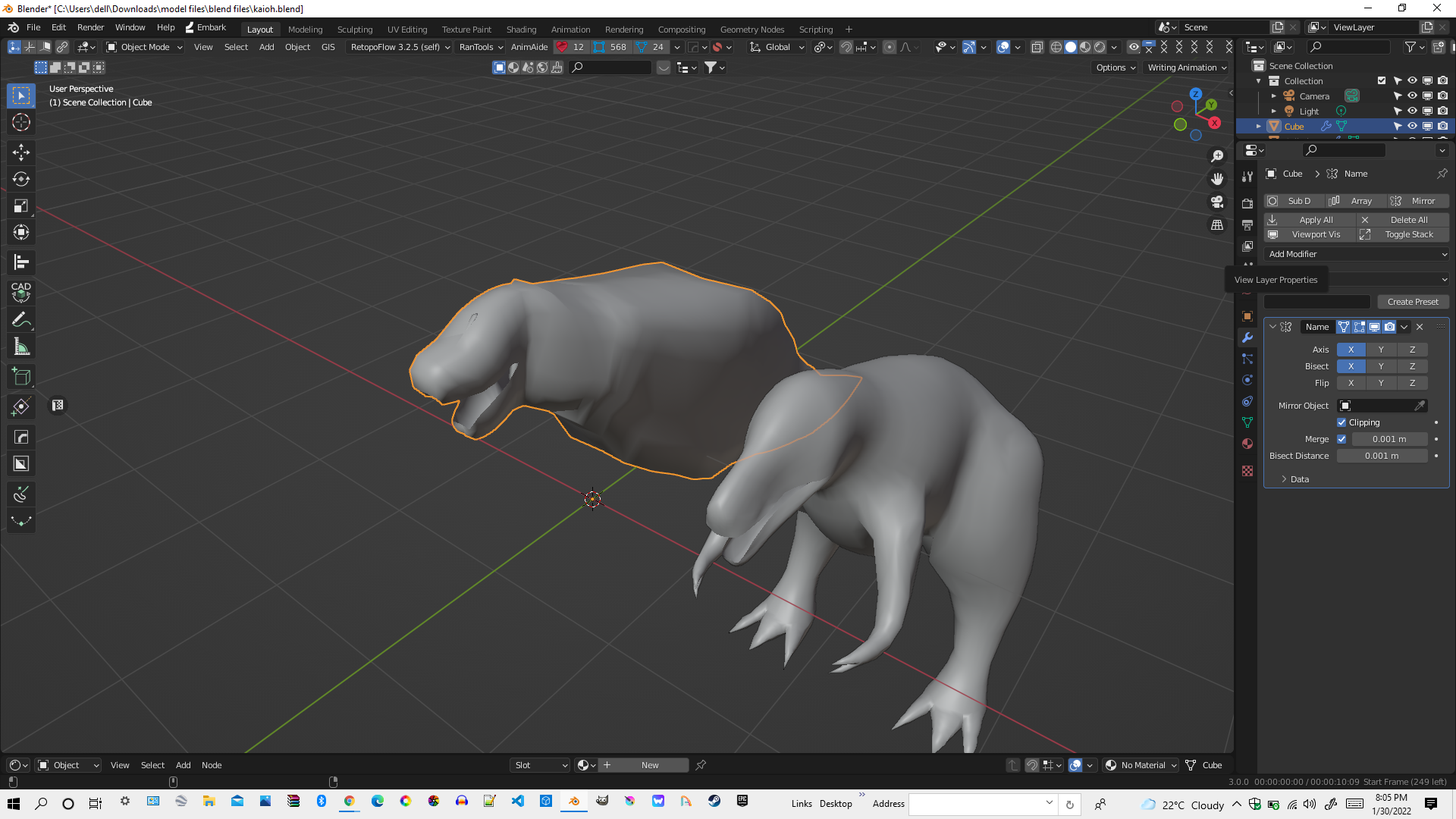 one is blocky and the other is roundy smooth
sooo i suggest a bevel effect in the mesh filter section it wont bevel the mesh but it will make it look like that it has been bevelled by using the multiple amount of edges the high poly mesh has and i know you can do this yourself
one is blocky and the other is roundy smooth
sooo i suggest a bevel effect in the mesh filter section it wont bevel the mesh but it will make it look like that it has been bevelled by using the multiple amount of edges the high poly mesh has and i know you can do this yourself
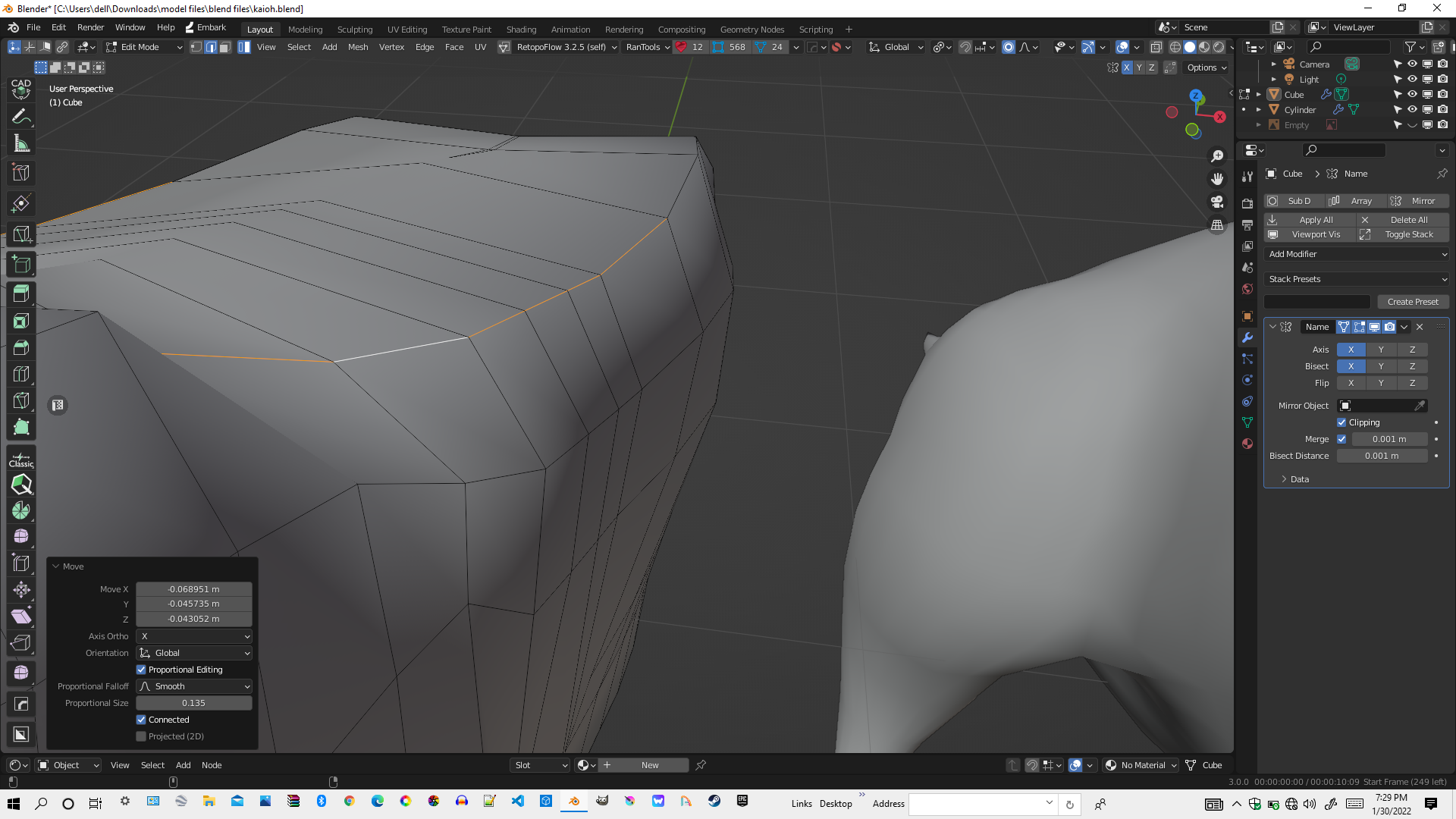
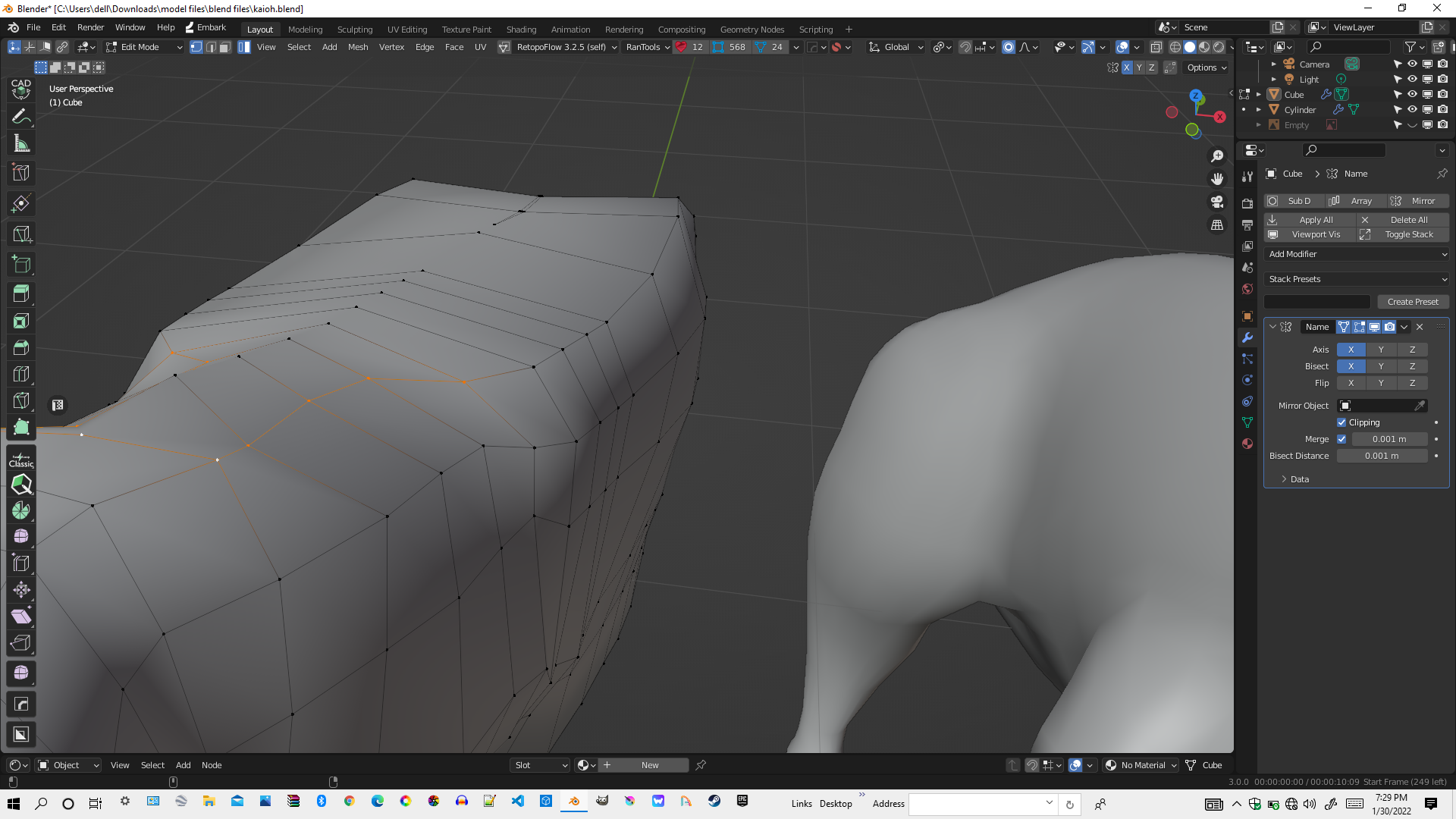 but doing this yourself is painfully hard due to the time it takes
the roundy effect on the other hand will manipulate all the edges and circulate them(like loop tools) so the blocky mesh on the left will look roundy like the one on the right these two effects in the mesh filter will really be helpful so please add them
0 Comments