
Improved UV Transferring Tools for meshes with different topology
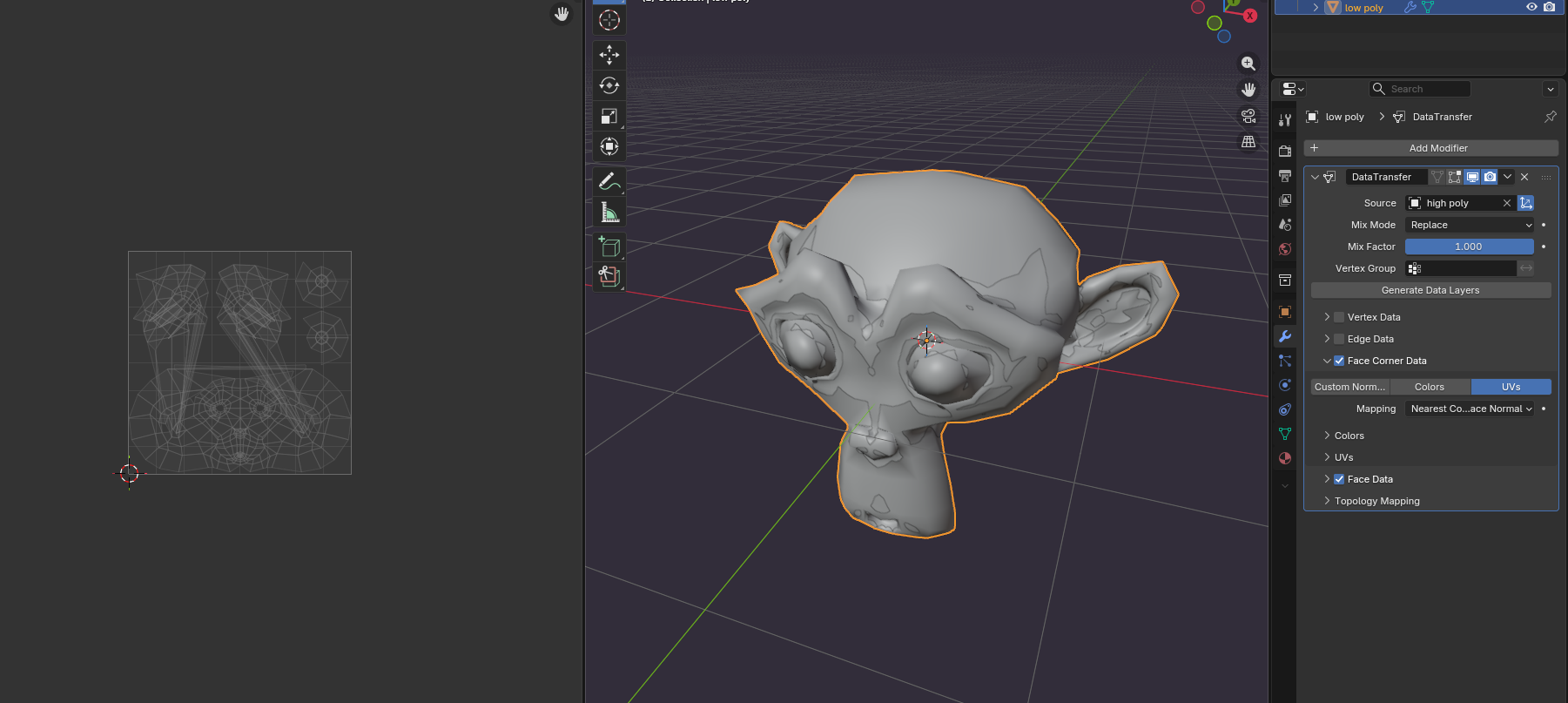
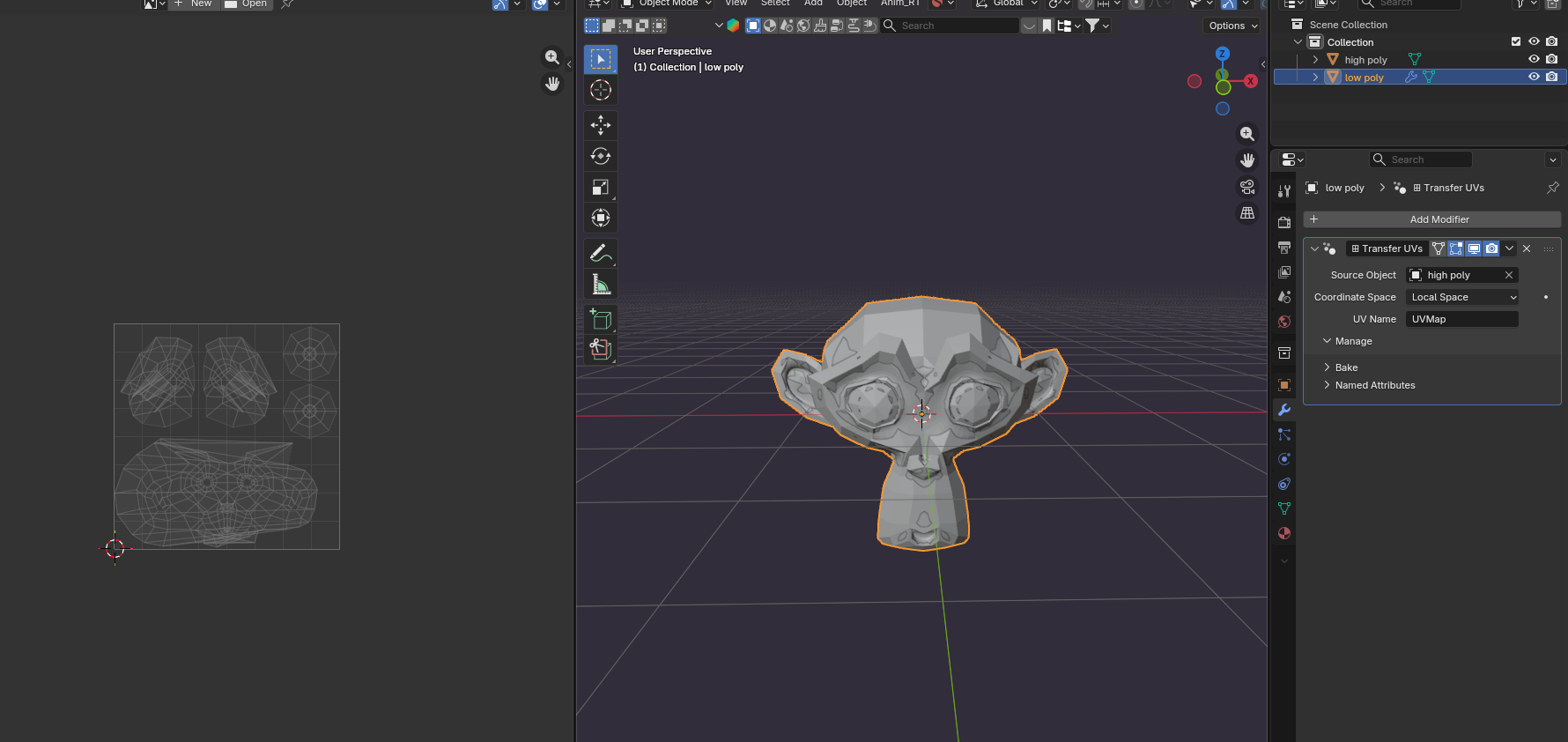
One big roadblock in many of my projects has been a general lack of UV transferring tools that work well at a mid entry level for less technically advanced knowledgeable people like myself, I've tried the UV Data Transfer modifier, toggled with the settings and etc, but I still have a lot of issues with it, I even tried a geometry node addon I got recommended to me ( youtube.com/shorts/8gcIyunv8Kc ) but still ran into several similar critical issues.
The main issue being the overlapping UVs, I am aware that it has to do with where the borders of the mesh are compared to the mesh it's getting its uv data from, but getting it to overlap exactly is extremely difficult from my experience (haven't gotten it to work so far well), and in many cases it's also undoable due to how dense the mesh can be. But what is interesting is that it can still setup the UV Island positions well, it's more so the stretching and overlap that are issues. I know one could recreate the seams, and then unwrap, but I wouldn't know how you'd match the size and projection of the original UVs then.
You may also be asking "Why not just bake your textures onto a new UV map?" this is not always doable, for example when working with LoD models, the texture staying consistent can be pretty critical, or when working with a lot of textures (recolors, variants, special texture maps for games that utilise RGB channels for specific shaders in some game engines etc) so texture baking wouldn't be a viable option in those instances.
That is why I'd like to see a focus on improving the toolkits and making them more accessible for UV transferring for more accurate results and additional supported tools for fixing up any issues that arise from it.
0 Comments