
Change position of modal operators' info
PROBLEM
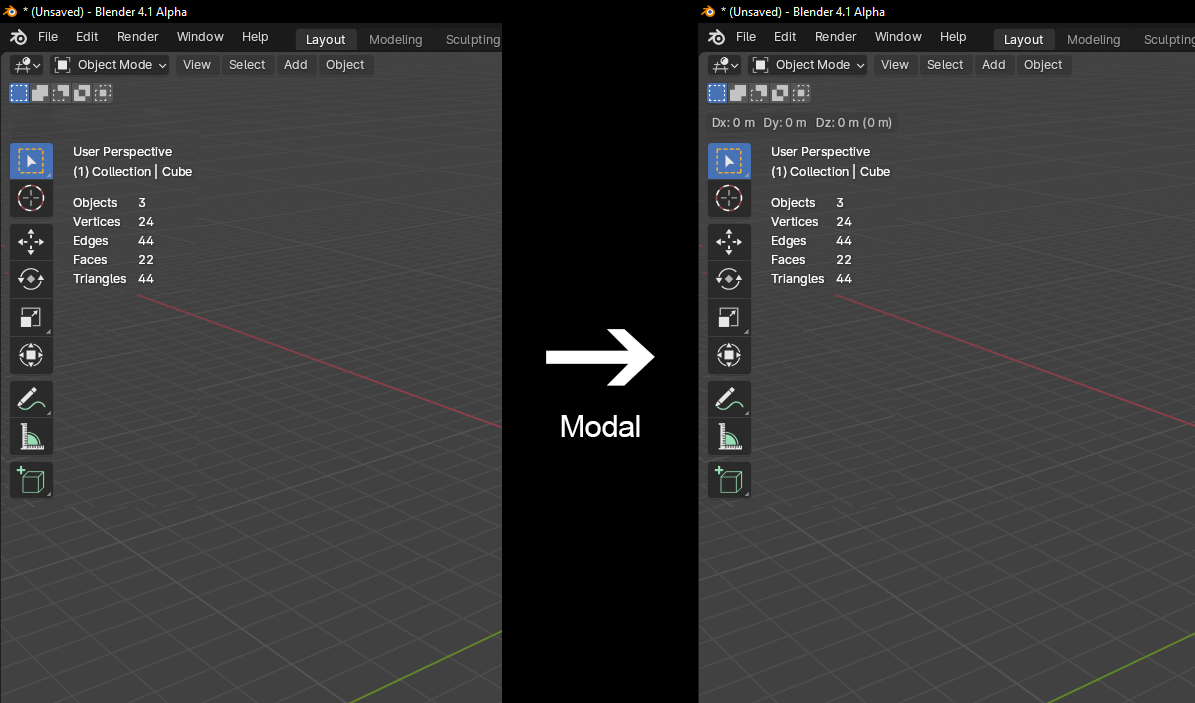
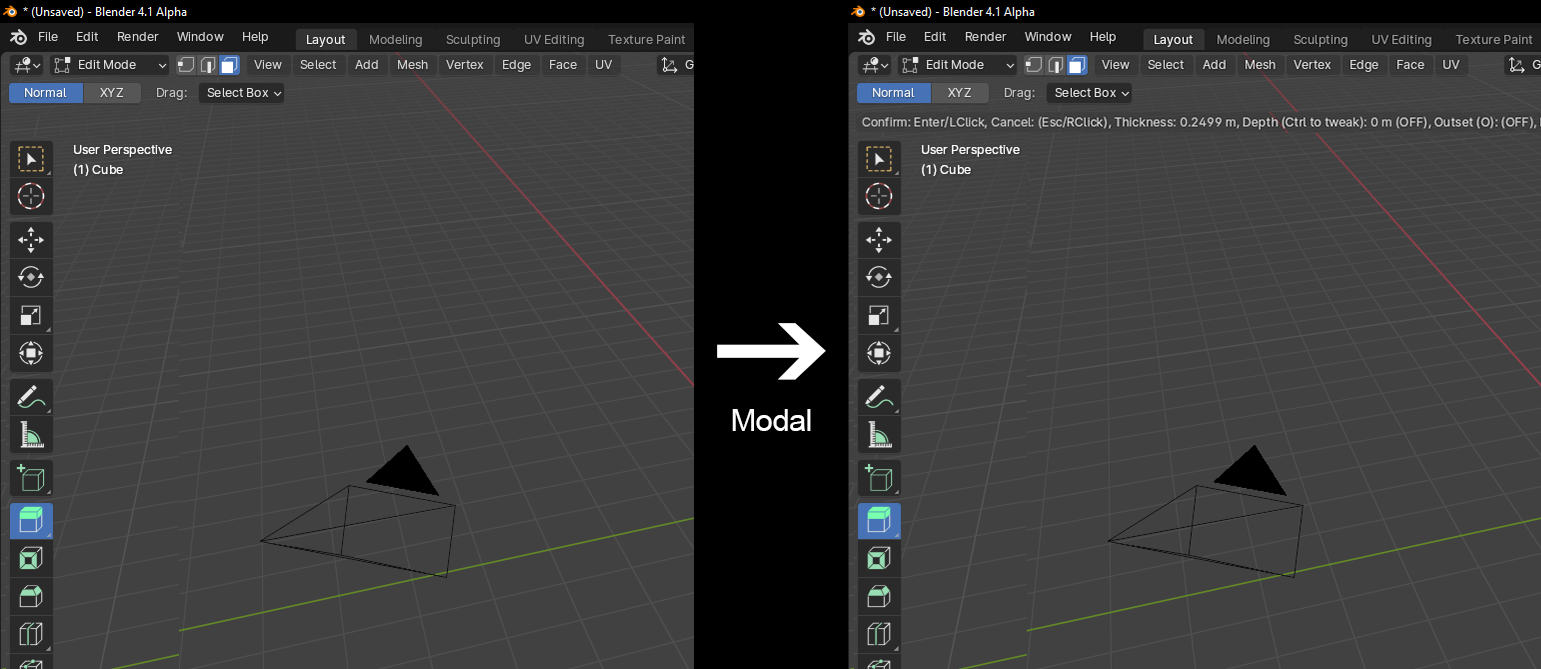
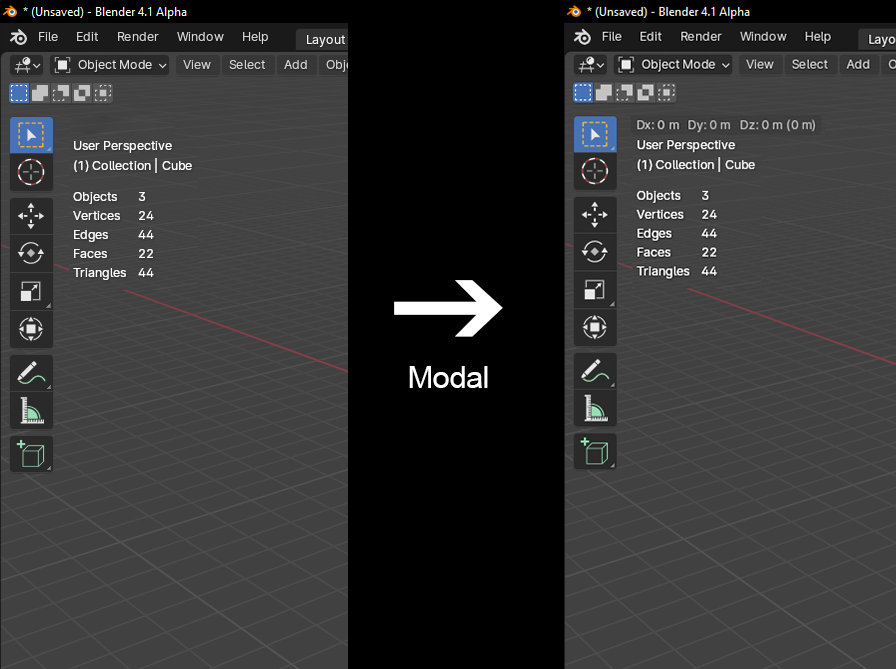
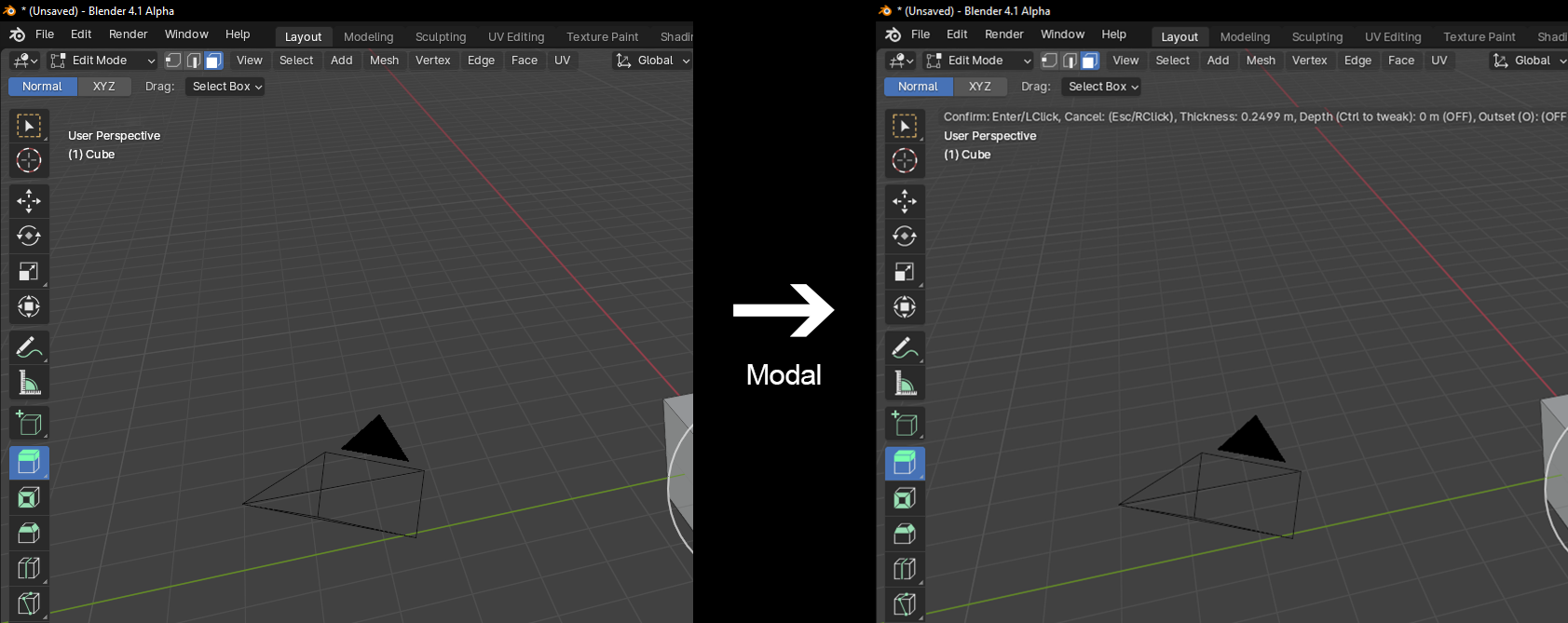
When using modal operators, the info displayed makes the Tool Settings bar disappear. While it's not technically a problem, I think that UI wise the vanishing of this bar it's not the best.
(Using Blender version 4.1)
SOLUTION 1
Move down the Toolbar and statistics overlay to give space to the modal info.
SOLUTION 2
Move down just the statistics overlay to give space to the modal info.
3 Comments
I don't really want the stats encroaching even further on my screen real estate, and I'm honestly fine with the modal ui being rendered instead of ui that you can't use while using the modal anyway
A problem with this proposal (and many other, including some of my own) is that they are too 3D Viewport focused.
The main reason why the header is used for modal operations is that every editor has a header, but not every editor has stats overlay (or other places where it has been proposed like the redo panel, footer, etc).
True. I didn't think that there are also animation and node editors that use the header for this. I just wish there was a way to display info without making things disappear.