
Labeling Manager (Sign Shop)
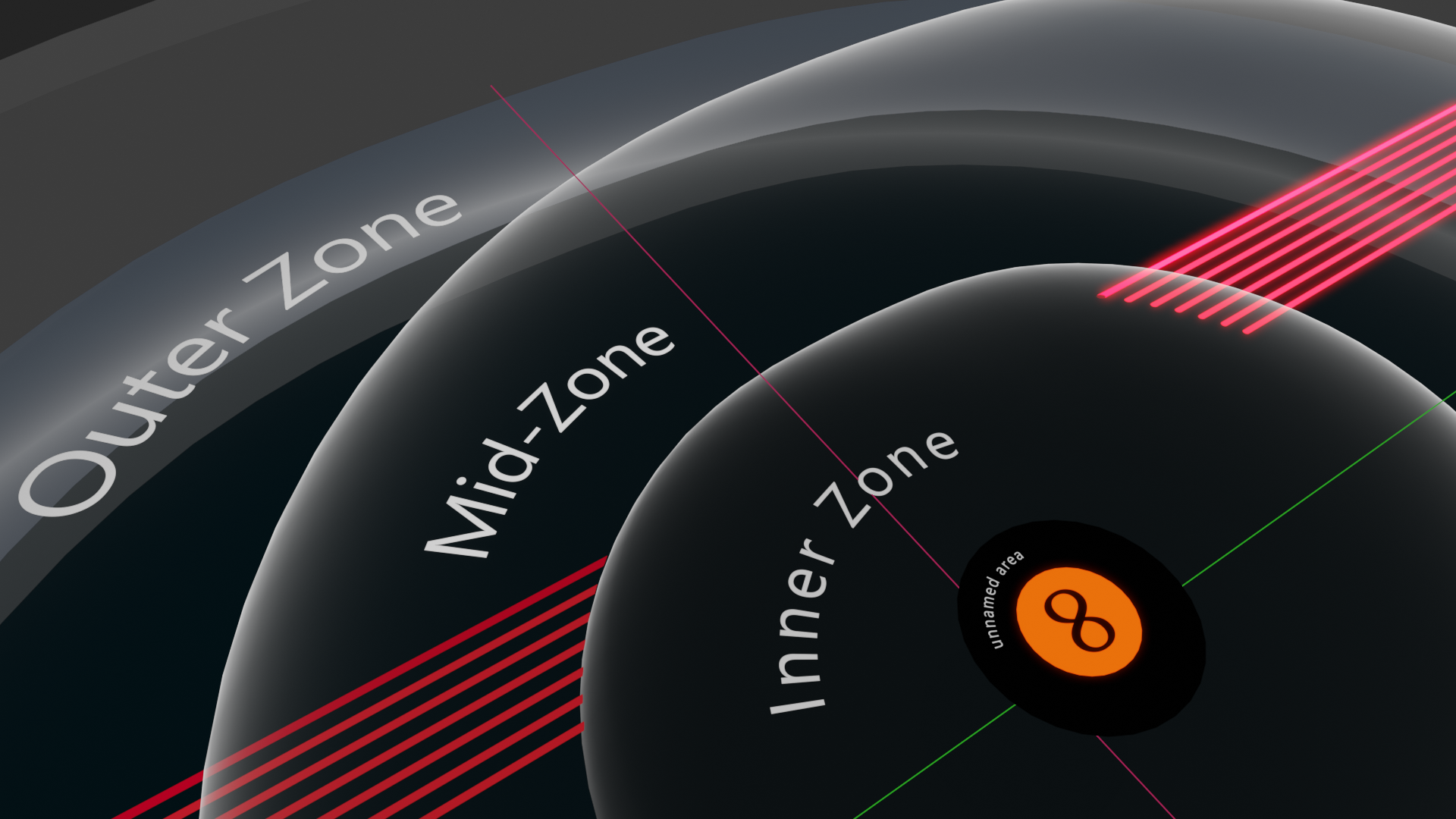
Educational textbooks and videos require labels to describe the elements of photos, diagrams, and models. Labels identify objects, sections, processes, pathways, people, and other parts of the visual being taught. DK books have cool graphics with labeled objects. ("Label" in this case refers to a text word sign meant to be rendered, not the general Blender meaning.)
Label making is difficult in Blender. There may be ways to make it easier with add-ons. A Labeling Manager add-on might be a variant of Blender's outliner.
The Manager will let you change the wording and spelling of labels that edify models. If you want to change "7th Circuit" to "Circuit Seven," you reword this, and other circuits, right from the Manager. Changing all of this text from within the model is tedious and allows for errors and inconsistencies.
Another of this Manager's features may help educators make labeled models readable by people in various languages. The interface can display a table (spreadsheet) of text entry boxes. The user enters label wording into rows in the original language. Adjacent columns will be filled, manually or automatically, with translated terms for one or more other languages. Some models can have dozens of rows for their many sign-labels. This table will let a presenter immediately apply a translation to a model by clicking a checkbox.
The Manager should also allow for simple alteration of text properties—font, size, curve, backface culling, and so on. This is possibly related to what might be termed "Text Nodes."
A sign-anchoring system can also optimize the pointers connecting the label terms with the elements they mark. Standard pointers can be offered and customized as needed.
This Manager's utility is clear, especially for projects dealing with a high number of sign-labels that need multiple language translations. A centralized Labeling Manager or "Sign Shop" is almost mandatory to express a labeled, modeled vision in a worldwide way. I estimate that others could make good use of this feature as well.
As usual, if this is already being worked on, thanks!!!
4 Comments
This is overly specific to your personal usage. You'd have 10 million times more luck just hiring a developer to make this feature for you.
* @thinsoldier * I agree: it would be a good feature, but of very specific usage. IOW, good idea for a plugin.
So, this is a summary of my proposal:
a) Permit wording changes for TEXT objects from the Outliner
b) Incorporate a spreadsheet for easy TEXT translations
c) TEXT Nodes
Thanks for the suggestion about the Decal product. However, it isn't that hard for me to float or project text. The problem is in managing a hundred TEXT signs and translating the model into three languages besides English. The proposed functionality would make Blender better, not worse. I care about Blender and support its funding, but I also like to contribute ideas when I can. Pablo Vazquez discussed TEXT Nodes with Dalai Felinto on a recent Blender Today. The spreadsheet concept is already progressing in Blender. And being able to alter TEXT in the Outliner is just a good idea. I realize these things won't happen immediately, but they will happen. Maybe not if Blender becomes a specialty product for making cartoon animations. But I'm almost certain that this is not what Ton has in mind. For educational models and animations, labeling and translating are vital.
Use decal machine which have option of text decals also.