
Sculpt Mask Layers
THE PROBLEM:
When you sculpt something and want to mask something you can not store different masks and if you want to create a new mask you must abandon the existing, that's especially a problem when you had a mask at a place where its difficult to mask out like eyelids.
The current workaround is to use face-sets but that's not good because a Face can only have one face-set, you can't use different pen-pressures and they don't work with multiresolution-modifier. Another Workaround would be to use Vertex Paint and than mask the color but that also does not work with multires
THE SOLUTION:
Mask Layers in Sculpt Mode.
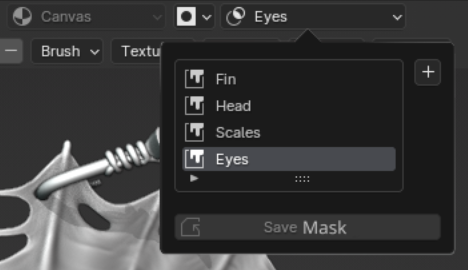
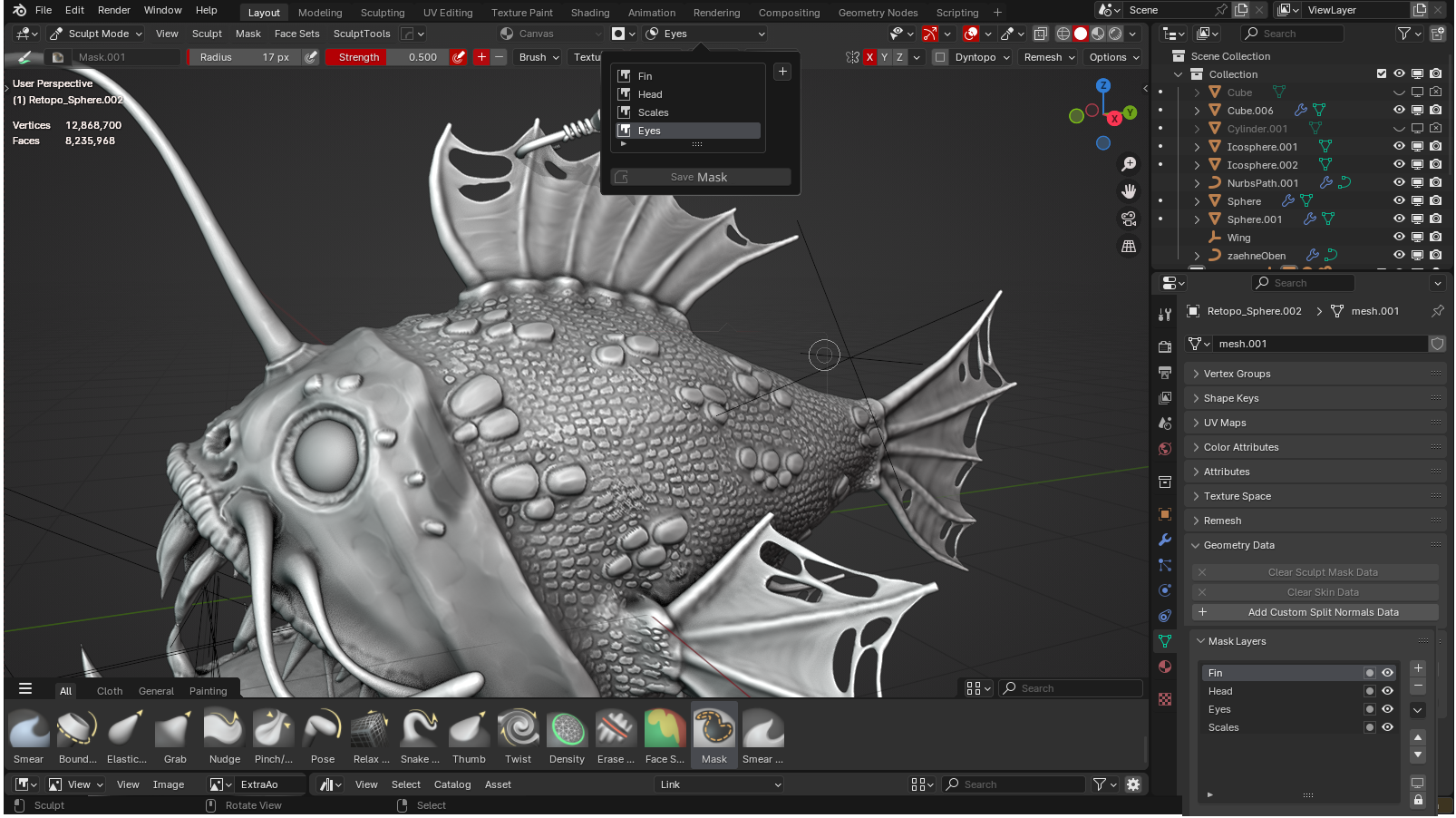 They could be accessed right aside the Auto-Masking Drop-down
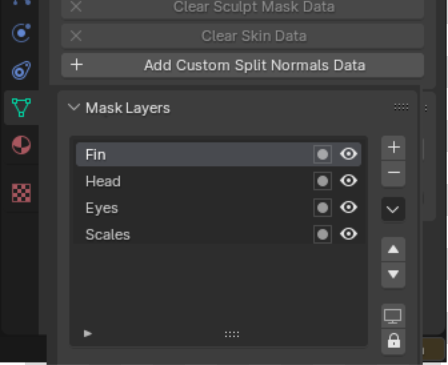
 or in the Object Data Properties
 OTHER CONSIDERATIONS:
it could also be an option to add the mask functionality to geo-nodes/node tools so it would be possible to build something like that yourself but i don't know if that would work with the multires modifier
1 Comment
Good idea... maybe combinable with my idea for a layer system within the Outliner... blender.community/c/rightclickselect/m2z9/