
Add "only render" option for viewport in 2.8
I know that viewport is frozen rn, but this was a very useful option in 2.79, I don't know what it wasn't implemented in 2.8 but I beg devs to look into it, pretty please

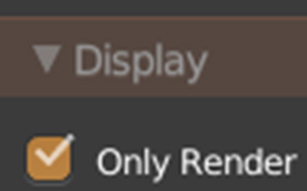
I know that viewport is frozen rn, but this was a very useful option in 2.79, I don't know what it wasn't implemented in 2.8 but I beg devs to look into it, pretty please
17 Comments
You can still view in the outliner which objects will be rendered and which wouldn't. I too don't know why its off by default. Its such a useful feature and having it hidden away in that little tab makes it harder to even know that it exists especially if you're new to Blender..
Regardless, I am currently a bit preoccupied but I'll look into if I can make a small addon that recreates that feature since I can't find it in the code either.
EDIT: I don't think I can do this after all. It was probably removed due to the changes in the way Blender handles scenes and viewports.
* @MizManFryingP * He is not talking about outliner rows, but ability to change viewport to "view as render".
I know what he is talking about, I'm trying to help work around it for now.
What if "hide unrendered" were an overlay toggle? That way the 'toggle all overlays' button would effectively do what you're saying. I agree this should be a feature, making render previews for my work should be easy to set up with a single tickbox
Voted... another feature that prevents me from switching to 2.8.
Hell YEAH! Very needed, as well as the Viewlayer preview while in rendered mode as it was in 2.7x
Not as convenient as the old toggle, but here's a script that adds an operator to the view tab to hide all the render restricted objects in a scene.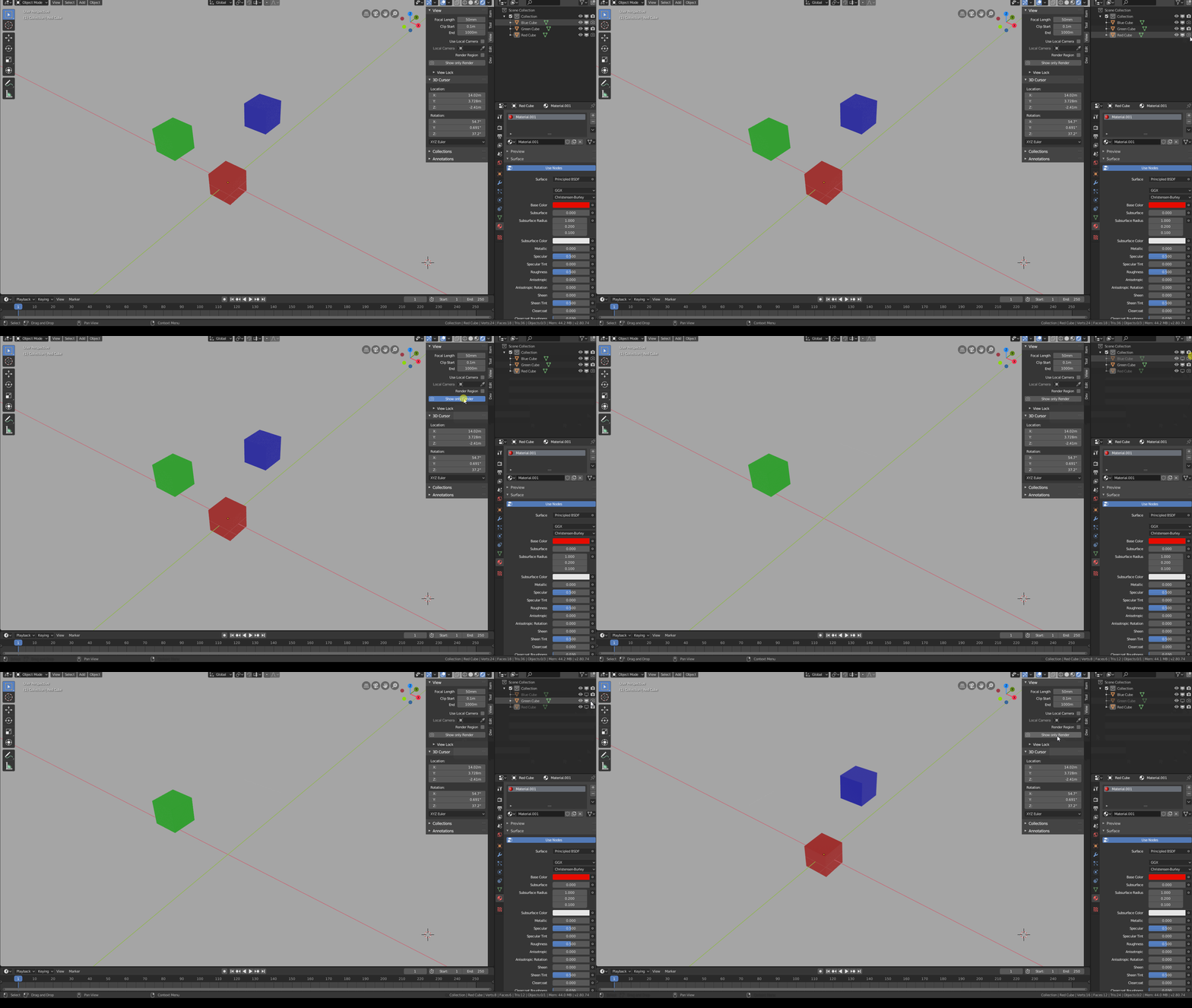 {attachment only_renderpy}
It would be nightmare too if you render some service objects to many frames, isn`t it? Use render layers and collections please, and you would never mix actual objects and service structures. Ok, I see the point: visual preview what will be rendered. But you can still select all non-render objects, send em to one collection and hide it from render. And you can hide this collection anytime inside any layer or window… {attachment 3290612jpg}
* @ Vyacheslav * Collections don't help a multi window setup where you wanna have a quick glance to check out how your entire scene is doing (if collection visibility could be configured for every window, then yes this could work). But still having a single "only render" button as before is the quickest and easiest way to solve all these issues
* @Vasyl *
This is now the "Overlays" button. Turn that off from the header, and you have the same functionality.
* @Andres Stephens - Trinumedia * No, that simply hides the overlays. The Only Render checkbox hides the overlays and objects that will not show in the render. They want the latter feature back which I agree with.
* @MizManFryingP * Wait, haven't tested it, but wouldn't the overlay toggle hide the Render Hidden toggled objects too?
* @Andres Stephens - Trinumedia * No, overlays are what's drawn on top of the render in the viewport, like grids, gizmos, object lines, etc...
Objects shouldn't dissapear when disabling these, even when they are not renderable.
* @-L0Lock- * Then yes. There is a "view rendered only" workflow missing. You now have to link View and Render together per object.
So what you what you want specificly is some viewport mode which displays only rendered objects. I guess that would make sense as a "Only render objects" checkbox in the shading popover maybe?
* @-L0Lock- * Yeah, its not a functionality that a new user will use, so its okay if its hidden under menus