
Camera panel always visible
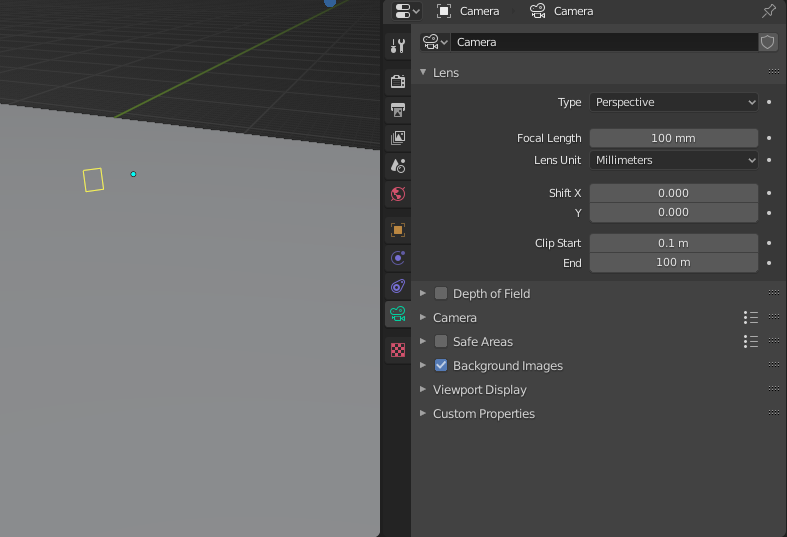
Why should we even click the main camera to adjust its settings? isnt it part of the overall scene most of the time? sometimes we dont even use all of the pannels in one scene, with this change we should be able to modify it on demand without unhiding extras, selecting from outliner, or selecting a camera that is far away; maybe we could even select the active camera from there also
3 Comments
Hi AnityEX,
all globally valid property tabs are arranged at the top and are always visible.
The camera setup is not always globally uniform. You can have several cameras in the scene, which are configured differently. Therefore it is practical that you can adjust each camera by clicking on it.
But I see what you mean. You can select the active camera very quickly by pressing NUMPAD 0 and then clicking on the dotted frame. This works very quickly, no matter where the camera is located. If you want to go back to your objects in the scene, click on an object and press NUMPAD " , " and you will be back immediately.
Maybe this could help you a little.
* @Henry Neumann * this helps thank you!
and what happens when you have more than one camera in the scene?