
Highlight objects in collection when the collection is selected in outliner
In projects where I have created a lot of collections, or even worse when a project file with a lot of collections is given to me, it can often be confusing knowing which collection actually contains which objects in the scene. This usually leads to me going through each collection and selecting one object to see where it appears on the model until I find the collection I am looking for.
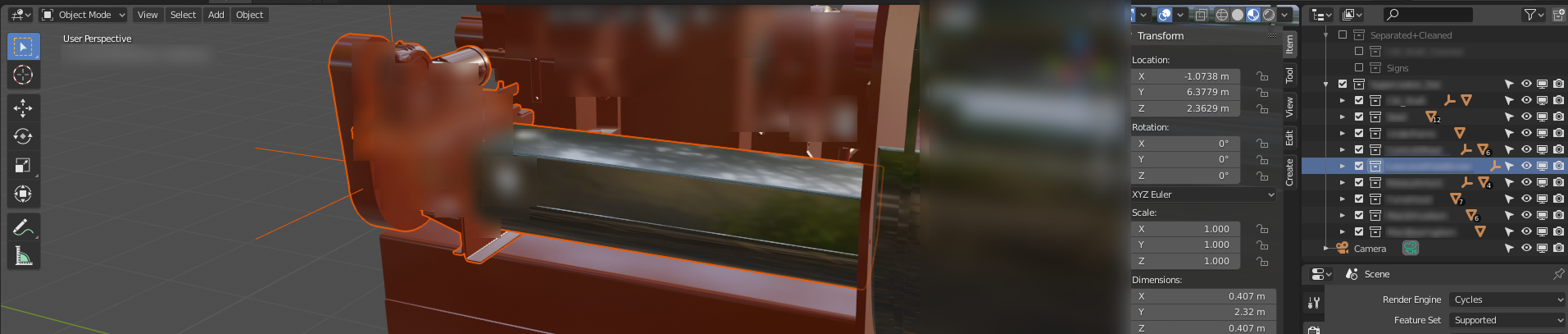
It would be nice if the objects in the collection were outlined when you click on a collection, or an alternative could be that they are temporarily outlined (in a different color maybe?) when you hover over the collection. I think this would make the process of finding objects a lot easier.
(also, ignore the blur in the screenshot. The equipment is protected by an NDA so I'm not allowed to show it)
3 Comments
Great idea!
I assume this is just so you can identify which objects are in a collection. Have you tried right-clicking on the collection and selecting the "Select All" option to highlight all objects? (2.81 introduced object selection synched between Outliner and 3D view)
* @ammusionist * You could, but that is just an extra step that you have to do for each collection you are searching through. It would be nice to just have it done automatically when you click on the collection.