
Automatic Zoom button in Node Editor's
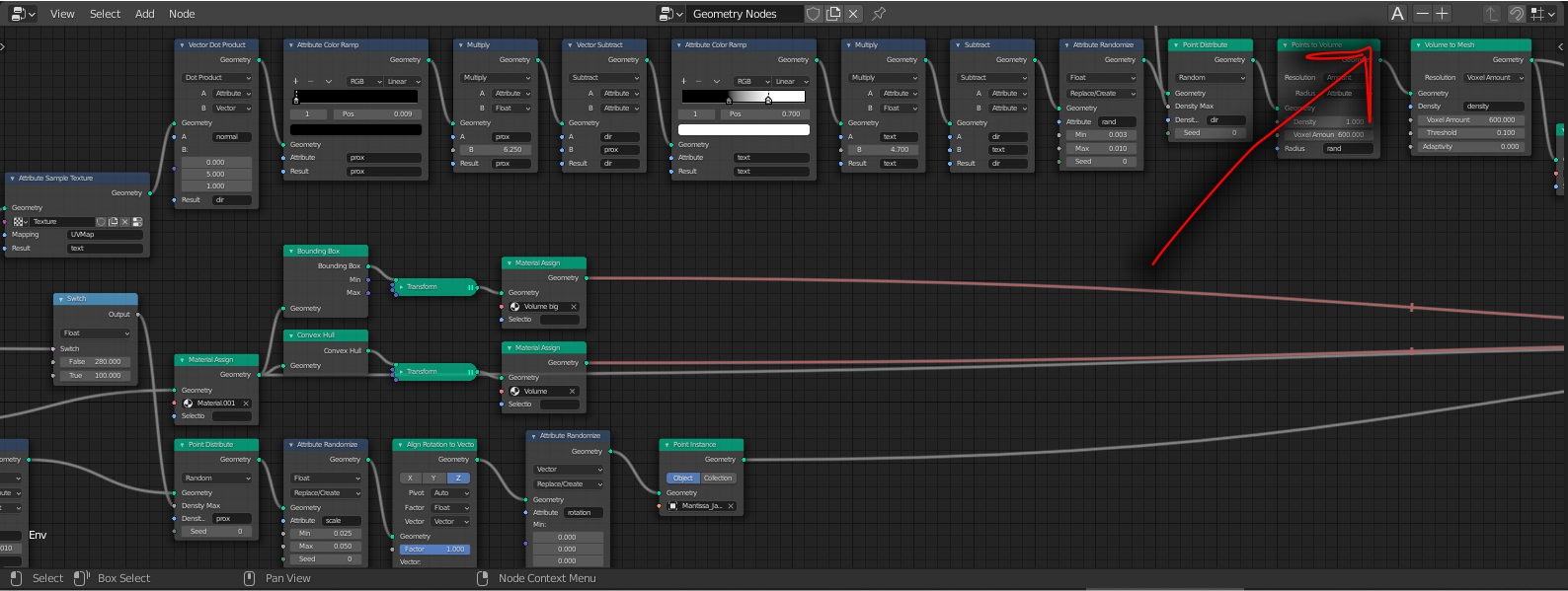
This is a button we really need for readability! When you click on the "Automatic Zoom" button blender zooms automatically out of the Nodetree so every Node is on the screen. The Shortcut for the automatic zoom or "automatic zoom-out" could be Shift+Spacebar or a+Spacebar The current one is the home button but it is extremely long gone from the left hand and isnt ideal. You could additionally add buttons for zoom in and zoom out for users that have for example no scrolling weel. This Shortcut is alredy there as "home" button but a visual button in blender would be nice
5 Comments
it is not «zoom», it is «Frame all», and there is already such button. Home. Same as for other editors.
I have no home button so a "software button" would not hurt
Pretty much everything exists somewhere in the UI, at least in the header's menu.
Since it's a function that manages the view, it is found in the View menu:
And if you can't find it or don't want to spend time for it, you can simply search it with the search bar, that will also indicate where to find it:
Finally, where from the menu or the search bar, you can right-click the operator and assign a custom shortcut:
As to the need of a solid button in the header, why not maybe… But there are so many things could be stuffed here depending on the task and the user… That IMHO, it would be better to have a system that lets user customize their headers on the fly rather than forcing specific buttons.
True thanks didn't known that after 3 Years of Blender lol
What a strange keyboard do you have? It is recommended to use full keyboard with Numpad. And if you want to be advanced user, 5-btn mouse will be good too, just to move context menu button to the 4th and keep LMR for navigation and selection.