
Rim option for solidify modifier
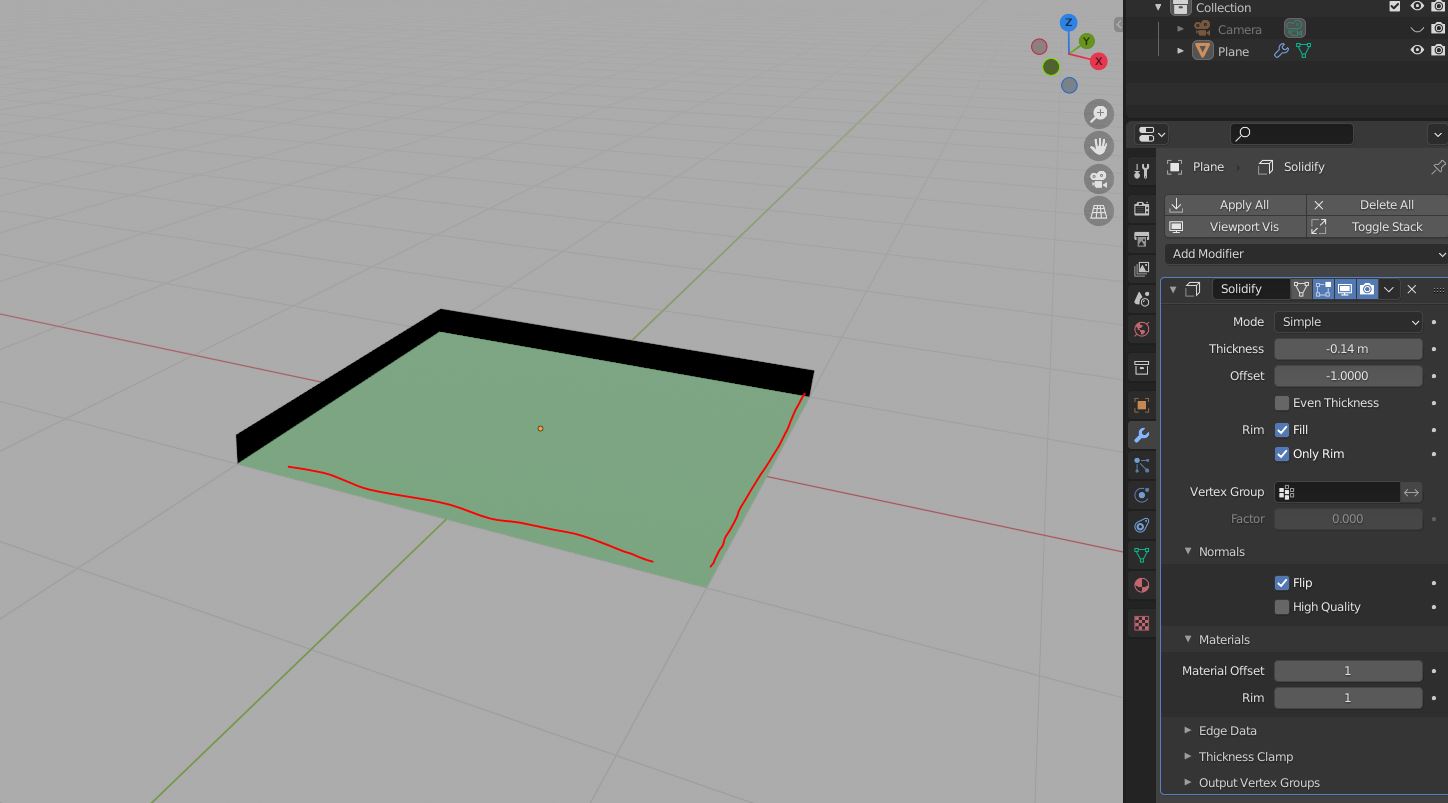
Hi, I really like Rim option for solidify outline for flat surface, I was wondering if its possible to add different material to this side of face as well so it will be rim outline all the way?
example instagram.com/p/CRxjCK3jf0Q/
cheers
4 Comments
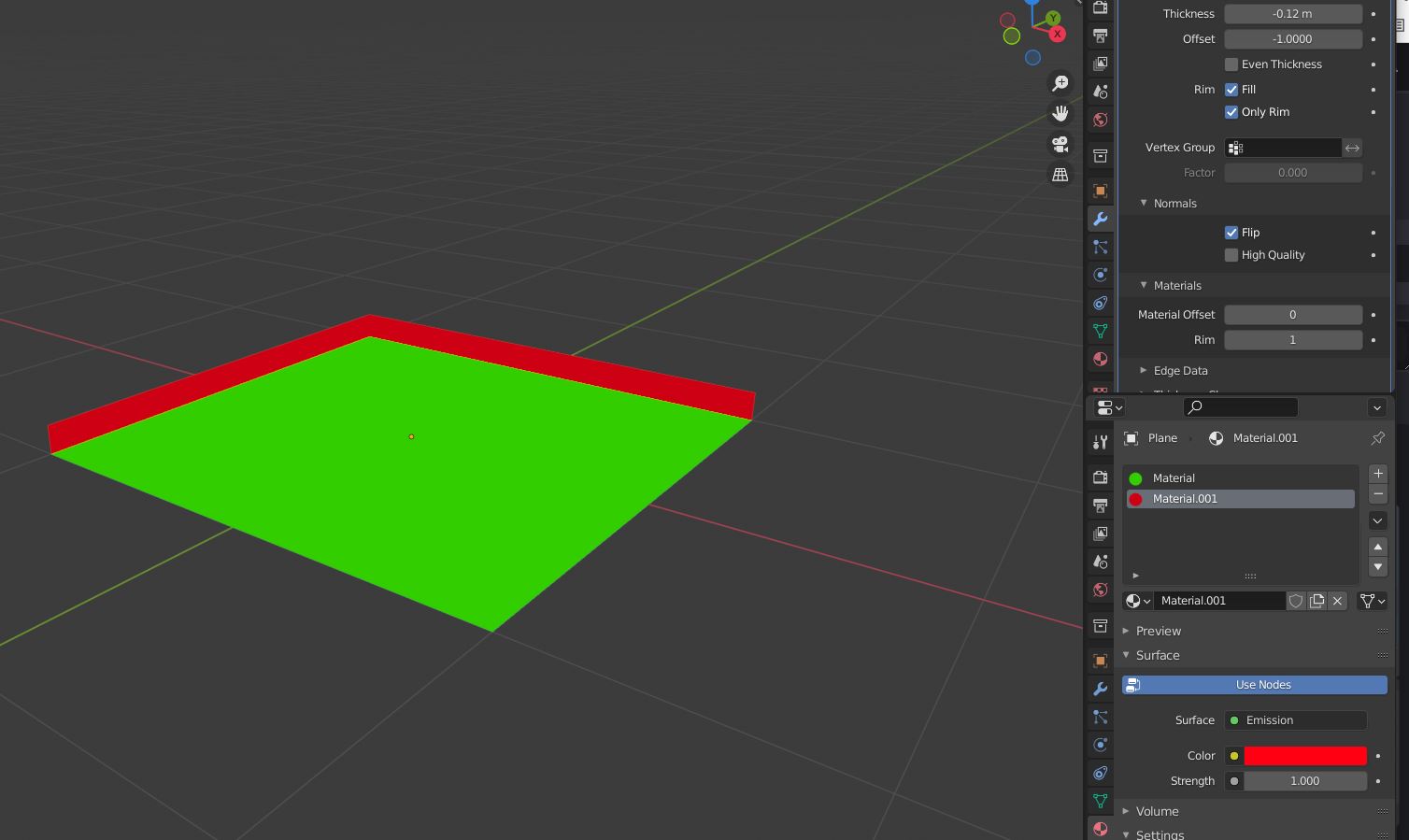
It's already there:
well not really, it does only 2 side of face. im hoping other 2 side too
hope you see what i mean
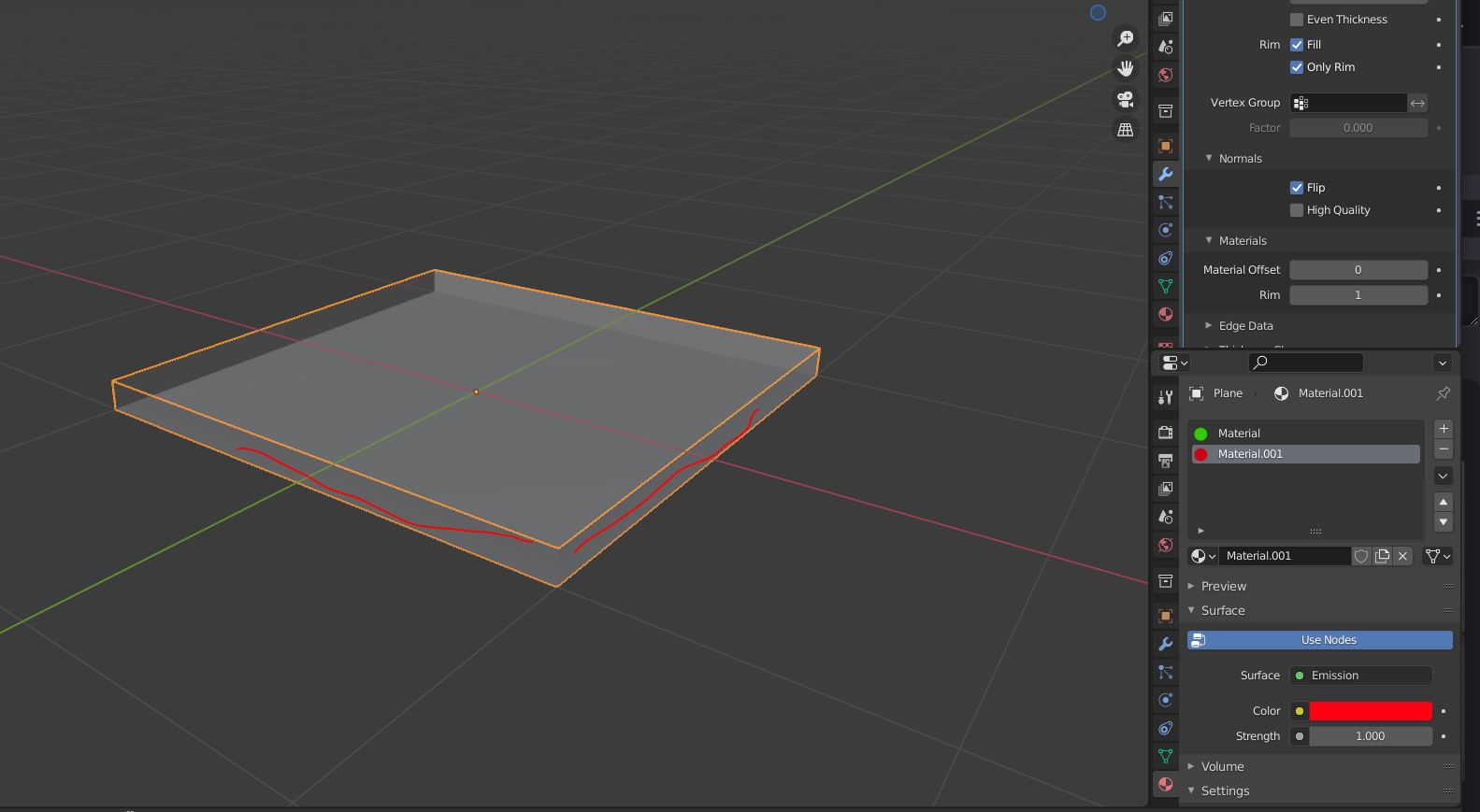
Right, that's because you flipped you rim's normals and enabled the backface culling in your viewport's shading options:
With the Flip option turned ON, it makes your Rim's faces upside down. Their normals are pointing towards the inside of the mesh instead of outside.
This, combined with the backface culling option enabled, it hides the backfaces of your mesh, giving you this result.
The quick solution for that is to uncheck the “Flip” option of your solidify modifier, in the "Normals" tab.
Also, if you don't need the backface culling in the first place, disable it in the viewport's shading option.