
Holes in Custom letters. (Vertices)
Hi, Everybody!
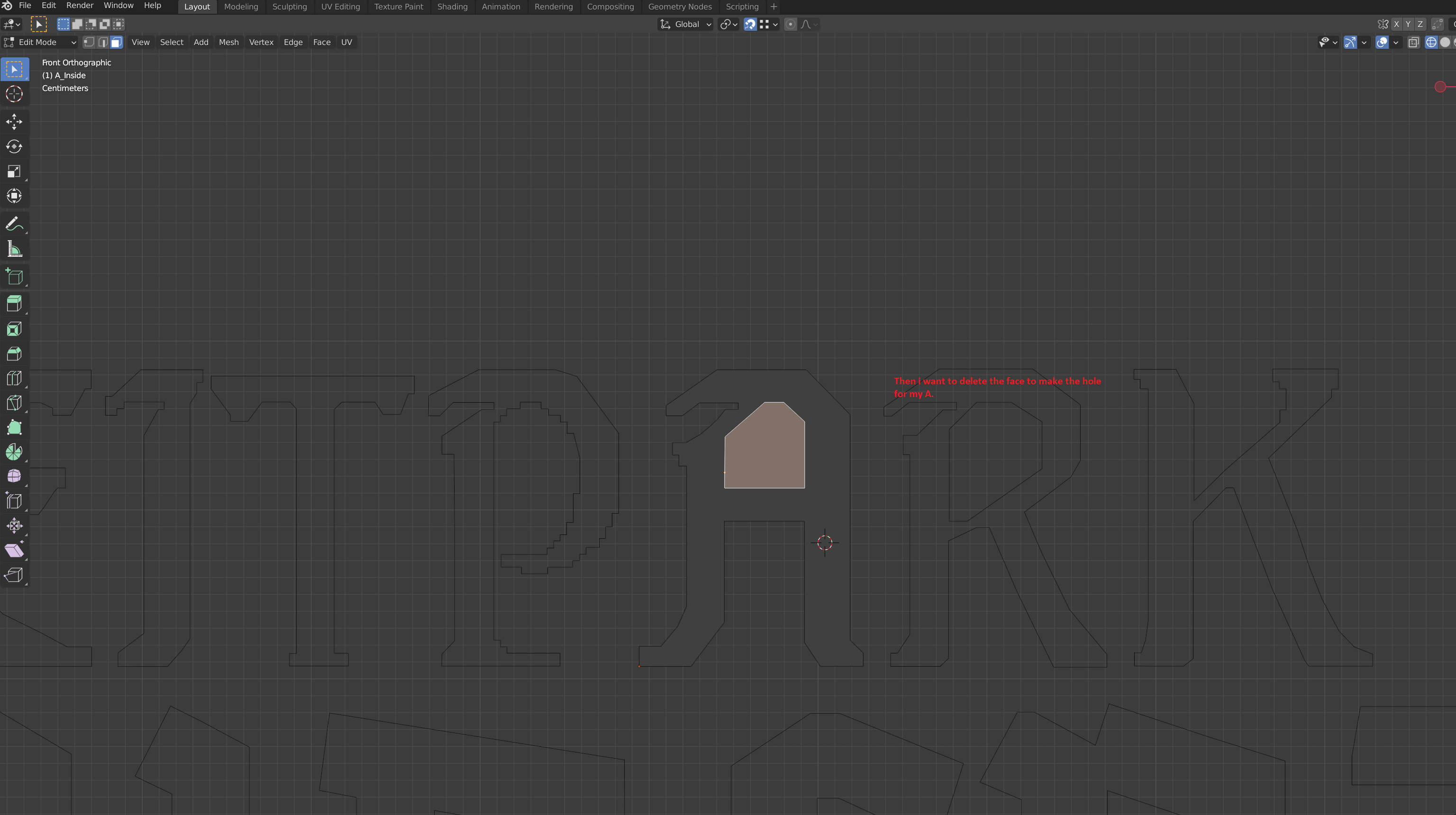
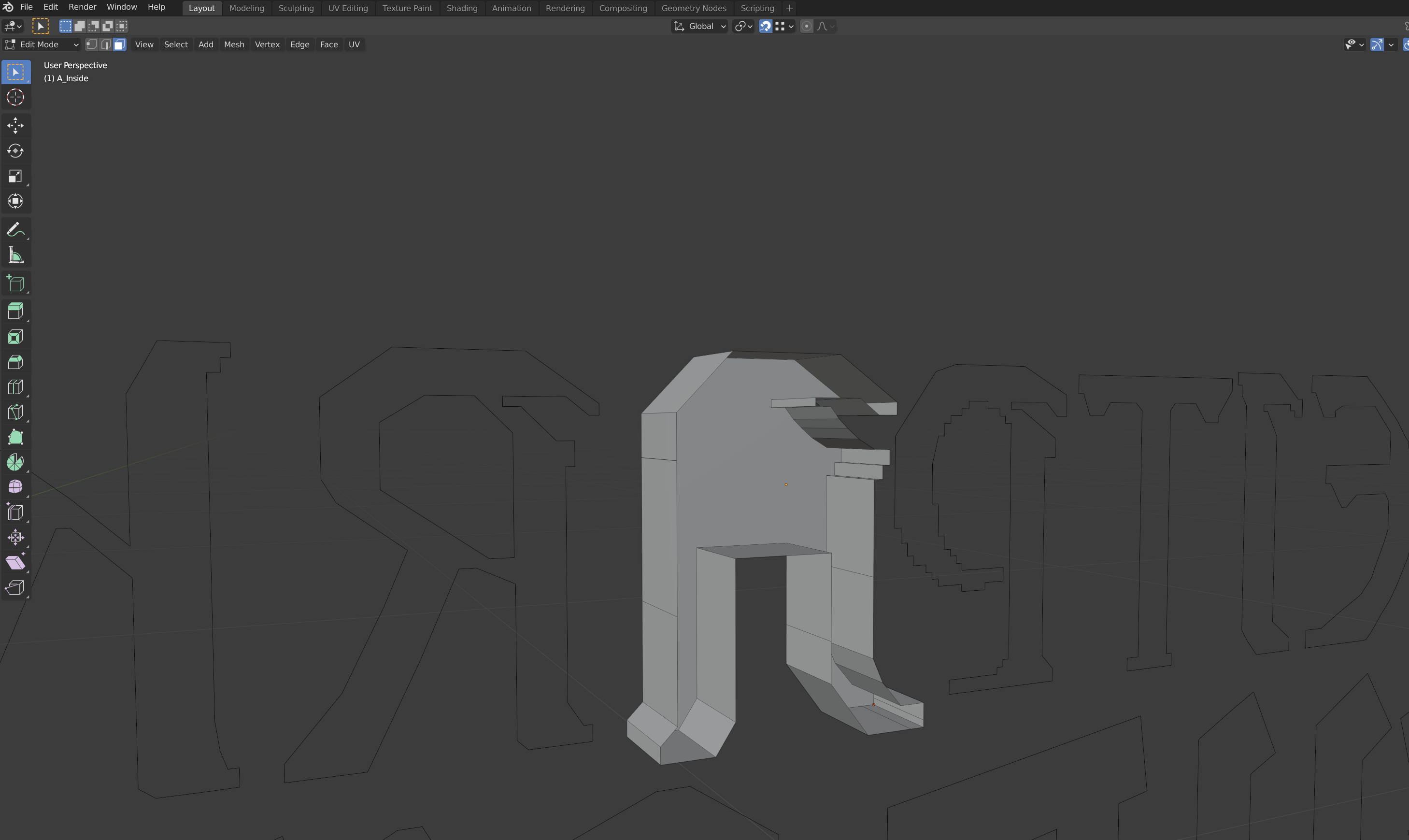
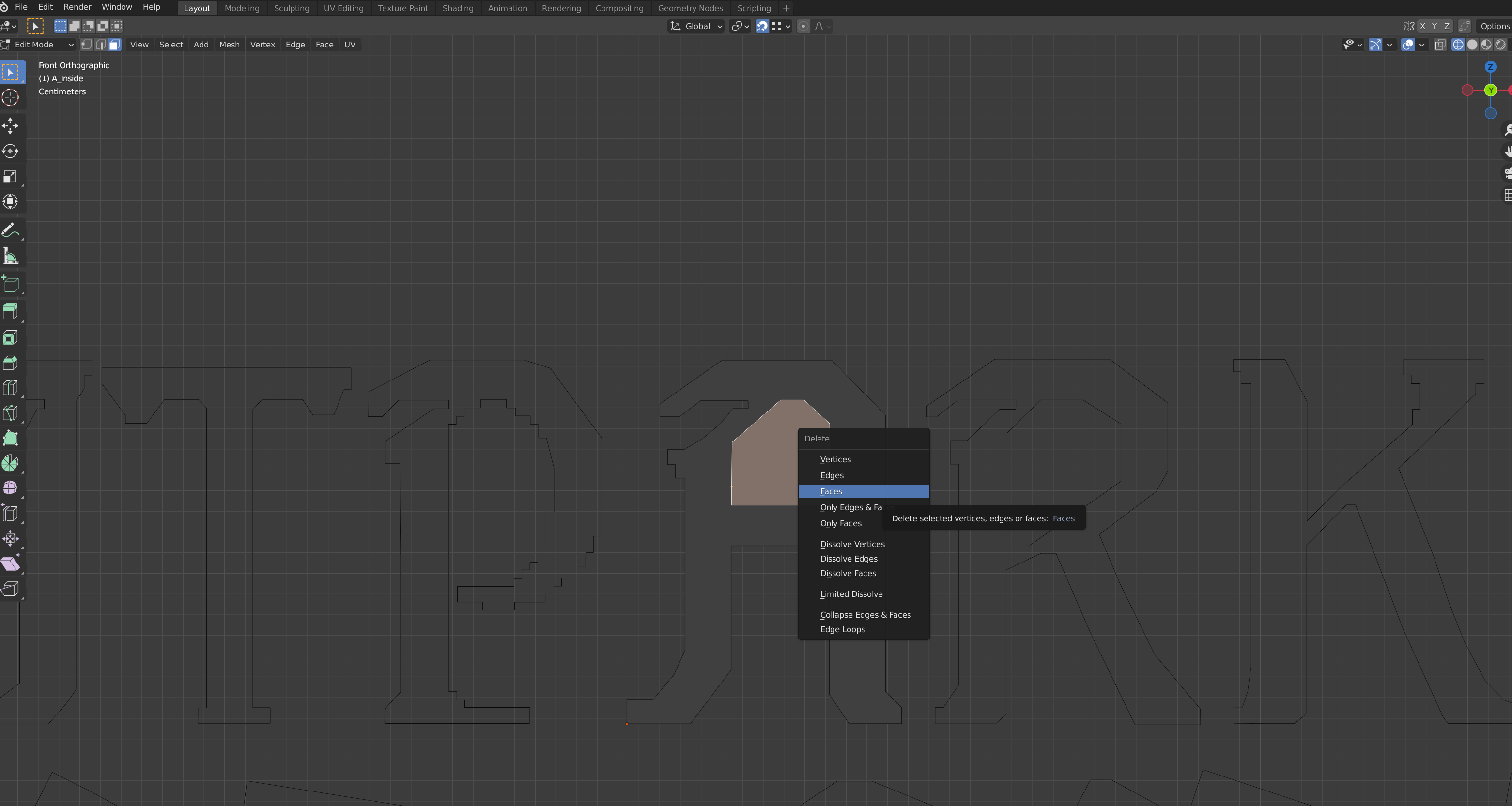
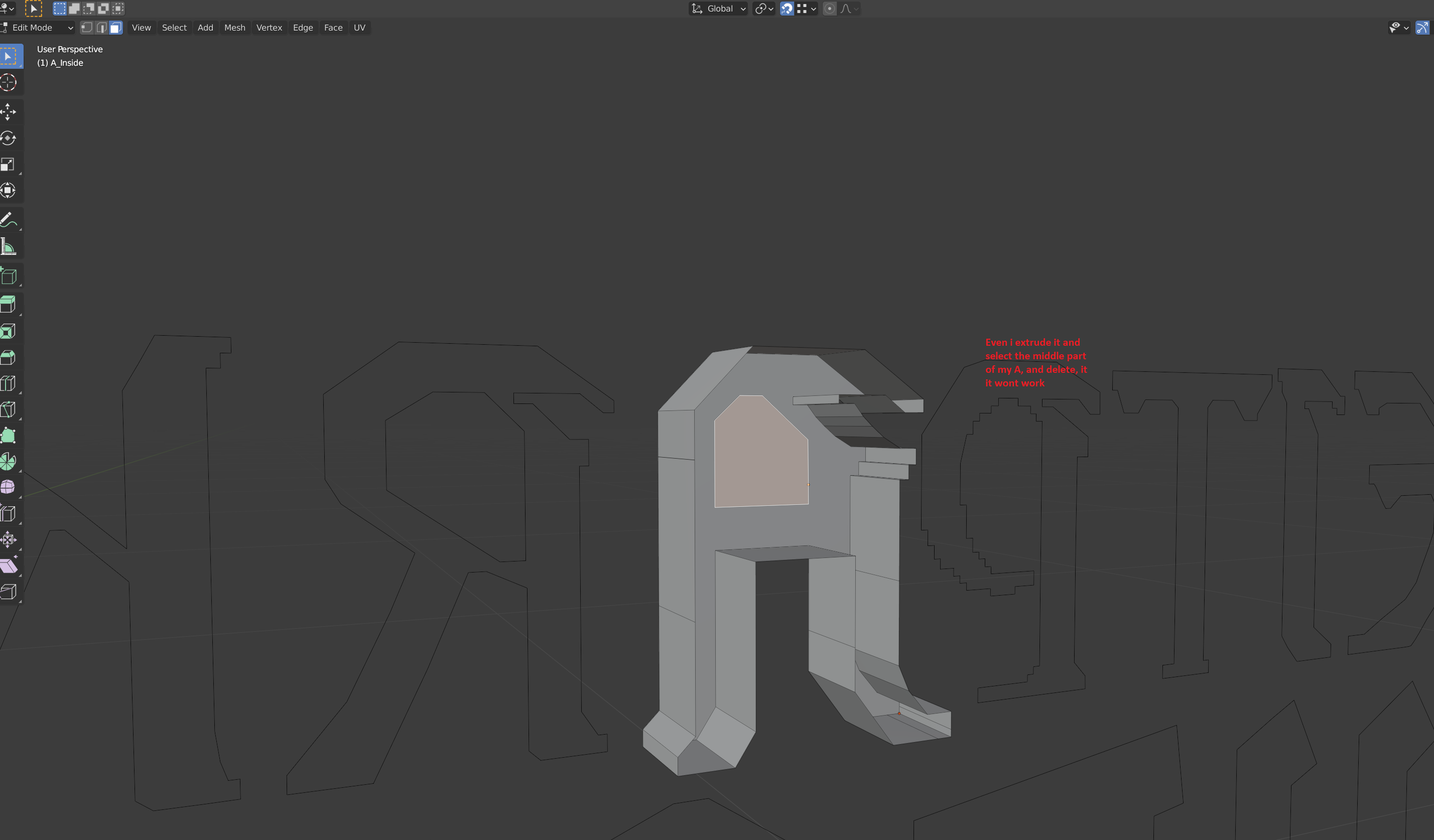
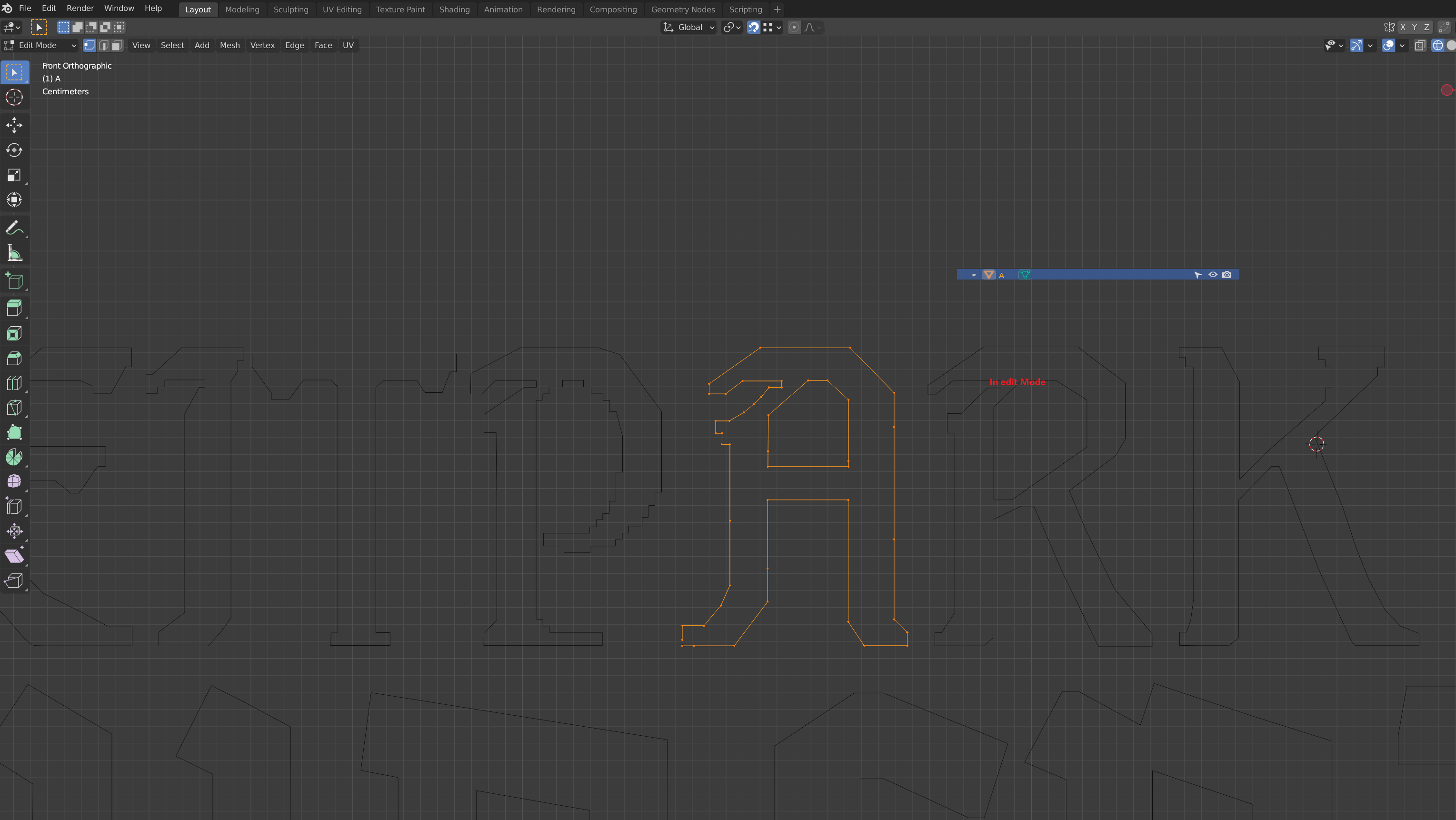
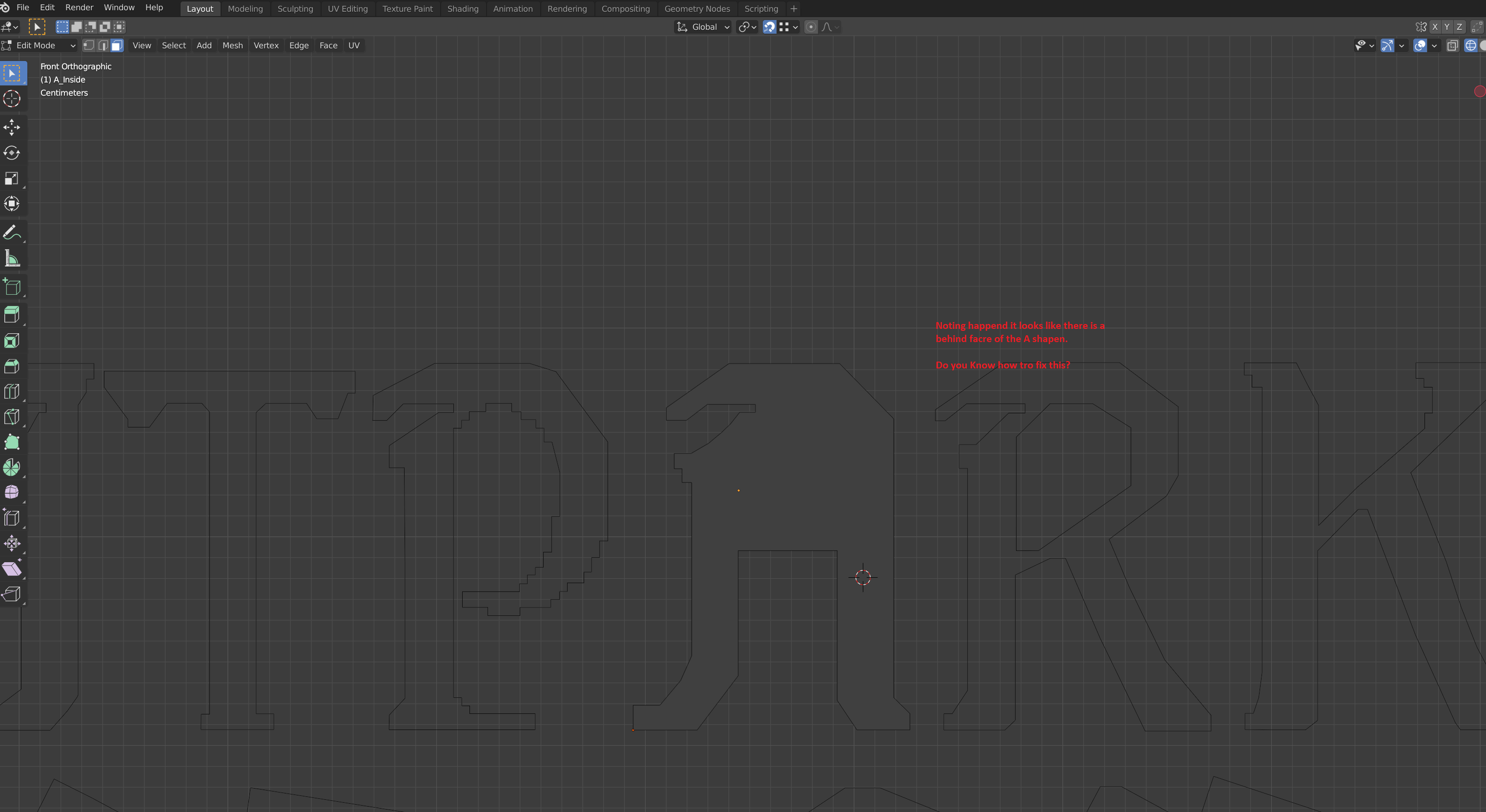
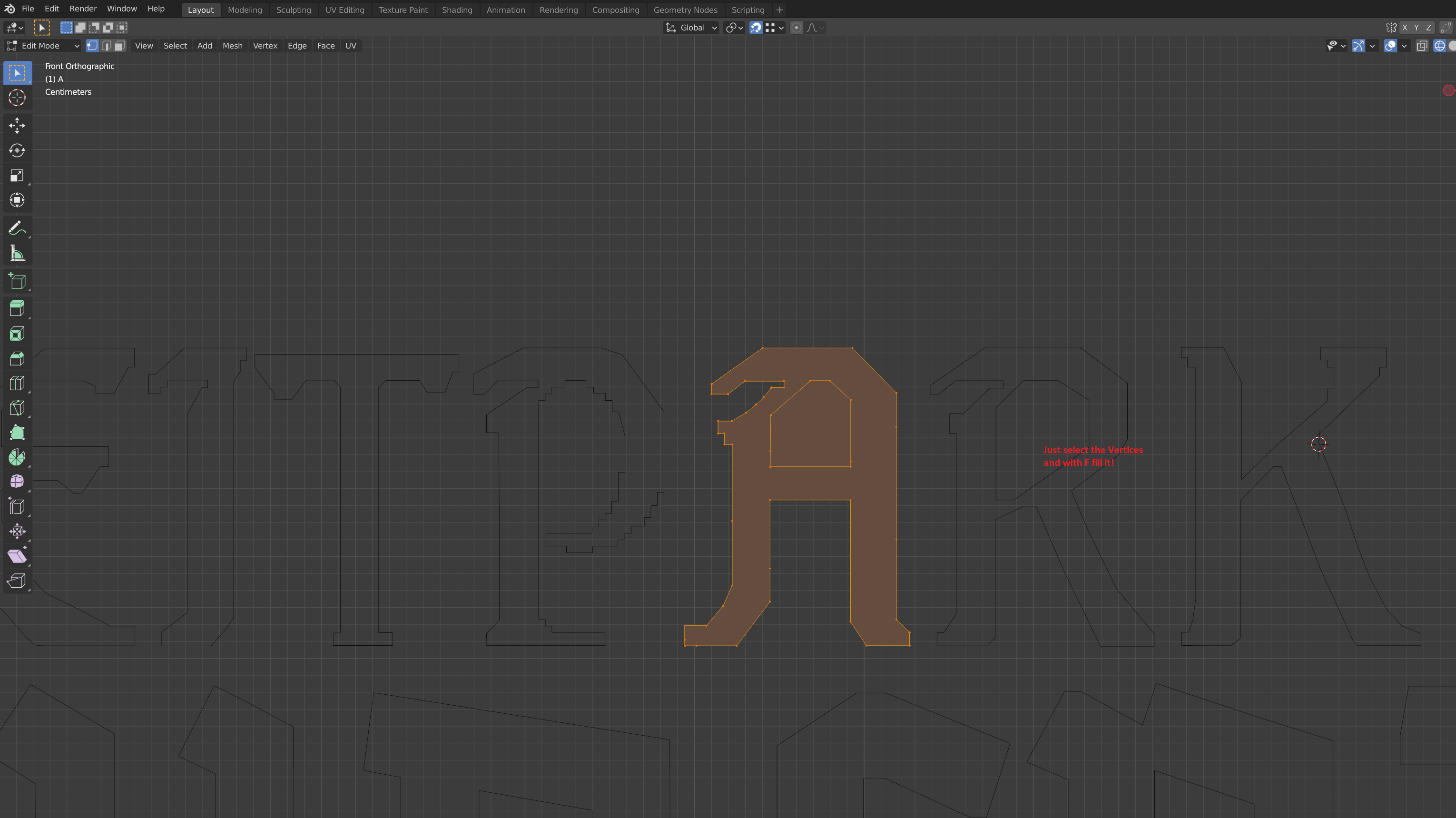
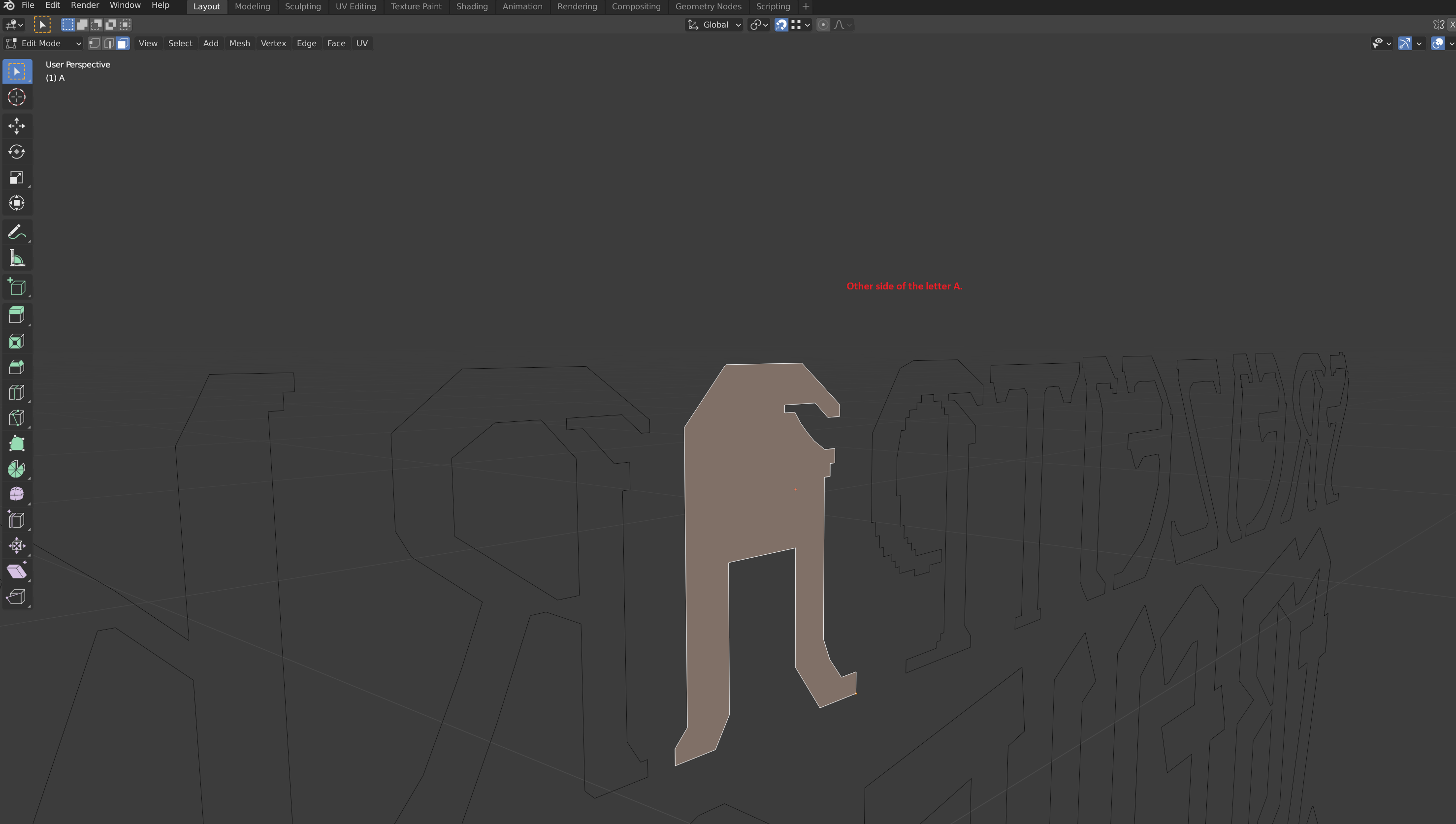
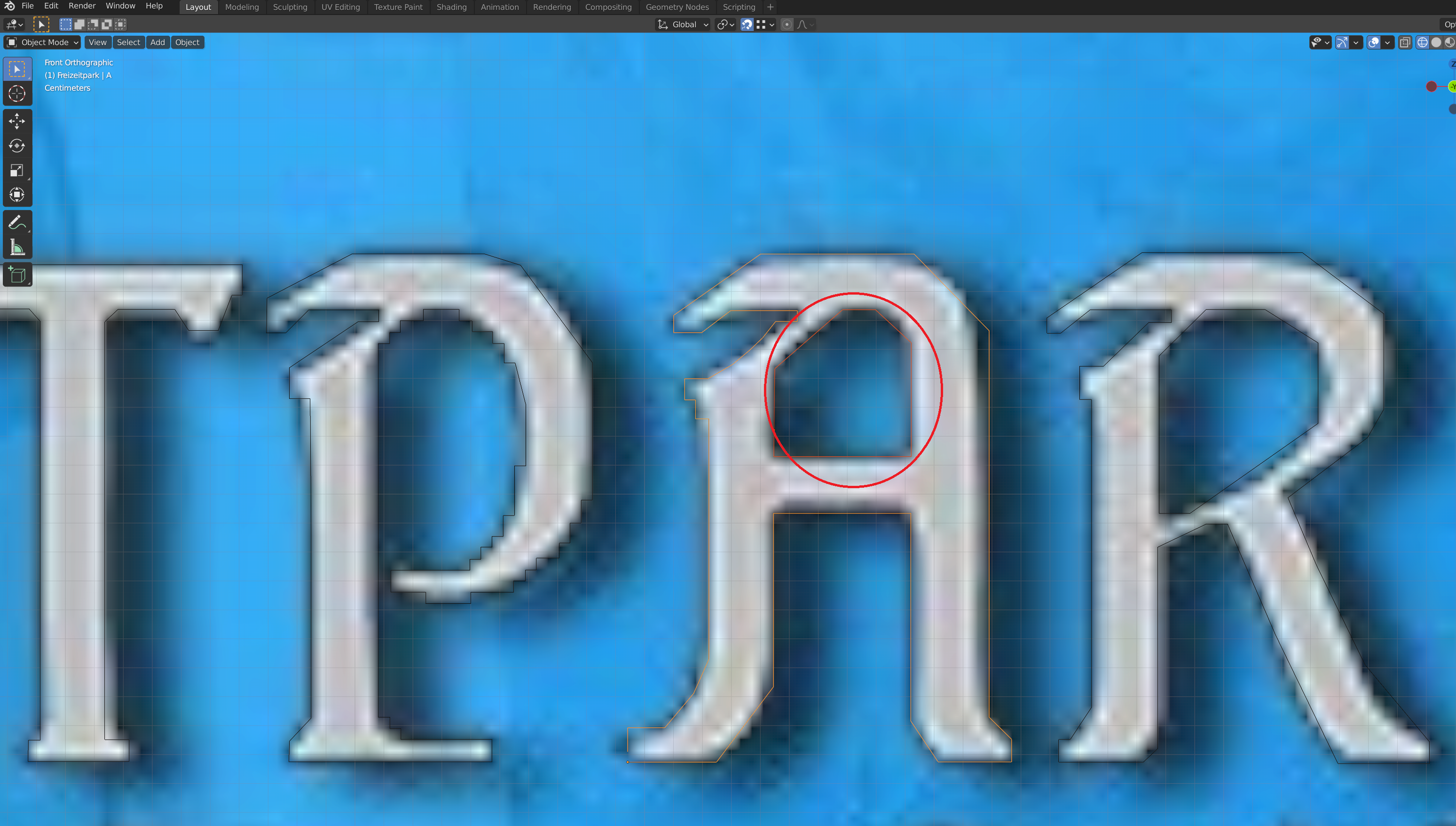
Could someone help me with this Custom Text? I drew a line around the letters with Vertices but now I can't cut out the middle part because it looks like a face. I also tried everything like Booleans but that didn't help either, the Vertices is a Polygon.
Do you know how I can solve this? I've found many things with the text tool default in Blender but this is Custom Made Text.
And I saw something come along with Retopology, but with a lot of letters, I've been working on that for a long time.
Do you know a solution for this?
Here are some screenshots again.
Later I thought, should I cut the inner A from the Outside A? But I don't understand how you can convert this from a filler to outline between the Outer A and Inner A?
Or am I very wrong in thinking and solution thinking?
For any help send me a private message of way to contact me privately?
1 Comment
For help with Blender try BlenderArtists.org or one of the other community sites, RCS is for development proposals.