
Startup File Presets
Currently, the Defaults menu offers only the possibility to update the current startup file settings or to load the default ones.
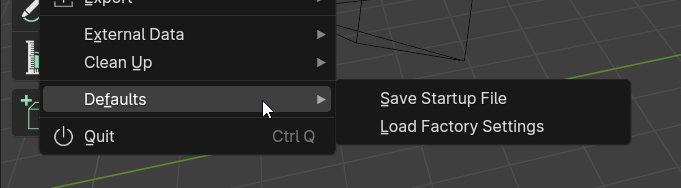
I think that this can be improved offering the chance to save and load multiple startup presets.
PROPOSAL
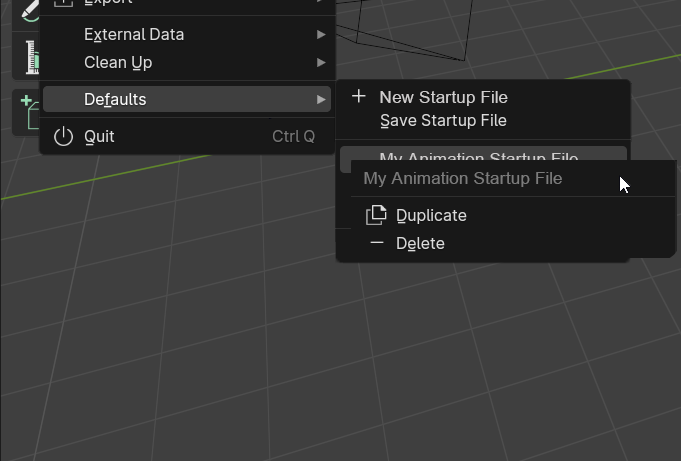
- The first time the user opens Blender and wants to save his startup settings, instead of "Save startup File", there is a "New Startup File" entry.
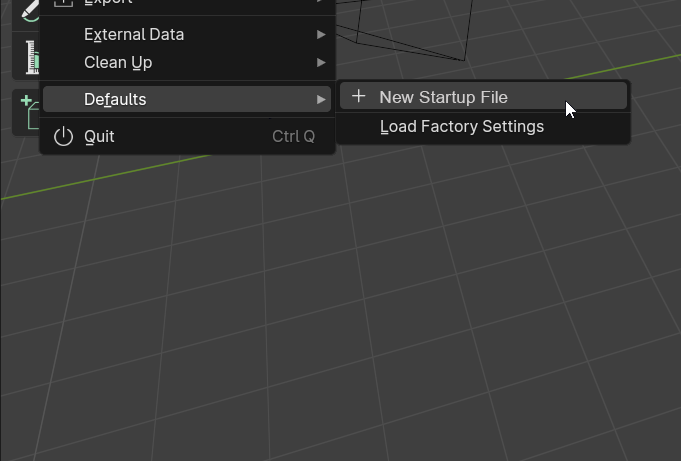
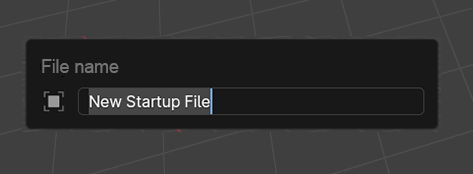
- You can name your startup preset.
- You can save multiple presets, and switch between them.
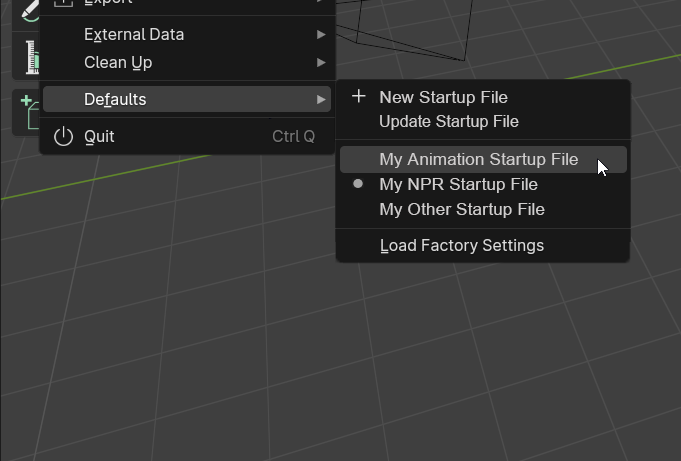
So, when you saved one or more, what was "Save startup File" now it's called "Update Startup File", for updating the current preset.
- Finally, you can right click on a preset to duplicate it or delete it.
1 Comment
We have application templates that can basically do that, and more:
Application Templates — Blender Manual