
2.8 Proposal - Quick Image To Node Button
Handy when creating a new image in Blender & eliminates the need to go through Shift + A if you want to immediately add it to the node editor.
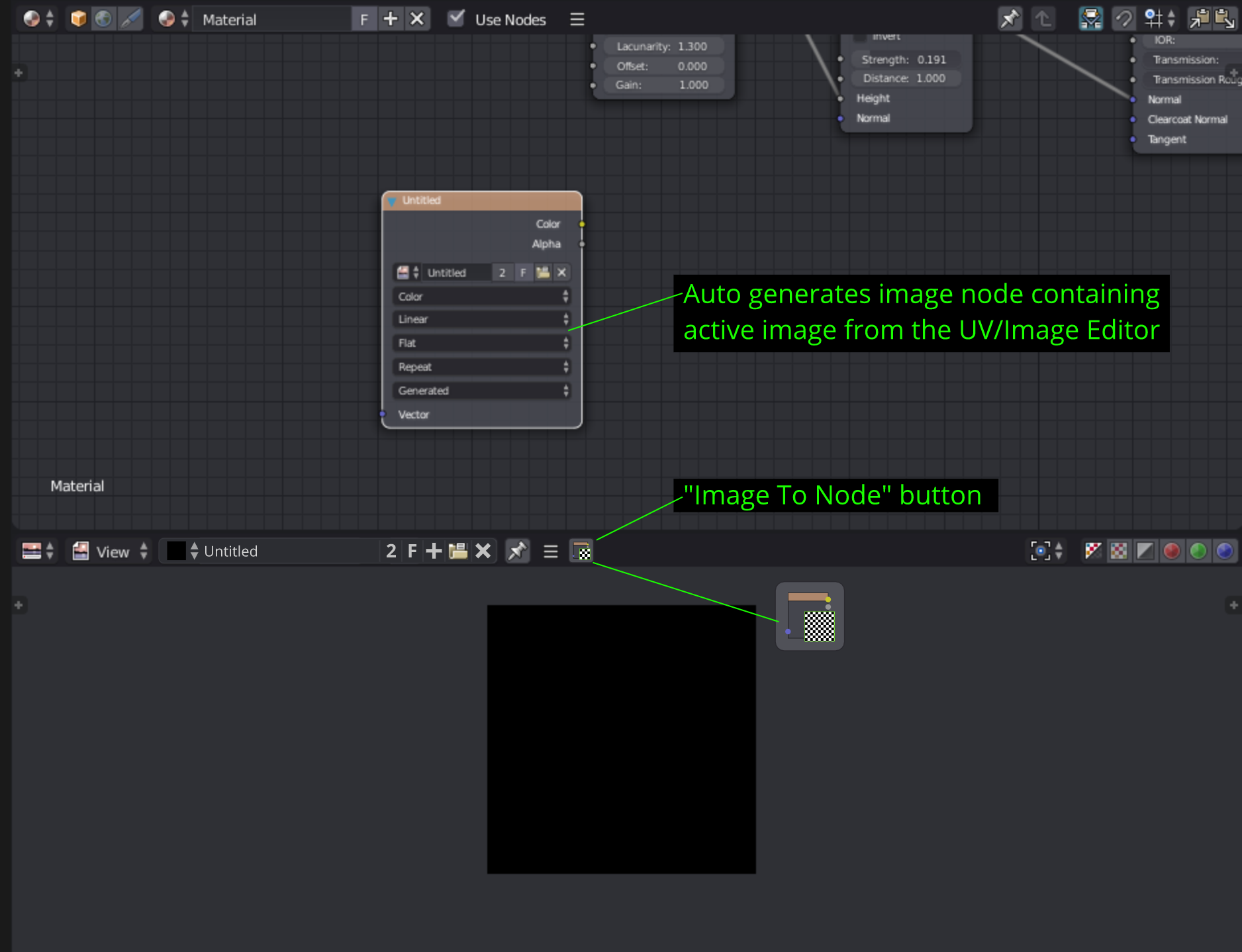
Handy when creating a new image in Blender & eliminates the need to go through Shift + A if you want to immediately add it to the node editor.
7 Comments
There is actually better already :
Besides that, how would blender decide in which material node tree should be placed the new node ? And where ?
@loic.dautry: damn people never investigate before actually saying stuff.
@loic.dautry: Wow! Didn't know this works! Thanks a ton for the gif!
@Luciano Muñoz: I don't think there is any harm in raising a request. Max what we gonna do is explain about the amazing way blender already provides that feature and close it ;) We need to understand that not everyone knows all the hidden trick and techniques of blender. Even I haven't seen it documented anywhere or I might have missed it. Anyway! Thanks! :)
@loic.dautry: thanks for the heads up, another one of Blender's hidden features.
As for where the node would be placed, it would appear on the active object selected and auto place center of your node editor.
You can drag&drop the name of the image into the node editor
@: Can you explain a bit more or show a demo ?