
Option to have file/preferences dialogue open on same monitor as Blender default
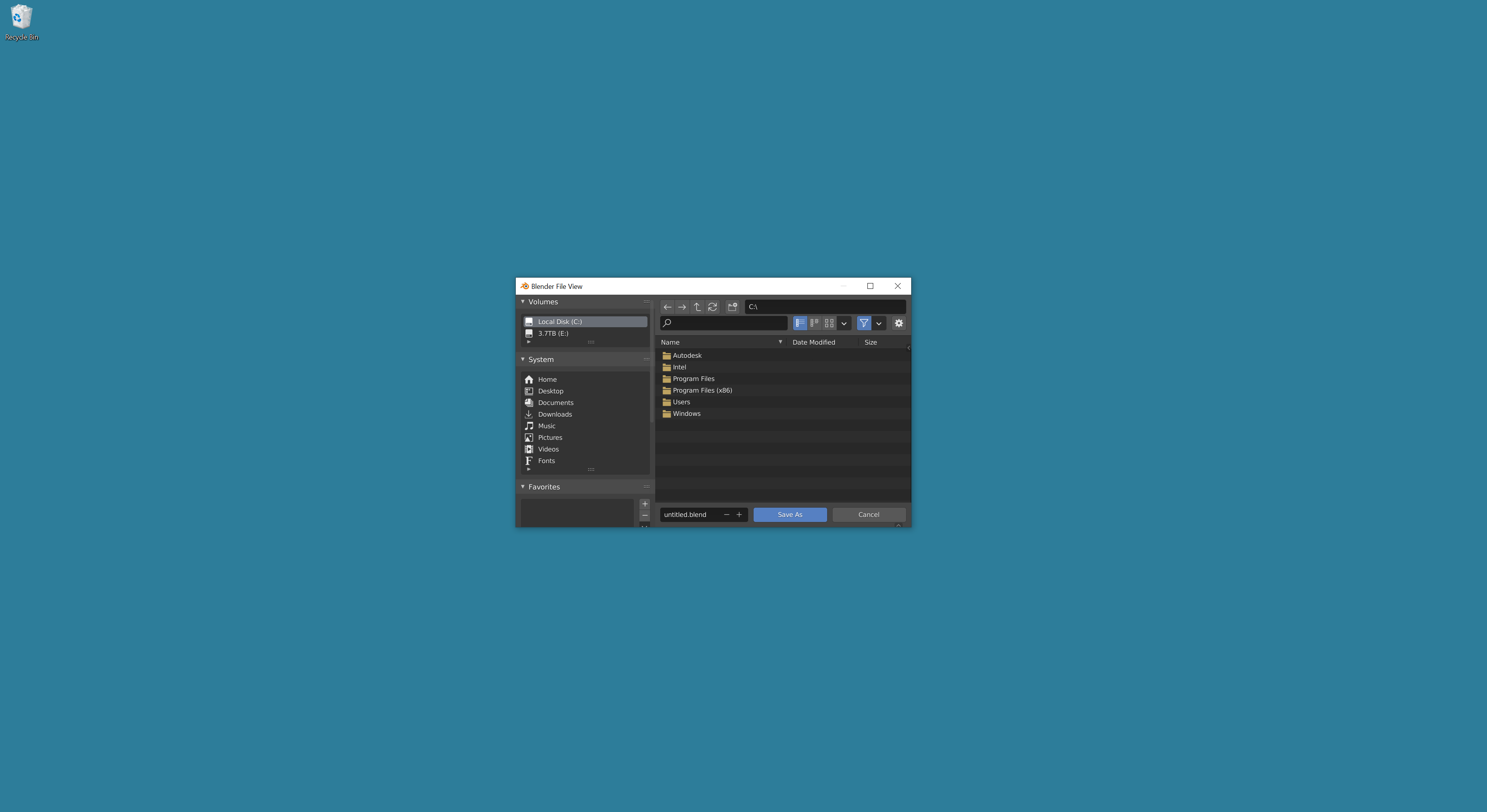
I use a multi monitor setup and I noticed that Blender's file dialogue open's on the system's main display (Windows 10) no matter what. You can change which monitor Blender opens on by default by moving the Blender window to that monitor and saving the default scene, but the file dialogue will still open on the system default. In my setup my main monitor is a regular monitor, but my secondary monitor is a cintiq. I still want to open most programs on my main monitor, but when sculpting in Blender I use my cintiq, but due to Blender's current behavior, the save dialogue opens on the main monitor.
My proposal:
- Be consistent with Blender's Save Startup File behavior and have the file dialogue open on the same monitor as the Blender window or
- Have a preferences option to set which system monitor file dialogue appears on by default
3 Comments
Otherwise, have you tried this tip?
b3d.interplanety.org/en/how-to-open-the-file-manager-in-the-main-window-in-blender-2-81/
* @ xan2622 * I forgot about that option! The preferences window will still open on the main monitor, but that solves my biggest issue, thanks for the tip.
Hi. This freeware might interest you: stefandidak.com/windows-layout-manager/