
Visualize (Identify) Evaluated Nodes
Complex simulations are becoming a common use-case for Geometry Nodes. Currently, it can be difficult to identify at a glance which nodes in a tree are being evaluated. This is especially true with simulations, or when chains of switch nodes are being used. AFAIK, there are three ways to determine the path of evaluation:
-
Final output in the 3D Viewport. However, there are many cases where this is not "backwards readable".
-
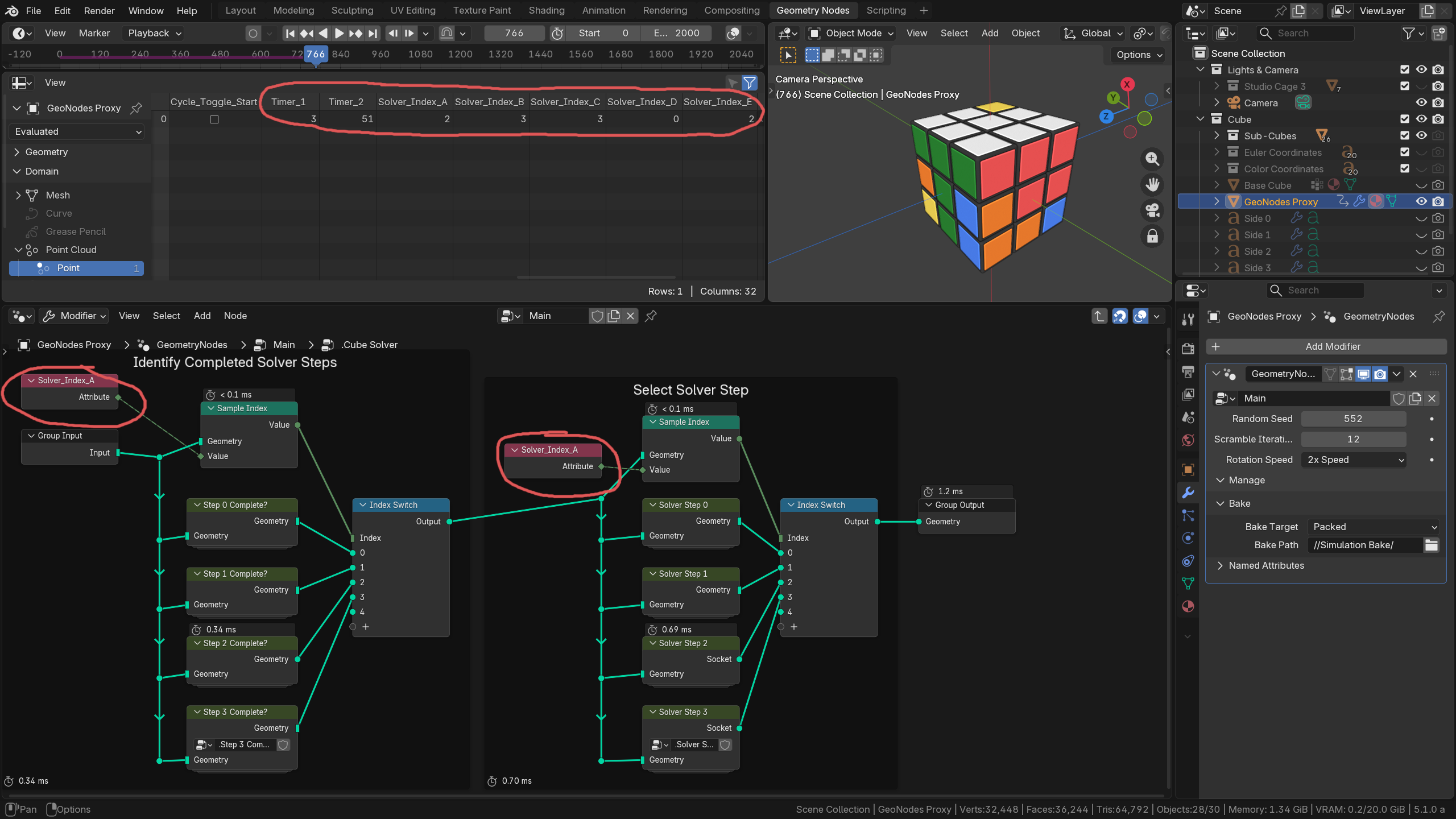
Named Attributes in the Spreadsheet Editor. These can be used to identify different node-graph states, but they can only be controlled from within the node graph. An unevaluated attribute cannot indicate that it was not evaluated. And at present, named attributes cannot be strings, which limits the ways they can be used in this manner.
-
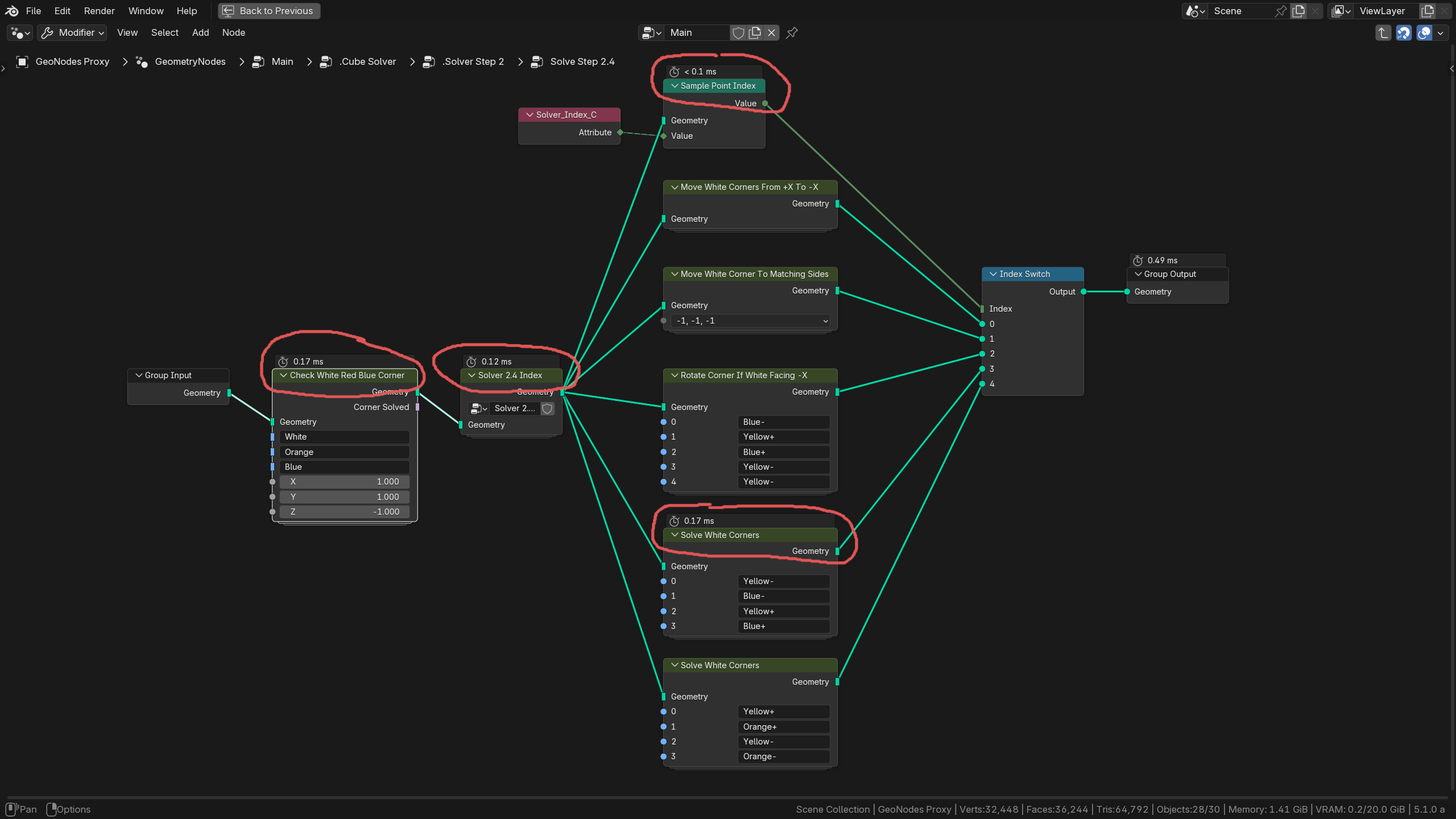
Node Timings overlay. This is the method I have found most useful. However, node timings are not shown for cached frames of a simulation, and re-running a simulation is vary tedious. This does not allow for stepping backward in frames; only replaying from the beginning.
My suggestion would be a visual identifier attached to data-processing nodes. This "Evaluated" overlay could be an outline over or around the relevant nodes, or an Icon on them somewhere. The data for identifying the evaluated nodes would be included in any simulation or bake data, so that it could accurately reflect which nodes contributed to the current state, even during animation playback of cached node trees.
This feature suggestion is mainly inspired by my work on a Rubik's Cube solver, which involves many chains of switch nodes to determine which part of the algorithm is being evaluated to solve the cube at any given time. I know this is a very niche application, but I expect this feature would be helpful for other people as well.
1 Comment
I think having the currently evaluated node path highlighted from start to end (including noodles) would make debugging node trees much easier. Much needed.