
simple way to duplicate materials
right click, duplicate, or ctrl+d. ctrl+c, ctrl+v. Some quick n' easy way to duplicate materials to make new ones with slight adjustments
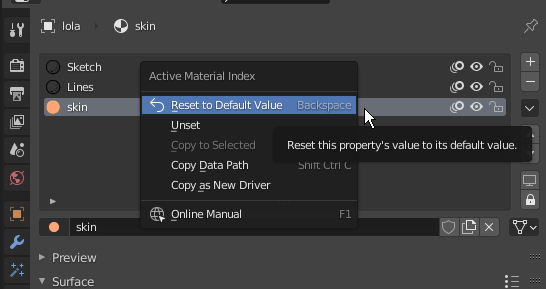
right click, duplicate, or ctrl+d. ctrl+c, ctrl+v. Some quick n' easy way to duplicate materials to make new ones with slight adjustments
4 Comments
Well, guys. I am a 2D artist and I draw in Grease Pencil and I don’t care about any “temporary face selections” or other 3D tricks. I just want to duplicate with one click the current material with its settings and the ability to edit it . That's all. Without any "fake users", context menus and slots. This topic has been hanging around for three years now! Shame!
P.S ...Some slot lover put downvote...
As an addendum. The add new material feels counter intuitive to me. You click it and the currently select material get's replaced with a duplicate.002 so you do have a new one, but then you need to create a new slot, and assign the duplicate you made to it.
Also you can have multiple slots have the same material. I can't come up with any reason why that's useful personally
* @stann co * This can be useful. You want to keep the materials distribution (slots and face selections) while (temporally) use one material.
* @stann co * It's not because you can't see a use that there are none. And even it there wasn't, it doesn't justify spending development time to make it impossible to do so for the sake of uselessness-proofing.