
Copy paste markers between scenes
I had this scenario. I had one scene where i did all my animation and camera cuts. And did my render
Then i made a different scene just for compositing, i imported my previously rendered exr frames and had to do some compositing and re-render for each different shot.
But i could not copy paste all my markers from one scene to the other, copying scene settings when making a new scene didn't bring them over either.
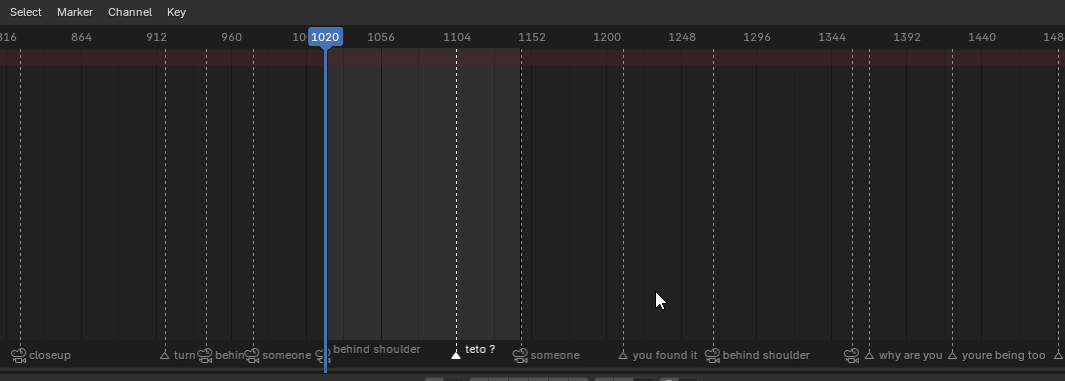
I use the markers to denote camera cuts, and i had to manually go back and forth to readd all my markers.
Being able to copy paste markers would make it much simpler. They don't appear to even be part of the scene tree, so i dont actually know where markers are stored
3 Comments
Being able to simply copy-paste markers would be nice and standard.
However, as usual with Blender there's a way of doing it, just not standard:
Markers are Scene data, so you can append/link them between files.
I'm still upvoting this because even though linking scenes is powerful, a simple standard way to copy-paste would be nice.
i didnt know about this duplicate marker option, thanks!
I've implemented this in a pull request: projects.blender.org/blender/blender/pulls/161010
It better handles copying markers bound to cameras, since it checks for the camera objects being in the destination scene. It also warns you if you created overlapping markers.