
Correct 'Individual Origins' Transform Mode for UV Editing
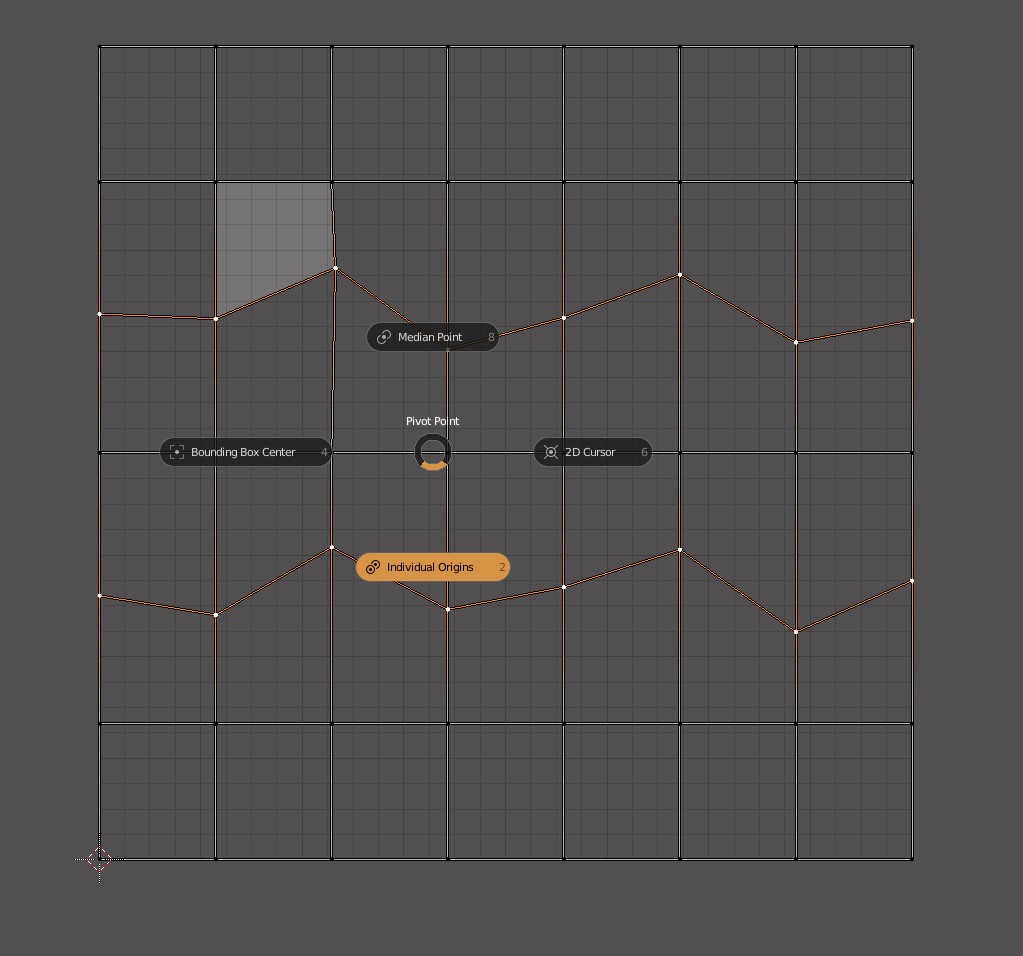
Currently, 'individual Origins' Transform Mode does not seem to work differently than 'Median Point' Transform Mode while working in the UV Editor.

Making it work like following while using the
scale
tool, the
Align
tool, etc... could really improve workflow.

Also, it is currently impossible to select two uv edge loops which are next to each other without selecting the in-between edges. If
'individual Origins'
was working as shown above, it could be useful to change that:

And Maybe the 'Auto Align' tool could work differently too:

( NOTE : I am aware that using 'Follow Active quad' would be the ideal solution for this specific example, but this is just for illustration :) )
Thank you for Everything ! :)
5 Comments
Yeah, UV editor needs so much love in Blender, this is the part when I start using other software packages which would be cool not to do...
A lot of what you want is doable with the feature-rich Magic UV plugin... it's a little hard to learn but very worth it. I think it's packed in with blender (it is in 2.8).
* @Josephbburg * Magic UV it's all cool but Individual Origins in UV still absolutely broken and does not work as it have to work....
Just look at this shit... Individual Origins. HA HA HA !!!!
Second problem that Blender does not recognize parallel loops as something separate. If you select one edge loop and then another loop next to it - Blender select polygon instead of two loops. Because that is the way how Blender work and it can't work in any other way.
So such a simply operation in Max UVs as per element Vertical/Horizontal align - absolutely impossible for Blender. It need to select each loop and flat it.
And yes I spent hours and tried everything existing - it can't be done in Blender just because.
Maybe in some Blender of future - separate loops works as separate loops and Individual Origins for each separate loop work as expected but not as shit - and it can be done as Select edge ring + Grow loop + Scale to 0 with Individual Origins. And all it can be done as macros for custom PIE.
But not today...
* @forestgumpovu4 * * @Josephbburg * Thanks for the answers! I'll check the add on and keep waiting :)
* @forestgumpovu4 * Great demonstration. I'm fully convinced we need this feature, now. (I already voted for it, but now I wish i could vote twice).